Category: AI
You are here if AI showed up in your job and the names on the screen do not match the buttons. This category is practical. It is not a model-release calendar, and it is not one lesson pasted under a new product name. The series split the pile so a Claude post and a ChatGPT post can teach different work.
Everyday paths are for a person with no account yet, or a person whose chat forgot a file: setup, prompting, memory, agents, safety, and which product fits a job. Product paths stay on one tool: Claude, ChatGPT, Gemini, or Grok, from a first login to the surface you should not open. Open-weight paths are Llama, DeepSeek, Qwen, Kimi, and GLM: what the name refers to, and when a normal paid chat is the easier tool. Engineering paths are for running a model, retrieving from your own files, and fine-tuning. Several of those hubs are still waiting on a first live part, and the hub page says so.
Where to start: no account yet, use AI setup from zero. You already pay for one product, open that product’s series and use the first part. You want the idea before the brand, use Practical AI. You want every series in order, use Learn and the AI tracks.
Open-source AI coding agents vs paid products: which to use
Compare open and product harnesses on control, cost, and compliance. Prefer portable tool protocols so you are not stuck rewriting every connector.

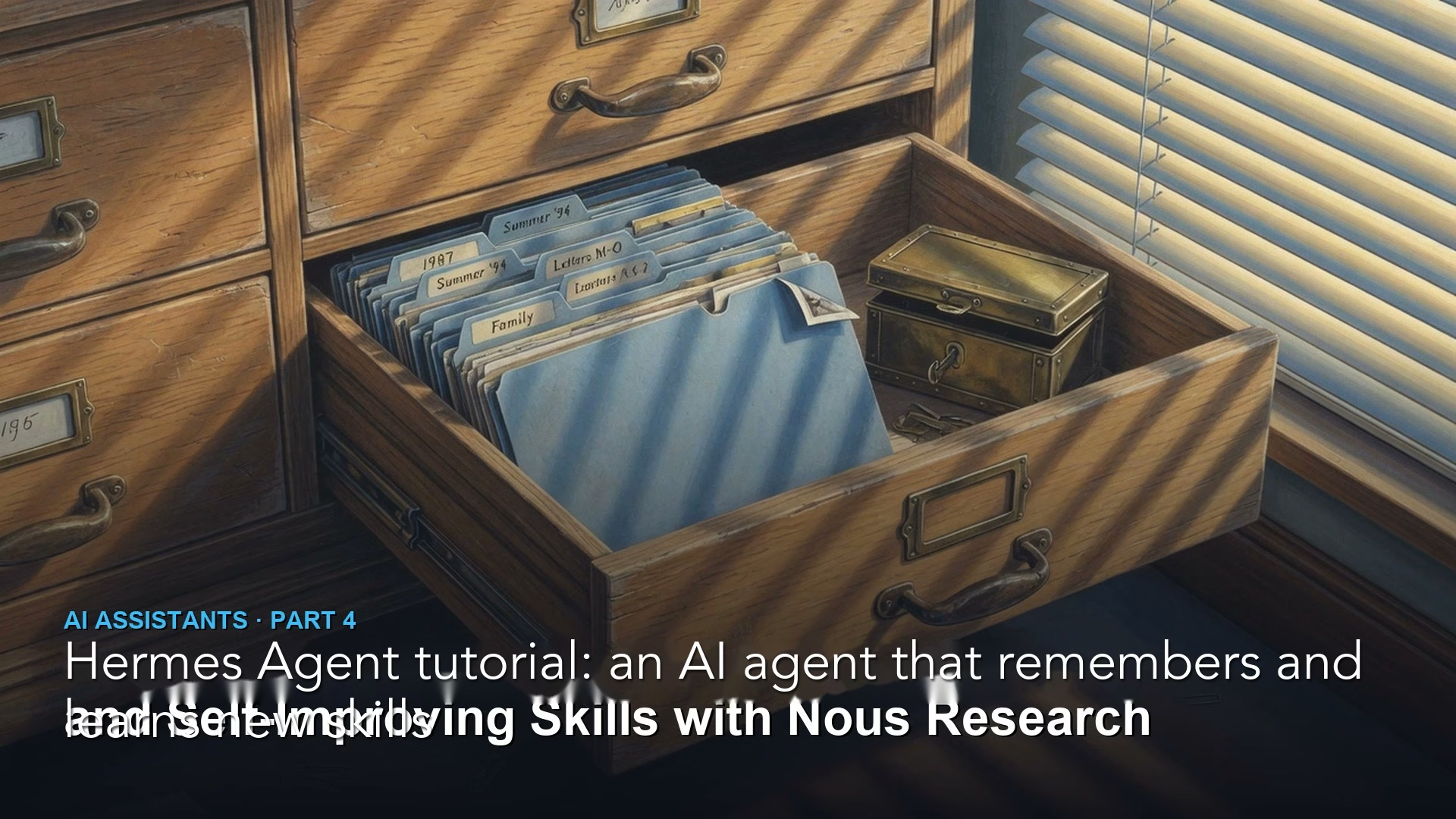
Hermes Agent tutorial: an AI agent that remembers and learns new skills
Hermes Agent saves what it learns in plain files: short notes it reads every session and skills, which are how-to guides it loads when a job matches. Here…
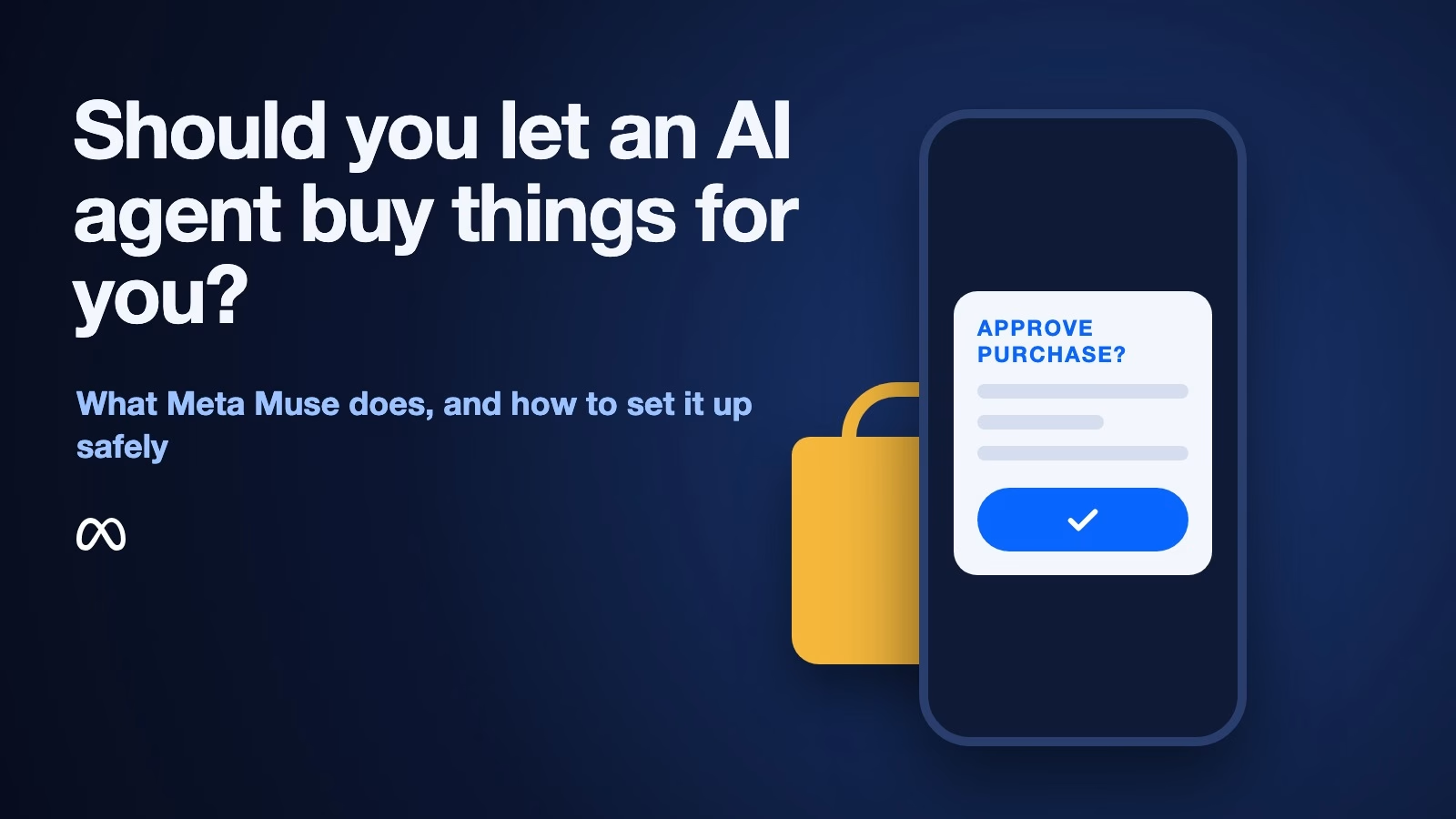
What is Meta Muse, and should you let an AI agent buy things for you?
Meta Muse is a personal AI agent that shops, books and sends email for you, and asks before it spends money. Here is how its purchases work, what…
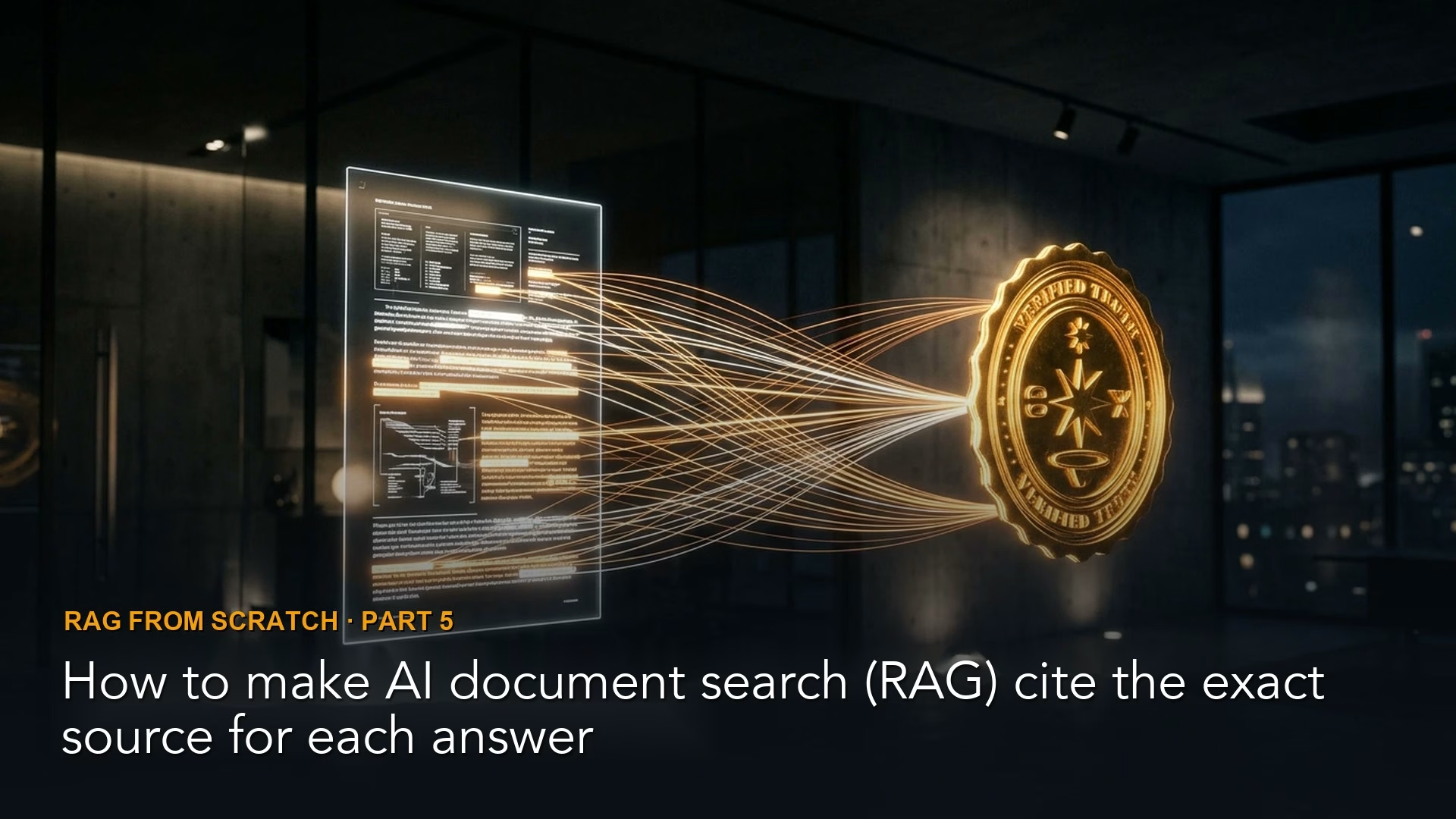
How to make AI document search (RAG) cite the exact source for each answer
Ship RAG with visible sources, passage-level cites when you can, and automated checks that quotes exist in retrieved text. Latency trades are real; inventing footnotes is not allowed.
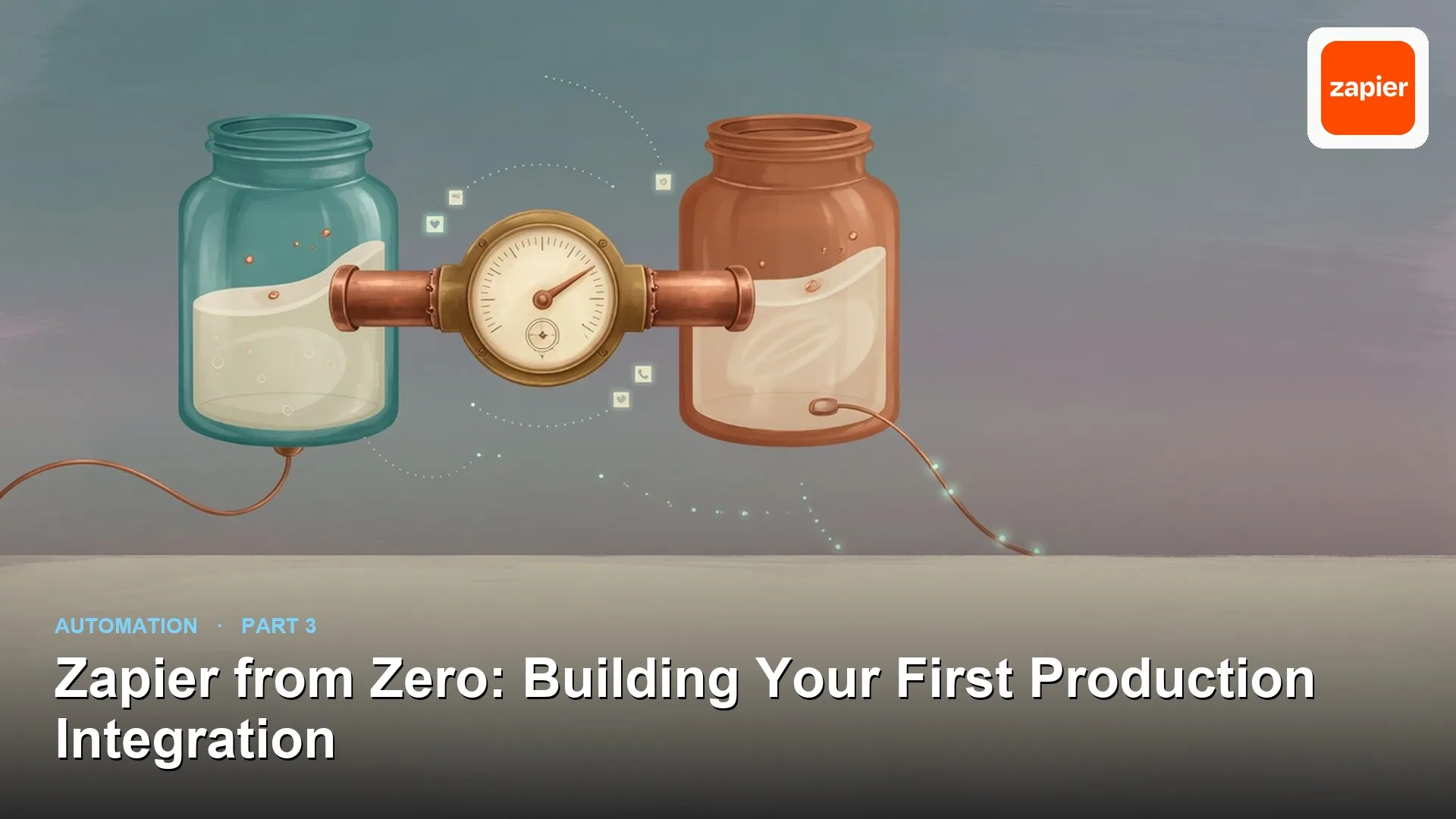
Zapier from Zero: Building Your First Production Integration
Build Zapier automations with explicit field checks, Paths for branches, and task-cost awareness. Triage errors with run history before you rewrite the whole Zap.