
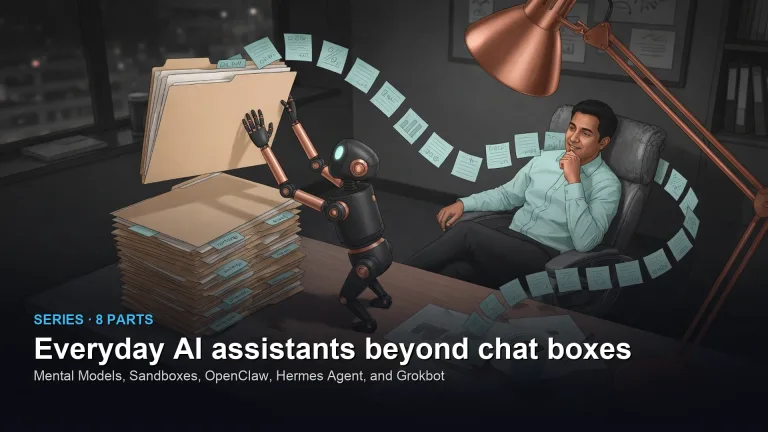
This path is for you if you want an assistant that can take a next step, not only reply in a box. It is about permissions, what the assistant is allowed to touch, and when you still do the task. No part is live on this page yet. Start with AI agents for everyone, which is live, and come back when part 1 is up.
Mental Models
Security and Isolation
Autonomous Personal Agents
Persistent Memory & Autonomous Skills
Digital Coworkers & Agentic Workflows
- 5 Grok Bot tutorial: how to give xAI’s AI coworker real work and keep it safe A digital coworker takes one small task, works on its own copy, tests the change, and asks you to approve it. Here is what xAI's Grok Bot does and the guardrails any coworker needs. Scheduled · October 22, 2026
Voice & Real-Time Interaction
- 6 How to use voice dictation and AI speech tools for everyday work Dictate private notes without sending your voice to the cloud. A local copy of Whisper turns speech into text on your own computer, offline. Here are the four steps, two short scripts, and how the common tools compare. Scheduled · October 24, 2026
Meeting Intelligence & Knowledge Extraction
- 7 How to turn meeting transcripts into action items you can trust Turn meetings into action items you can trust: an owner who was in the room, a real date, and the exact words behind each task, checked and confirmed before anything reaches your tracker. Scheduled · October 26, 2026
Boundaries, Reflection & Everyday Mastery
- 8 When a Paper Notebook Still Wins: The Boundaries of Everyday AI Assistants Know when to skip assistants: deep focus, early ideation, and high-stakes judgment often need quiet analog space first. Bring AI in after the idea has a shape. Scheduled · October 28, 2026