Category: AI
You are here if AI showed up in your job and the names on the screen do not match the buttons. This category is practical. It is not a model-release calendar, and it is not one lesson pasted under a new product name. The series split the pile so a Claude post and a ChatGPT post can teach different work.
Everyday paths are for a person with no account yet, or a person whose chat forgot a file: setup, prompting, memory, agents, safety, and which product fits a job. Product paths stay on one tool: Claude, ChatGPT, Gemini, or Grok, from a first login to the surface you should not open. Open-weight paths are Llama, DeepSeek, Qwen, Kimi, and GLM: what the name refers to, and when a normal paid chat is the easier tool. Engineering paths are for running a model, retrieving from your own files, and fine-tuning. Several of those hubs are still waiting on a first live part, and the hub page says so.
Where to start: no account yet, use AI setup from zero. You already pay for one product, open that product’s series and use the first part. You want the idea before the brand, use Practical AI. You want every series in order, use Learn and the AI tracks.
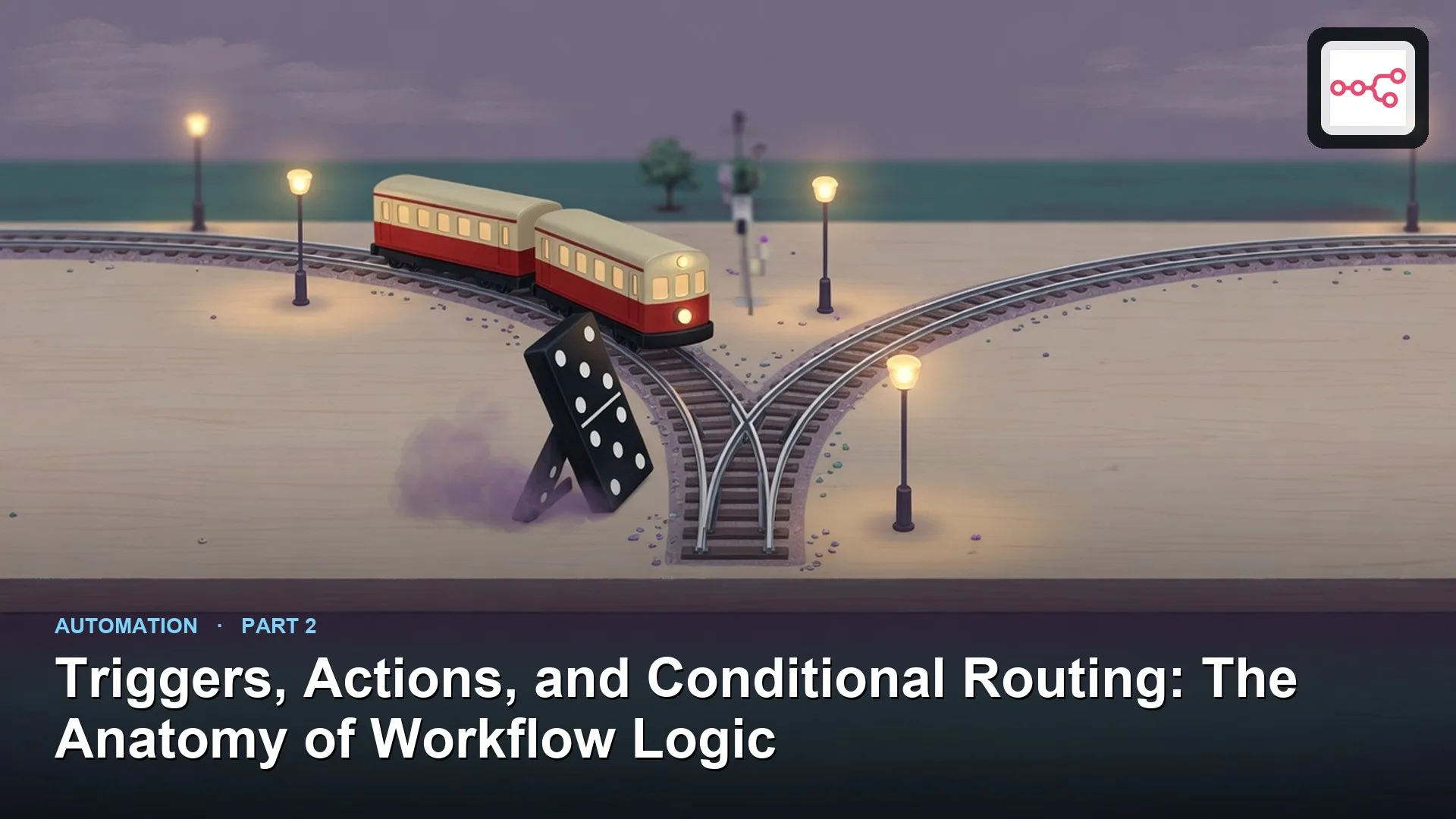
How workflow automation works: triggers, actions, and conditions
Design workflows as trigger, actions, and conditional routes. Make writes idempotent. Test the false paths before you enable the zap.
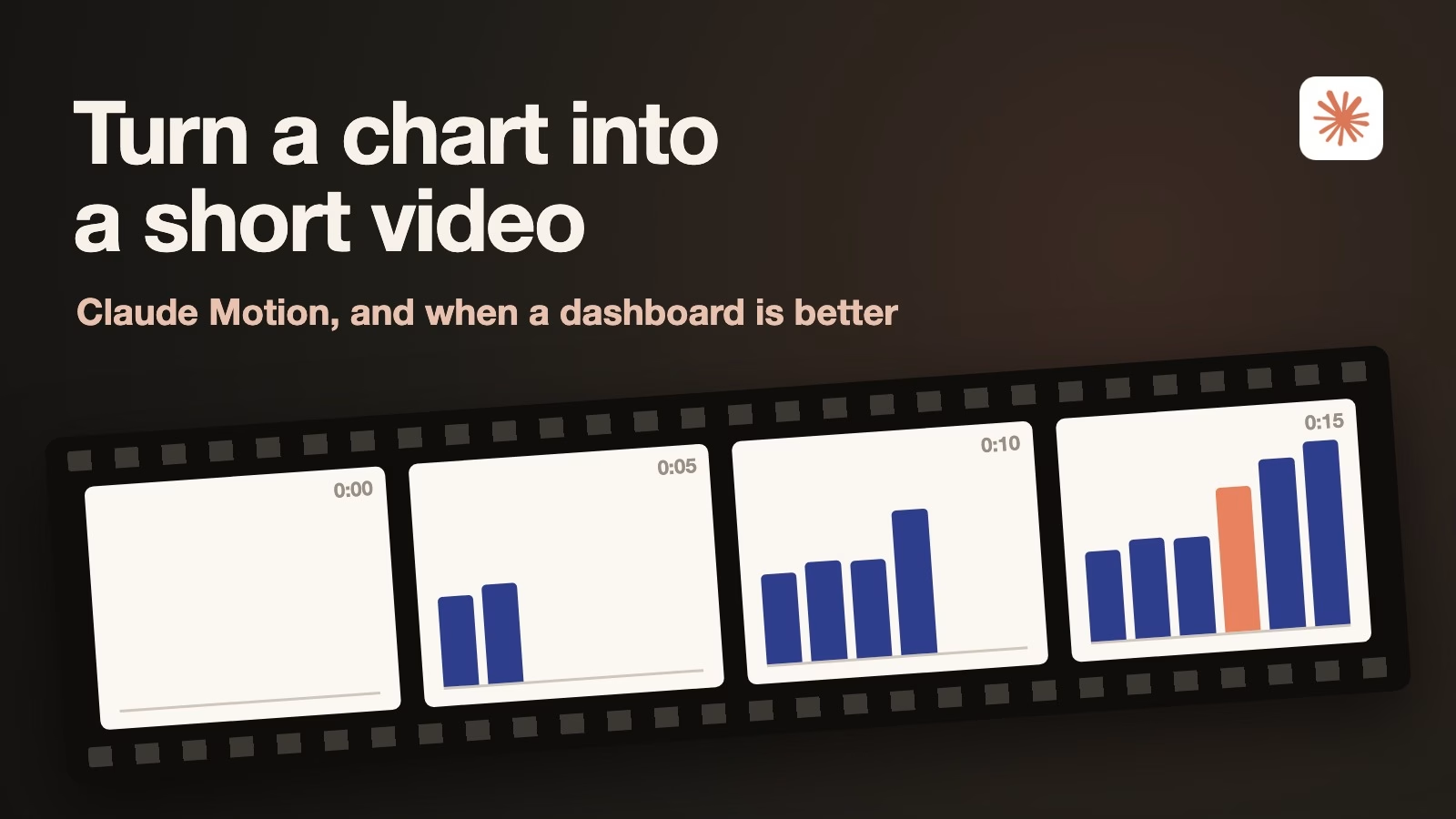
How to turn a chart into a short video with Claude Motion, and when a dashboard is better
Claude Motion turns a chart or report into a short animated video built from code, so you can fix any word or number and export an MP4. Here…
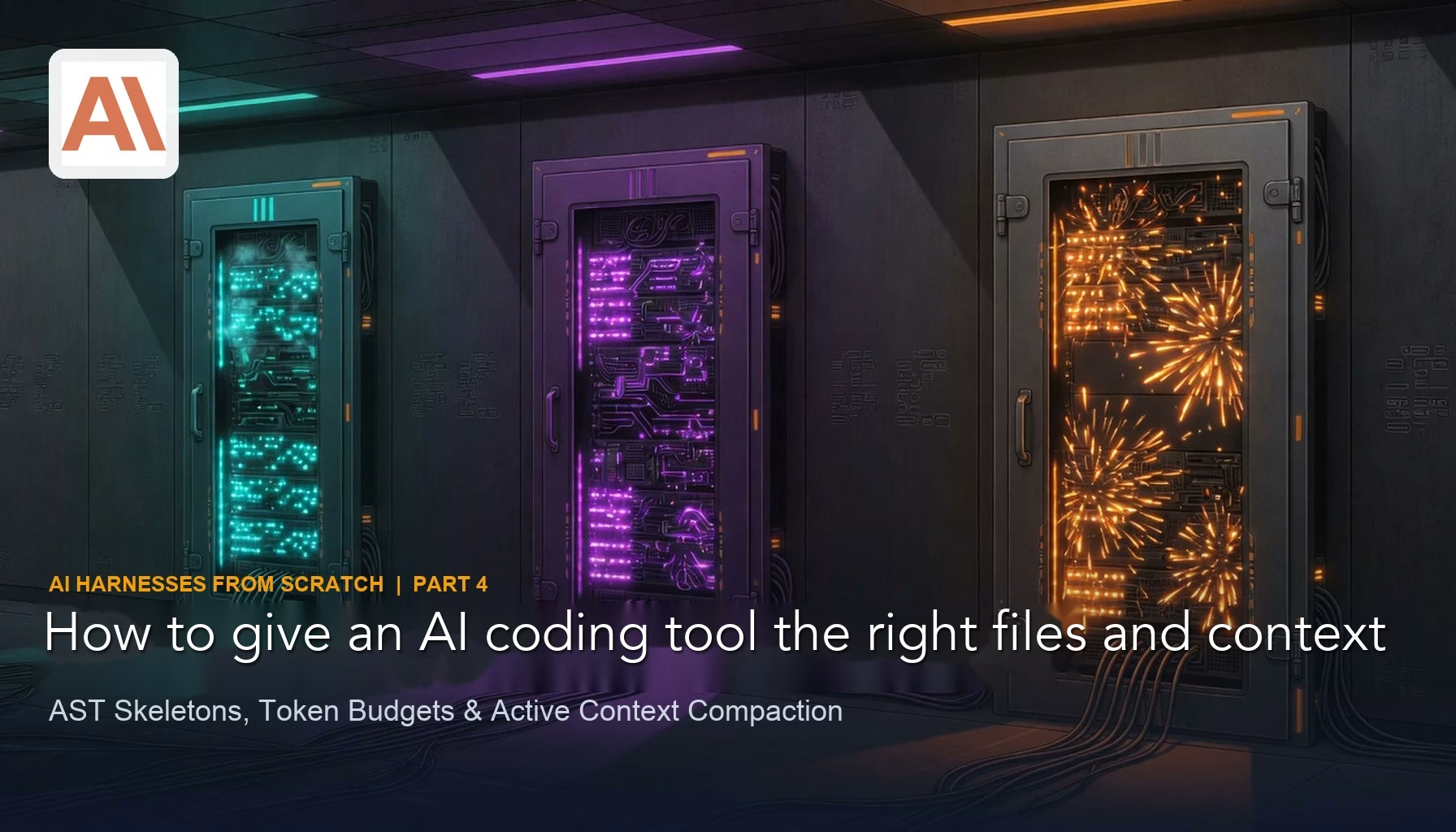
How to give an AI coding assistant the right files and context
Pack agent context on purpose: search, AST skeletons, tiered budgets, and pruned tool output. More tokens are not more understanding.
How to keep an AI agent from touching your real files and passwords
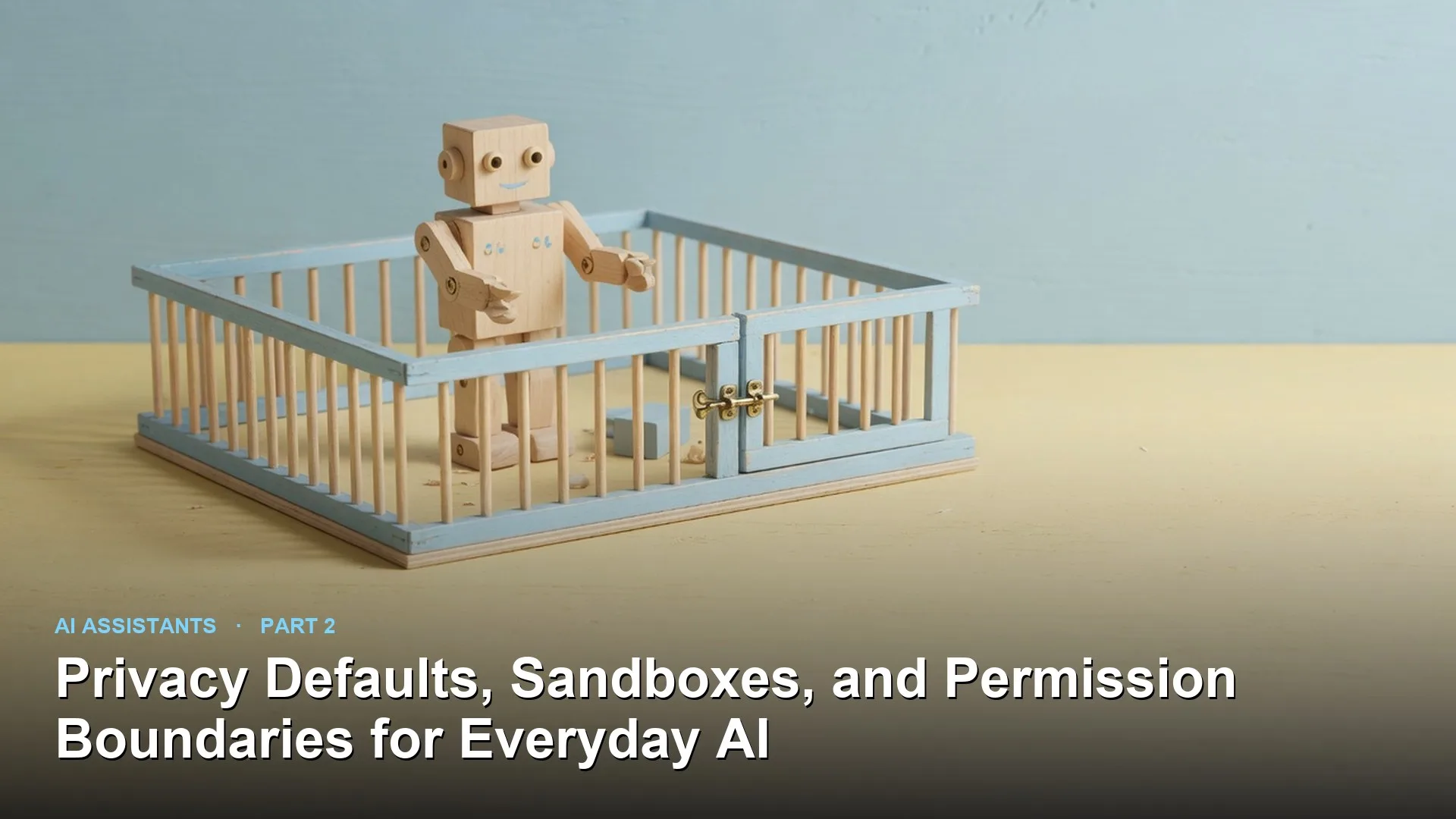
Run everyday AI agents behind privacy defaults, sandboxes, and permission tiers. Keep secrets out of the prompt path, isolate filesystem and network, and approve only mutating actions.
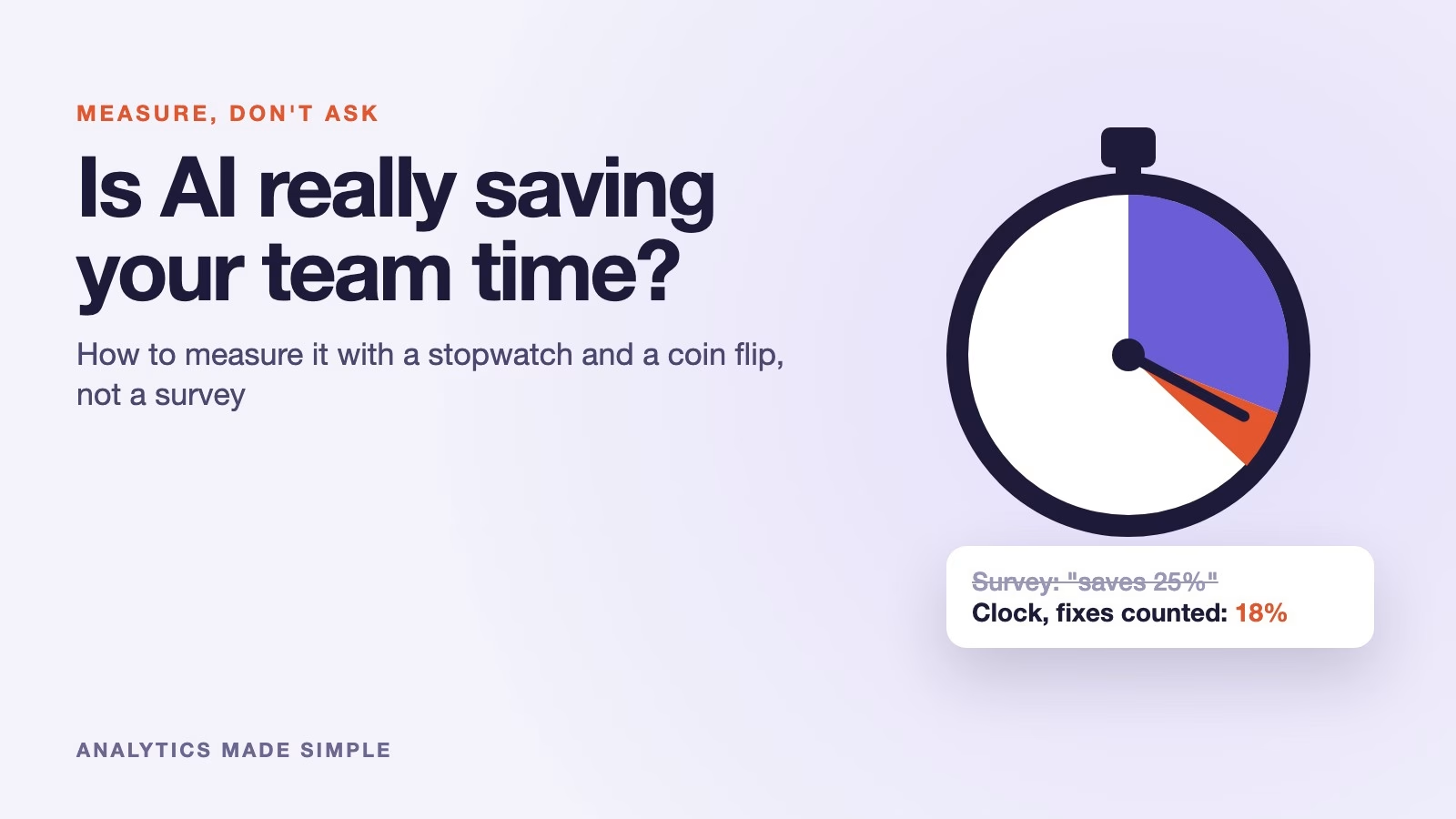
How to measure whether AI really saves your team time, without trusting a survey
People feel faster with AI tools, but the clock often disagrees. Here is a five-week test with a spreadsheet and a coin flip that measures the real time…