Category: AI
You are here if AI showed up in your job and the names on the screen do not match the buttons. This category is practical. It is not a model-release calendar, and it is not one lesson pasted under a new product name. The series split the pile so a Claude post and a ChatGPT post can teach different work.
Everyday paths are for a person with no account yet, or a person whose chat forgot a file: setup, prompting, memory, agents, safety, and which product fits a job. Product paths stay on one tool: Claude, ChatGPT, Gemini, or Grok, from a first login to the surface you should not open. Open-weight paths are Llama, DeepSeek, Qwen, Kimi, and GLM: what the name refers to, and when a normal paid chat is the easier tool. Engineering paths are for running a model, retrieving from your own files, and fine-tuning. Several of those hubs are still waiting on a first live part, and the hub page says so.
Where to start: no account yet, use AI setup from zero. You already pay for one product, open that product’s series and use the first part. You want the idea before the brand, use Practical AI. You want every series in order, use Learn and the AI tracks.
How to use voice dictation and AI speech tools for everyday work
Dictate private notes without sending your voice to the cloud. A local copy of Whisper turns speech into text on your own computer, offline. Here are the four…
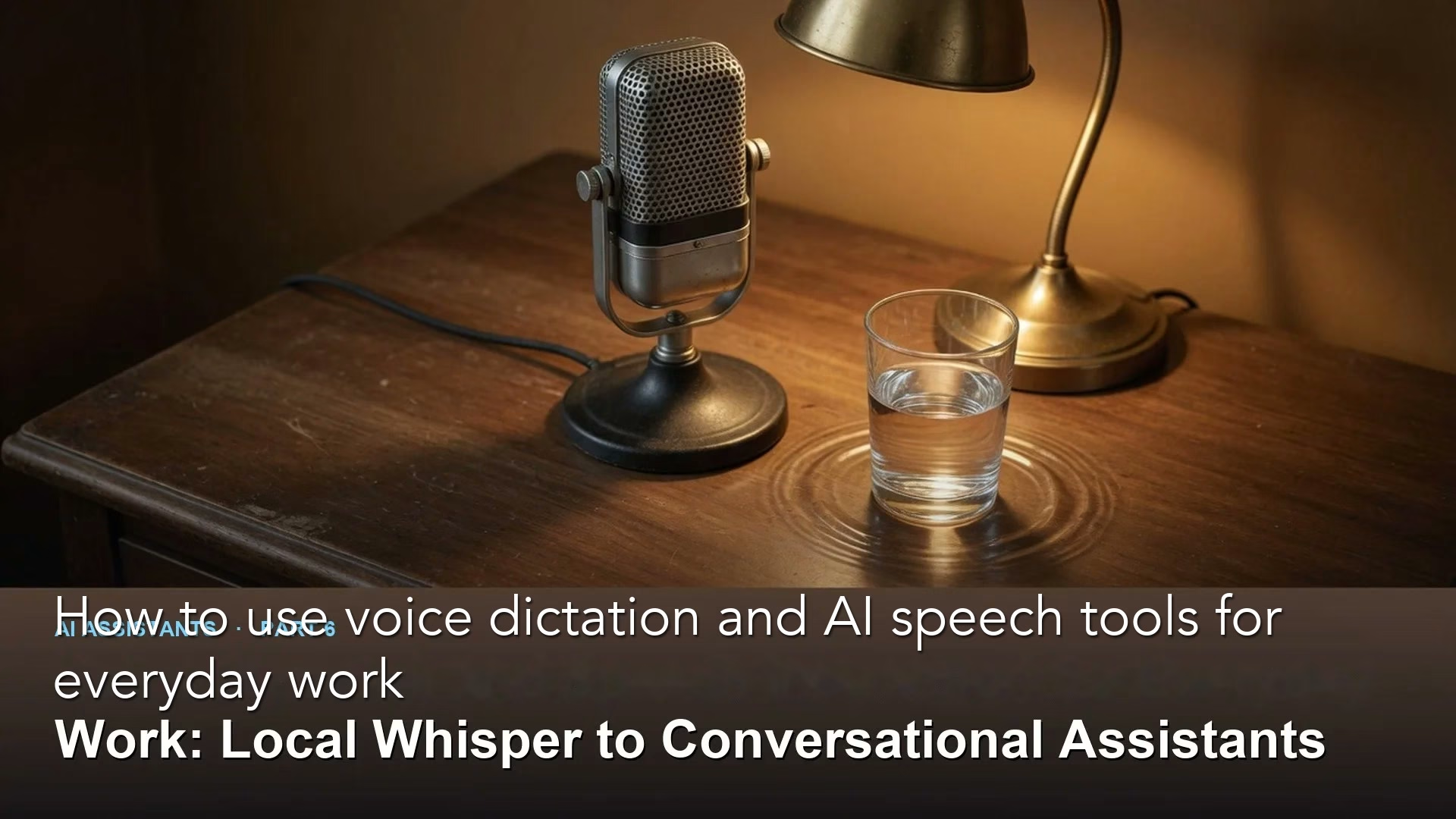
Google Foresight: can an offline AI note taker on your Mac replace Granola or Otter?
Google AI Edge Foresight is a free, experimental Mac app that records meetings and writes notes without sending anything to the cloud. Here is what it does, how…
How to test the answers of a RAG chatbot, even if you’re not an engineer
Run light RAG evals with a golden question set, simple faithfulness and relevance scores, and a repeatable schedule. Vibe checks do not replace labeled cases.
n8n for beginners: run it yourself or use n8n Cloud?
Deploy n8n with Docker Compose for control, or n8n Cloud for less ops. Learn queue mode before you promise millions of executions.
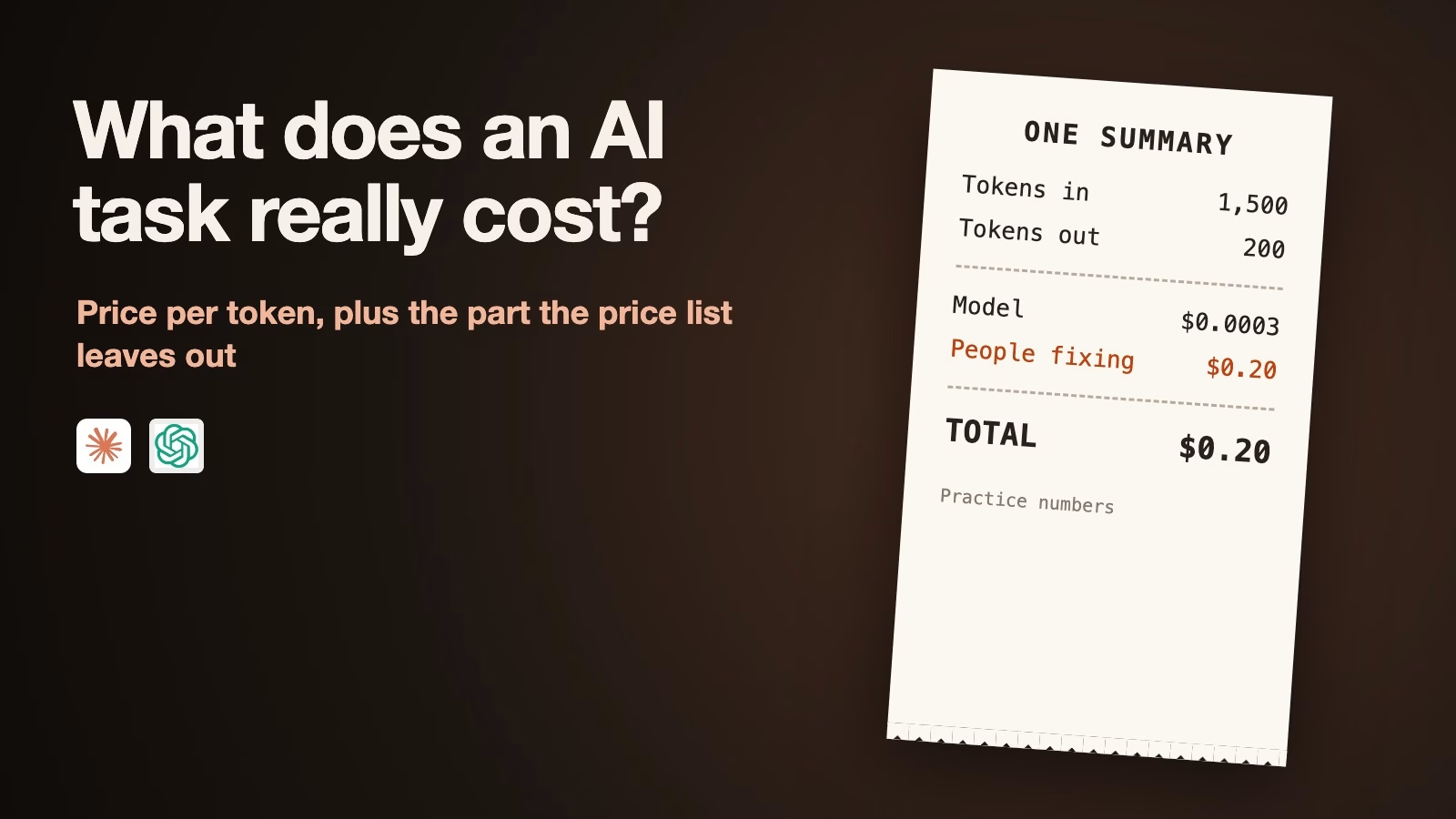
How to work out what an AI task really costs, and when a cheaper model is good enough
AI prices are quoted per million tokens, which makes it hard to see what one task costs. Here is the formula, what the October 2026 Claude and GPT-6…