Category: AI
You are here if AI showed up in your job and the names on the screen do not match the buttons. This category is practical. It is not a model-release calendar, and it is not one lesson pasted under a new product name. The series split the pile so a Claude post and a ChatGPT post can teach different work.
Everyday paths are for a person with no account yet, or a person whose chat forgot a file: setup, prompting, memory, agents, safety, and which product fits a job. Product paths stay on one tool: Claude, ChatGPT, Gemini, or Grok, from a first login to the surface you should not open. Open-weight paths are Llama, DeepSeek, Qwen, Kimi, and GLM: what the name refers to, and when a normal paid chat is the easier tool. Engineering paths are for running a model, retrieving from your own files, and fine-tuning. Several of those hubs are still waiting on a first live part, and the hub page says so.
Where to start: no account yet, use AI setup from zero. You already pay for one product, open that product’s series and use the first part. You want the idea before the brand, use Practical AI. You want every series in order, use Learn and the AI tracks.
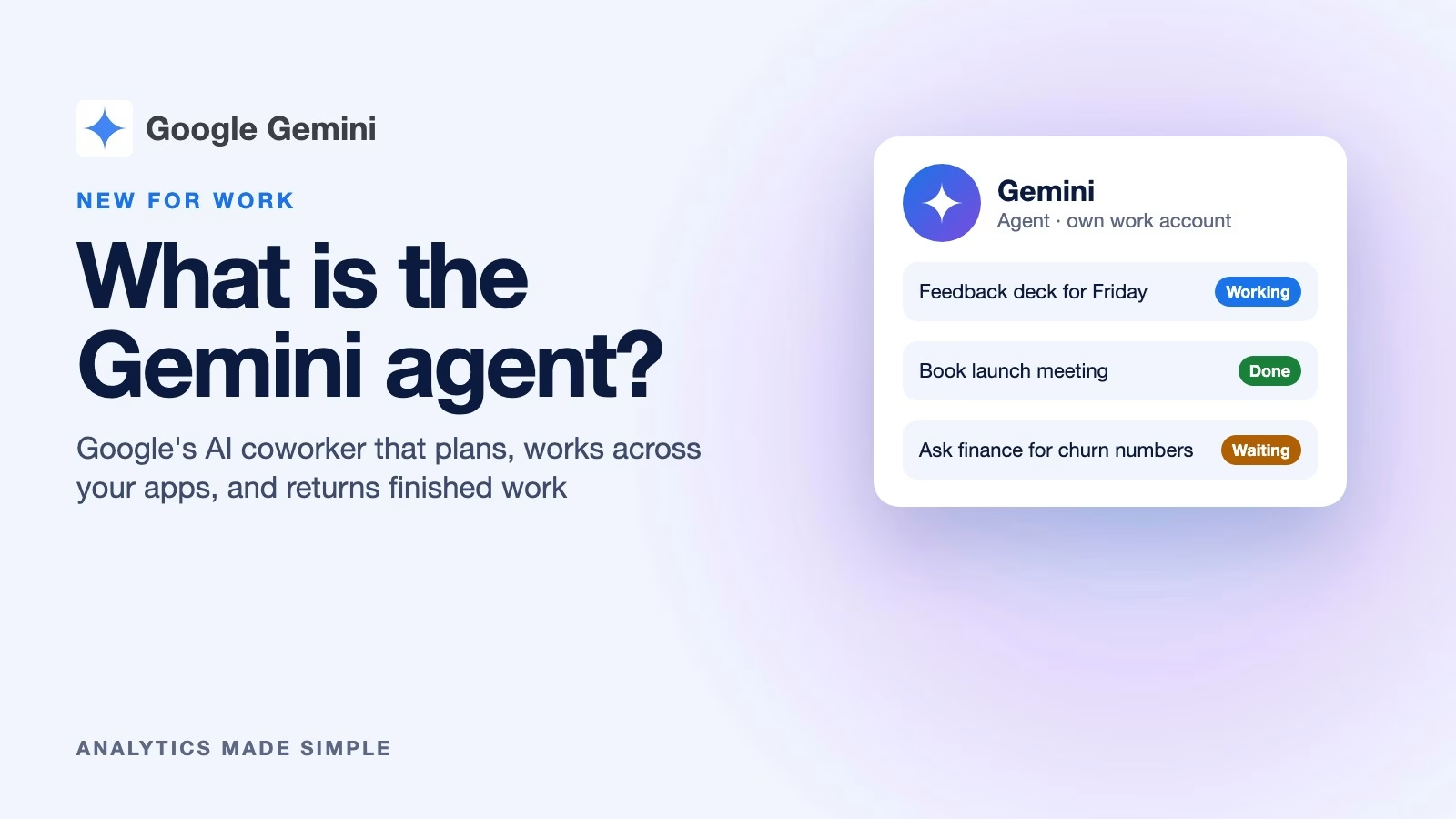
What is Google’s Gemini agent, and what can it do at work?
Google’s Gemini agent takes a goal, plans the steps, and works across Gmail, Docs, Slack, and other apps until the job is done. Here is what it does,…
Which AI video tool to use in late 2026: Runway, Kling, Luma, or Pika
Sora is gone, and Runway and Pika now offer many video models in one place. Here is a dated snapshot of the main AI video tools and a…

How big should document chunks be for AI document search?
Choose chunking for your docs: fixed, recursive, or semantic, with overlap. Special-case tables and code. Prefer small chunks for search and larger parents for answers when you can.
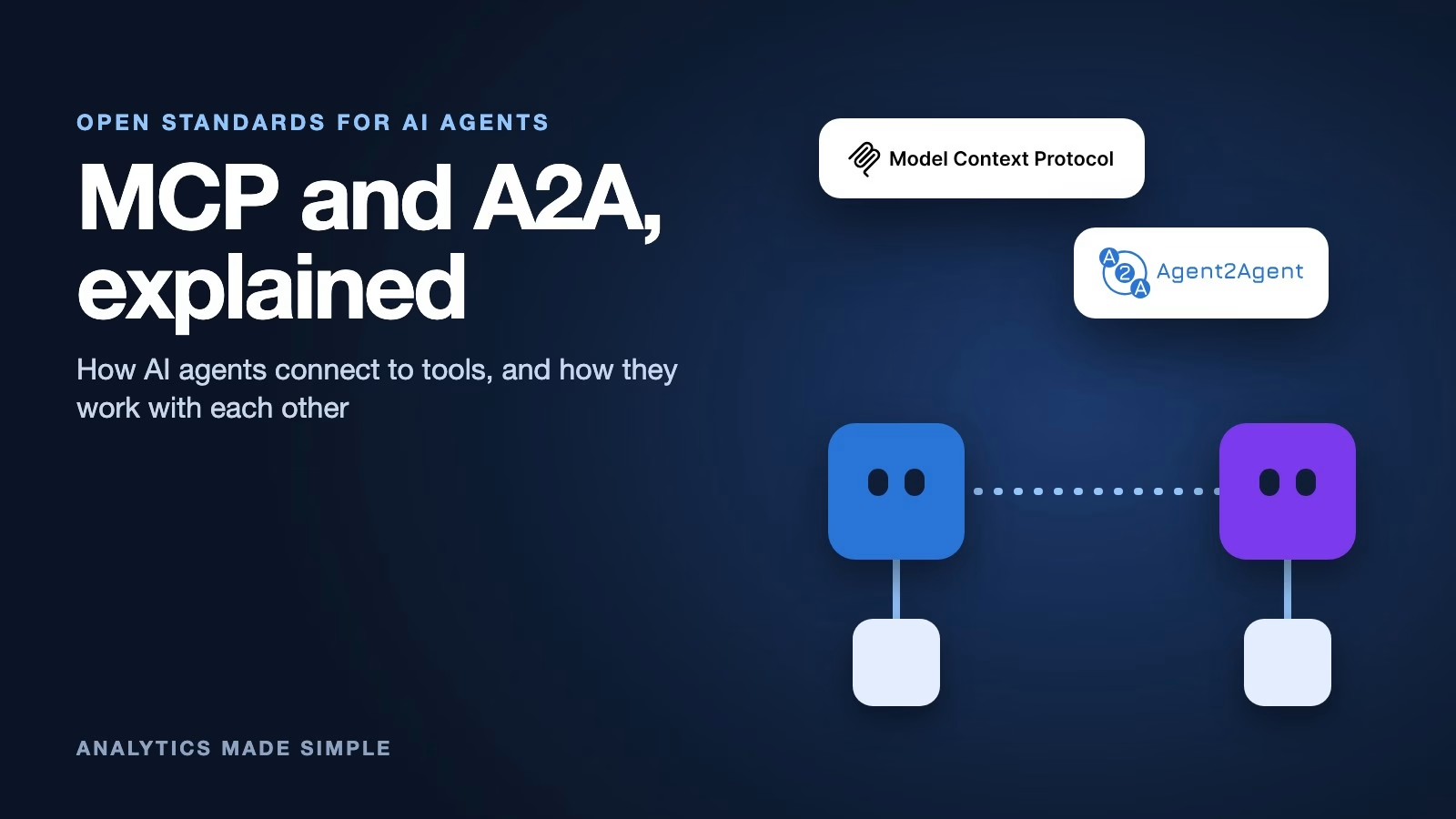
What are MCP and A2A, the open standards that let AI agents use tools and work together?
MCP connects one AI app to tools and data. A2A lets one AI agent hand work to another. Here is what each standard does, how they fit together…
How good is Qwen at languages other than English?
Use Qwen for multilingual drafts with a four-step protocol: bound the text, name the register, attach glossary terms, and human-verify legal lines. Skip English-bridge round trips for warranty…