
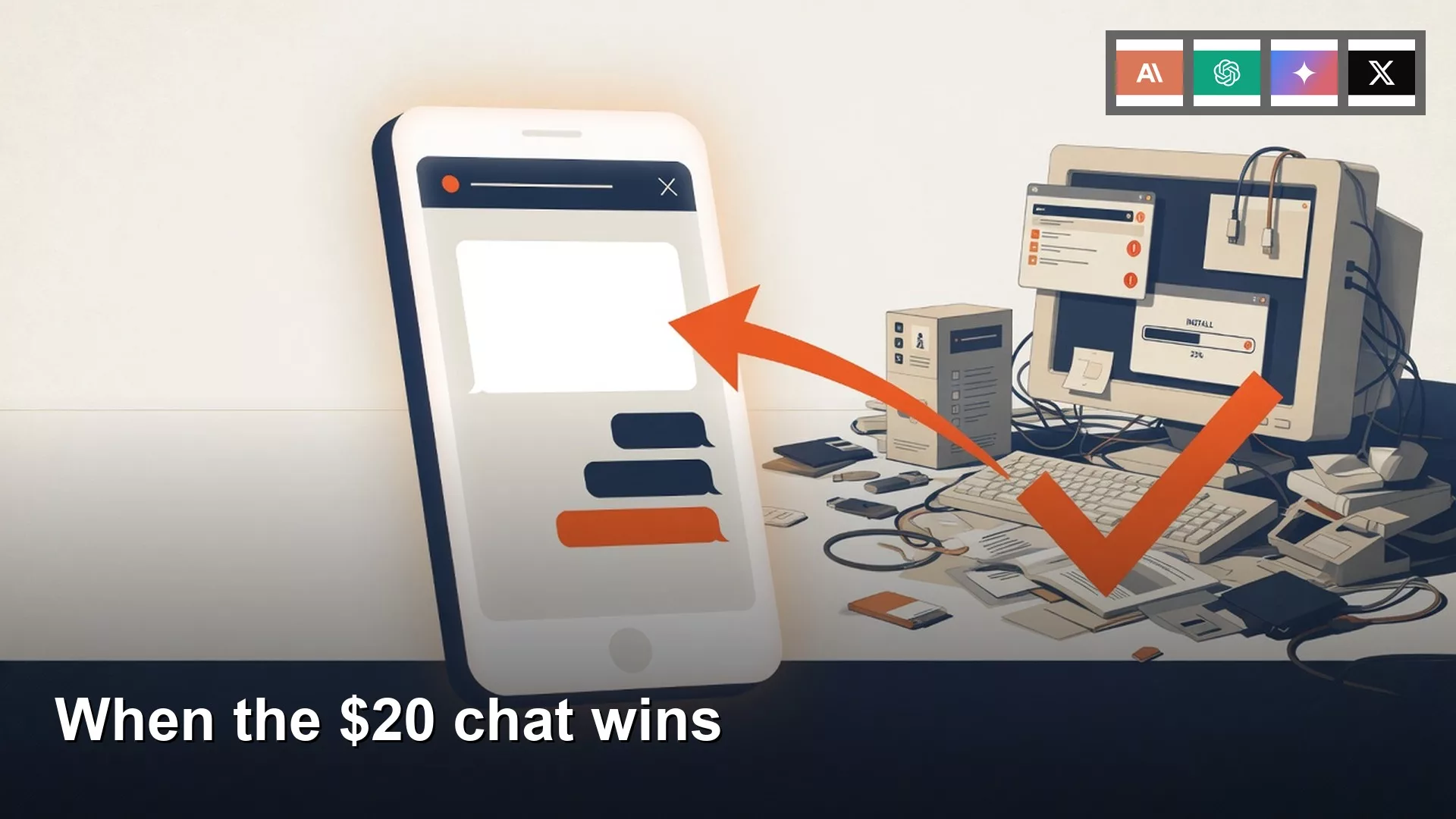
A downloadable AI model is a file you load onto your own computer, and a chat product such as ChatGPT or Claude is a finished service you sign in to. For everyday writing, a paid chat plan at roughly $20 a month is almost always the better tool, because it comes with memory, file uploads and a phone app that just work. Running a model yourself makes sense only when your files must not leave your machine, when you have no internet, when the volume is enormous, or when learning how the software works is the point.
Say you need to turn six bullet points about a late vendor delivery into a polite thank-you note. You could spend three evenings installing a local program called Ollama and downloading about 19 GB of model files (GB means gigabytes, a measure of disk space), and end up with an eleven-line note that still reads like a user manual. Or you could paste the same bullets into Claude and have a usable draft in ninety seconds. Both routes are legitimate, but only one of them matches the job.
This post follows the earlier one on where AI models run. It helps you name your job first, then choose between a chat product and a file you run yourself. One warning before we start: Groq, spelled with a q, is a company that hosts models for other people, while Grok, spelled with a k, is the chatbot from xAI. They are two different vendors.
A weight file is a tool you load
Open weights are the saved numbers that make up a trained model, packaged as one file or a pile of smaller pieces, along with a license that says what you may do with them. You can run that file in Ollama, LM Studio (LM stands for language model), or llama.cpp, or you can send your prompts to a company that already owns the graphics chips (GPUs, the powerful processors that make these models run quickly). What you get is raw capability. You still supply the hardware, the program that runs it, and a shrunken version of the model (quantization, which trades a little quality for a much smaller file).
Closed chats are different because they are finished products. ChatGPT, Claude, Gemini and Grok each sell an app that drafts ordinary English, remembers your custom instructions, reads a PDF, sometimes browses the web, and works on a phone in a parking lot. The model underneath changes from month to month, but the job the product does for you stays the same. In our story, the person who downloaded qwen2.5:14b expected the file to write like Claude does out of the box. What the download really gave them was a slow model and a noisy laptop fan, while their coworker simply used the product.
Rule of thumb: If the text can safely leave your building and the job is a paragraph, pay for the chat plan. Save the local setup for files that cannot leave, for offline work, for huge volume, or for the lesson.
Many people reach for Ollama after reading what open means for AI models, because “open” sounds like more control. That control is real when your prompt stays on your machine. A mid-sized quantized model with 14 billion settings can write decently, but on a 16 GB laptop it will not match the paid product it was trying to copy, and it will not remember that your operations team hates the phrase “per my last email.”
What the closed chat actually buys
Prices move, so treat these as a rough guide from August 2026 and confirm on the vendor page the week you buy. ChatGPT Plus and Claude Pro have both sat around $20 a month. Google’s everyday paid plan (often called Google AI Pro) sits near $19.99. SuperGrok has often cost closer to $30, one step above that cluster. Since October 12, 2026, its benefits sit in the $30 Premium tier of xAI’s new X Subscription, according to xAI’s announcement. The post on AI accounts, free versus paid explains the tiers and the three ways to pay.
Paying does not give you a smarter brain. It buys four practical things.
- Everyday writing that is already tuned for email, outlines and rewrites, without a 7.3 GB download and a forty-second wait for each paragraph.
- Built-in tools such as file upload, web browsing, a code panel in the sidebar, connectors to your other apps, projects and custom GPTs (ChatGPT versions with their own saved instructions; GPT is OpenAI’s name for its models), so you never have to wire any of it together yourself.
- Memory and custom instructions, which means next month’s thank-you can sound like last month’s without you pasting a long setup prompt into a chat room.
- An app that works on a phone, on a laptop, and on a flaky warehouse network, with no command to run, no low-disk warning at 18 GB free, and no eleven-minute download at a cafe.
Each product also has a home turf. Gemini sits next to Google Drive and Docs, so it suits people who already live there. Claude Pro tends to include extra tools such as its coding and coworking features, though you should re-check what a plan includes before you pay. ChatGPT Plus is the writing box that a lot of teams already have, and Grok’s paid path runs through SuperGrok and, in some setups, an X subscription. For plain writing, picking one of these is the sensible default. The person in our story did not lack a model. They lacked ninety seconds in a tool they could already have opened.
Hosted open models are a third option. Services such as Groq, Together, Fireworks and OpenRouter rent out their graphics chips so you can use Llama, Qwen, DeepSeek and similar models without downloading anything. Your prompt still leaves your computer, so the privacy story is the same as a chat product. The guide to open-model chat services covers them in detail. If a slide in a meeting says “we moved to Groq,” ask whether they mean the hosting company or whether someone misspelled Grok, because a wrong vendor means a wrong privacy claim on the slide.
Job by job
The easiest way to choose is to name the job first and then pick the app. “Closed” below means a product such as ChatGPT, Claude, Gemini or Grok. “Open or local” means a file you run yourself, or a hosted open-model service if you accept that the prompt leaves your machine.

| Job | Open / local | Closed chat | Honest pick |
|---|---|---|---|
| Thank-you, rewrite, outline | Can draft after you tune and wait | First usable pass in about a minute | Closed |
| Weekly recap with files and a saved tone | You assemble tools and a prompt file | Uploads, projects, memory, already there | Closed |
| Unredacted contract, HR notes, customer dump | Stays if you stay offline | Paste to a vendor building | Local, or nothing |
| Plane, lab, dead warehouse wifi | Works after the file is on disk | Dead without a network | Local |
| Thousands of similar prompts | Idle on a machine you already own can beat a token bill | $20 caps, or an API invoice | Local or a hosted open API, after math |
| Learn how a model runs | You see a card, a GGUF, a runner | You never see a weight file | Local (keep closed for the real thank-you) |
Learning is a real job, and it deserves its own practice. If you want to understand memory limits, quantization and the ollama list command, try them on a throwaway prompt instead of a note you actually need to send. Volume is also a real job, but eleven lines is not volume. If you do not have a large batch of work, you are really weighing a $20 plan against a lot of effort, and the plan already exists.
When local still wins
Running a model yourself is the right call in four situations. The internet will try to sell you a fifth, usually labeled “sovereignty,” which most of the time turns out to be a thank-you note with extra steps.
Raw files that cannot leave
Think of unredacted PDFs, HR notes, patient-adjacent rows, or a customer export with emails still sitting in column C. The privacy paste test asks one question: would you email this file to that vendor? The post on privacy reasons applies the same test to open models. Local only protects you if you stay offline and never switch to a cloud version of the model in the same session. A 4.7 GB download does not help once you toggle the cloud option, so compare quality on a public sentence first, and paste real work only where the location matches the promise you made.
Cost at huge volume
A Plus seat is cheap for one person who writes. An API bill (what a vendor charges when your own program calls its model) is a different animal once you loop a model over 80,000 support tickets. Hosted open services can undercut Claude’s API, and a machine you already own, running overnight, can undercut both. Do that math with a real count of items, and do not start from a graphics card quote meant to save you $20. If you do not have the 80,000 tickets, you do not need this row.
Offline, and learning the stack
A flight with no seat-back Wi-Fi is offline, and so is a lab that blocks outgoing web traffic. In both cases a local file is the only chat you have. Learning is a close cousin: you want to see the runner, the model card, the fan noise, and the memory number from the guide to size and quantization. Treat that as homework, and keep the real vendor note in Claude. When the job truly is local, the Run open models from scratch series is the step-by-step path.
Switching between the two is allowed, and loyalty to a download is not a goal.

Worked example: three evenings and ninety seconds
The note in question was six bullets, and one of them still said “sorry about the freezer??” with two question marks. The account manager needed eleven lines that kept the Friday delivery slot without sounding like a threat. That is a writing job, which the chooser post calls the writing door.
| When | What happened | What you end up with |
|---|---|---|
| First evening, about three and a half hours | Installed Ollama, pulled llama3.1:8b (eleven minutes on cafe wifi) | Stiff draft, loud fan, “please advise regarding the aforementioned delay” |
| Second evening | Pulled qwen2.5:14b, 7.3 GB, leaving 18 GB free on a 256 GB disk | Forty seconds per paragraph, warmer, still not sendable |
| Third evening | Wrote a long setup prompt, three more regenerations | Eleven lines that still read like a user manual |
| Monday morning | A coworker in sales pasted the six bullets into Claude | Ninety seconds, and the account manager sent it |
Ollama did what a runner does, so the tool was not the problem. The misspent effort was three evenings on a job the $20 chat is built for. If that person later needs to summarize a warehouse spreadsheet that cannot leave the building, those evenings start to pay off. They did not have that spreadsheet on Friday. They had a thank-you note.
A two-minute checklist
The code below asks five yes-or-no questions and prints which kind of tool fits. Change the flags to match the job in front of you. It is a toy that runs on your own machine and does not call any API, so run it, read the printout, and then go to the door it names. Do not add a sixth flag called “but open feels cooler.”
# Two-minute door check. Toy flags only.
# As of writing (August 2026): Plus / Claude Pro ~$20; SuperGrok often ~$30.
answers = {
    "text_must_not_leave": False,  # unredacted files, HR, customer dumps
    "need_offline": False,  # plane, lab, no network
    "learning_the_stack": False,  # the lesson is Ollama / llama.cpp
    "huge_batch": False,  # volume that $20 caps or API $ will feel
    "need_app_tools": True,  # files, browse, memory, a phone app
}

def door(a):
    if a["text_must_not_leave"] or a["need_offline"]:
        return "LOCAL: stay offline. Confirm ollama list has no cloud id."
    if a["learning_the_stack"]:
        return "LOCAL for the lesson. Keep a closed chat for the thank-you."
    if a["huge_batch"]:
        return "LOCAL or a hosted open API. Do the token math this week."
    if a["need_app_tools"]:
        return "CLOSED CHAT: Plus/Pro (confirm price this week)."
    return "CLOSED CHAT. Do not spend three evenings matching a thank-you."

print(door(answers))
Here is what that code prints for the thank-you note, and for a later spreadsheet that cannot leave:
| Job | Flags that flip | Printout |
|---|---|---|
| Northline thank-you | need_app_tools=True, everything else False | CLOSED CHAT: Plus/Pro (confirm price this week). |
| Warehouse CSV, cannot leave | text_must_not_leave=True | LOCAL: stay offline. Confirm ollama list has no cloud id. |
If you are learning the stack, flip learning_the_stack and still keep the real thank-you note in Claude. That gives you two jobs, two tools, and one evening instead of three.
Open is not a moral upgrade
These are the mistakes that come up most often, and each one is easy to avoid once you can name it.
- Spending three evenings so a local draft matches Claude’s ninety-second thank-you.
- Calling Groq (the hosting company) Grok (the xAI chatbot), or the reverse, and then putting the wrong privacy story on a slide.
- Treating a model file as a personality, then being annoyed that memory and file tools are missing.
- Buying a graphics card to avoid a $20 chat plan you have not even tried.
- Pasting the unredacted file into Claude “just to compare” after you told your team the work was local only.
- Skipping the closed chat because someone made “open” sound like a moral upgrade.
Name the job, then pick closed or open
Take one real job and fill in the five flags. If the printout says CLOSED CHAT, open the one vendor you already chose and send the note. If it says LOCAL, stay offline, start with a toy prompt, and time one paragraph. Keep a screenshot of the ollama list output so you can spot a cloud model if one sneaks in. The next post explains open weights, open source and free, and the run-it path starts at run open models if your job really needs a local runner. You can find every guide on the Learn page.
Stay on the closed app when it fits
- Load open weights when you need the file, and buy a closed chat when you need the finished product.
- Everyday writing, tools, memory and an app that works cost around $20 a month, with Grok’s $30 Premium plan a step above (prices checked in August 2026 and Grok’s on October 13, 2026, so confirm them the week you buy).
- Local still wins for raw files that stay put, huge volume, offline work and learning, and Groq is not Grok.
- Run the five flags in two minutes, and do not spend three evenings matching a thank-you note.
Your next step
Write down the one job you were thinking of moving to an open model, and answer the question from this post: does it need to stay on your hardware, or does it only need to be done well? If it only needs to be done well, keep the closed app for now and revisit the choice when the job or the rules change.
Series notes
This is Part 7 of Open-source AI explained (series code OS7). Previous: safety: random models on the internet. Next: open-weight vs open-source vs free. Related: Which AI product should I use? and hosted vs download.
Sources
- Ollama (local runner; confirm you are not on a cloud id)
- LM Studio and llama.cpp (desktop window and the engine under many apps)
- Groq (hosted inference, not xAI Grok)
- Together AI and Fireworks AI (hosted open models)
- ChatGPT pricing, Claude pricing, Google One AI plans, and Grok / xAI (plan names and sticker prices checked in August 2026; re-check)
- Analytics Made Simple: Which AI product should I use? and accounts and free vs paid
- Analytics Made Simple: Open-source AI explained (this series) and hosted vs download
Keep going
Same lessons in your feed
Short diagrams, hooks, and weekly tutorials on Substack, Instagram, X, and Facebook.



