
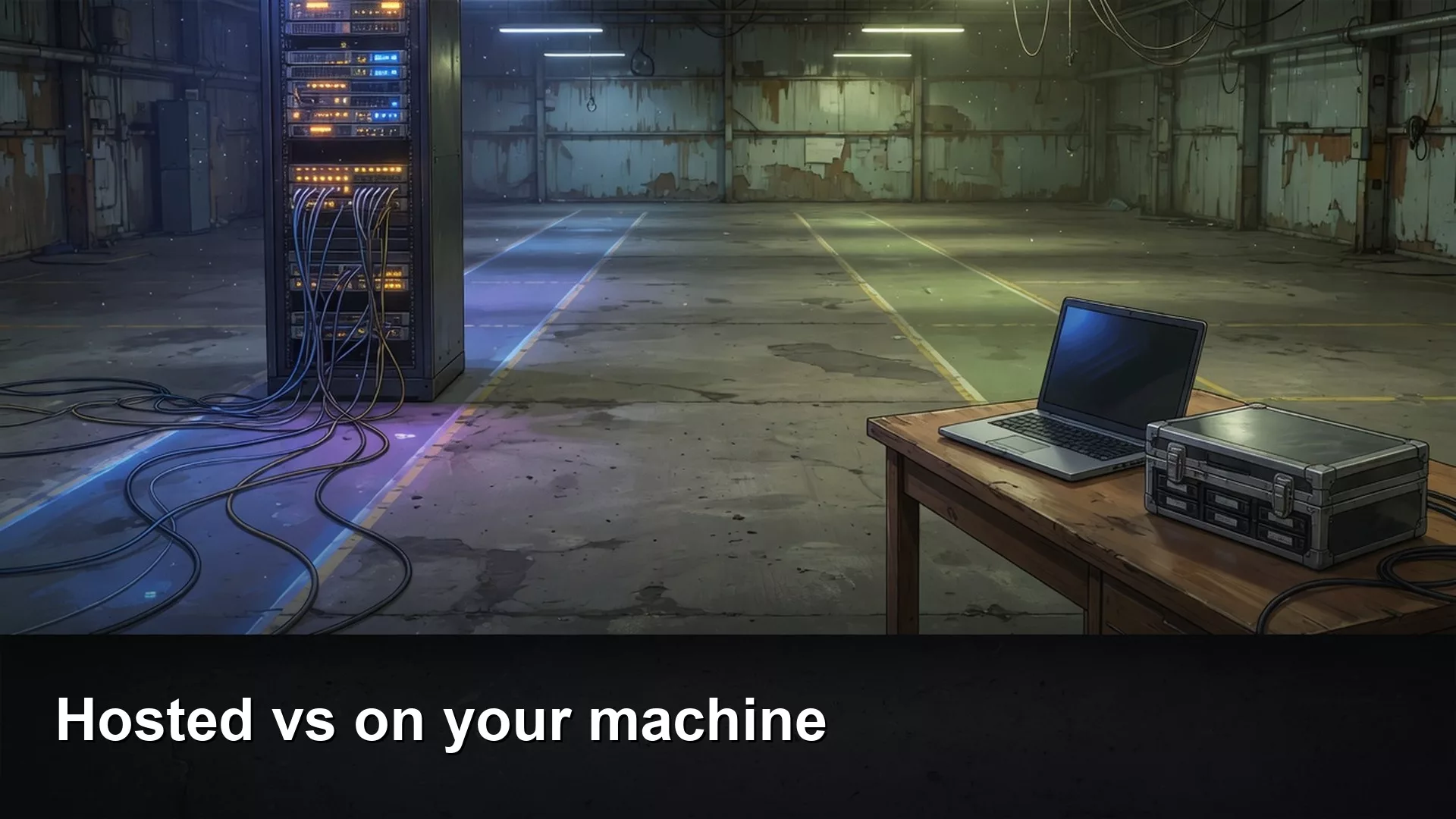
Before you trust an open AI model with private papers, find out where it runs. The model is just a large file, and it can run in one of two places. If a company hosts it, your question travels over the internet to that company’s computers. If it runs on your laptop, your question can stay on your own disk, as long as you do not switch on a cloud option inside the same app. A familiar model name such as Llama tells you nothing about where the model actually runs.
Say you need a summary of an 86-page contract, and you promise your legal team that the pages will stay on your laptop. You spend 41 minutes watching a progress bar while a 5.2 gigabyte model file downloads. Then the first local reply takes 28 seconds per sentence, so you flip a cloud switch in the same app to speed things up. The whole packet goes out on your very next prompt. Your legal team heard “local,” but the packet went to a host.
This post separates those two places, names the common hosts and desktop programs, and shows the trap where one app offers both. Groq (the company that sells fast model hosting, spelled with a q) is not Grok, which is the chat product from xAI. Names matter here. Double-check the product names the week you touch any setting that says Cloud.
Location is the noun

An open-weights model is a file, or a pile of file pieces, plus a license that says what you may do with it. You can send that file to a company that already owns the computers to run it, or you can load it on the machine in front of you. The license does not change when your laptop fan spins up, but the privacy story changes completely. When a model is hosted, your prompt leaves your device. When it is local, the prompt can stay put, provided you do not turn on a cloud mode and the disk is really yours.
Closed products such as ChatGPT, Claude, Gemini, and Grok are hosted too, and they are simply not the subject of this series. If you only needed a summary of a public blog post, the chooser for writing and everyday questions was enough. It is easy to reach for an open model because the packet feels “too sensitive for ChatGPT,” and then end up sending it to a different host with a friendlier logo.
| Place | What you run | Where the prompt goes | You pay with |
|---|---|---|---|
| Hosted open model | Groq, Together, Fireworks, OpenRouter, or a vendor chat that lists Llama, Qwen, or DeepSeek | Their data center | Tokens, credits, or a seat |
| On your machine | Ollama, LM Studio, or llama.cpp, using a downloaded model file such as a GGUF | Your own memory, if you stay offline | Hardware, heat, and your time |
| Closed chat | The ChatGPT, Claude, Gemini, or Grok apps | Their data center | Free caps or plans around $20 (see the earlier post on free versus paid plans) |
| Same app, cloud toggle | Ollama cloud models, or any “run on our servers” option | Not your laptop, even if you already downloaded 5.2 gigabytes | Whatever plan that toggle belongs to |
Hosted: fast graphics chips, still a vendor
A handful of companies rent out the computers that run open models, which the trade calls inference, meaning running a trained model to get answers. Groq runs models on its own custom chips and is known for speed on a short list of open models. Together and Fireworks rent graphics processing units (GPU for short, the chips that do most AI work) and tend to list more model families, custom tunes, and sometimes a dedicated machine just for you. OpenRouter is a switchboard, meaning one account key that reaches many different backends. Prices vary widely per million tokens (a token is a small piece of a word), so do not copy a number from a blog post into a budget. Open the host’s pricing page the week you start.
Hosted is the right choice when you want a very large model that will not fit on a laptop, or when you want programmatic access without buying a GPU. It is the wrong choice when the sentence you told your legal team was “nothing leaves.” Read each host’s retention and training policy, because Fireworks has advertised options that keep no data at all, while others differ. Until a contract says otherwise, assume logs exist. The privacy paste test still applies here, and it asks whether you would email this PDF to that vendor.
The playground chats on those sites feel like ChatGPT with a Llama badge. They are not local, and they are not the Grok chatbot either. If someone says “we moved to Groq,” ask whether they mean the hosting company or whether they misspelled Grok. That mix-up is how a slide ends up with the wrong vendor and the wrong privacy story in a single breath.
On your machine: the 5.2 gigabytes is only the beginning
The file in the opening story is qwen3:8b, a 5.2 gigabyte download on Ollama’s model page as of October 2, 2026. Ollama is the one-command route that many people actually finish. LM Studio (LM stands for language model) gives you a friendly window instead of a terminal (the text window where you type commands), and llama.cpp is the engine underneath many of those programs. You download a compressed model file (a common packaging format is called GGUF, short for a model file format), load it, and start chatting. The next post on model size, compression, and whether your laptop can run it covers memory in detail. For now, know that a model with about 8 billion settings is a laptop-sized animal and one with 70 billion is a different animal entirely. That 5.2 gigabyte download was the easy half, and the 28-second sentences were your hardware talking.
Local wins when the file must never leave and you are willing to live with lower quality and a hot laptop. It loses when you expected polished prose from a small compressed model, or when the same app offers a cloud shortcut and you take it. Ollama’s homepage currently sells both a computer version and a cloud version, which is useful, and it is also exactly how the toggle trap happens. Read the model line before you paste anything, because if it says cloud, your 41-minute download did not apply.
Pick a location first

- Ask whether this text may leave the building. If the answer is no, use a local model or use nothing.
- If it may leave, ask whether you need a large open model today. If so, choose a hosted one and read the host’s policy.
- If you need to work offline, or want something cheap when idle, download a size your machine can hold, and feel the fan on a toy prompt first.
- If the job is a thank-you note, use the chooser and a closed chat plan, because a paragraph does not justify building a local setup.
Once you think you are local, you can run a quick check in the terminal. Treat it as a shape to copy, not a promise that every program uses the same command.
# After a local pull, stay explicit.
# Ollama-style (flags and names move; read `ollama --help` this week):
ollama list
# If a model line says cloud / remote, do not paste NDAs into it. # Toy prompt only:
# "Summarize this public sentence: The warehouse delay was ours."
# Time it. If you then switch to a cloud id because it was slow,
# you changed location. Tell legal the new location or do not paste.
The point of that check is that a model list shows what is really configured. In the packet story, listing the models afterward would have revealed a cloud entry sitting right beside the 5.2 gigabyte file. The list is the map. The download progress bar is not.
Worked example: 41 minutes, 86 pages, one toggle
| Claim you might make | What was true | What legal needed |
|---|---|---|
| “We run Llama locally” | You downloaded a Qwen file with about 8 billion settings, then used a cloud entry | The host name and the retention policy |
| “The 5.2 gigabyte file is the privacy control” | The file sat unused after the toggle | Whether the prompt left the laptop |
| “Open source, so we’re fine” | The model is weights plus a license | The license document, plus the location |
| 28 seconds per sentence | The cost of running an 8-billion-setting model on a laptop | A decision: wait, use a smaller model, or sign a contract with a host |
The fix is boring. Turn cloud off, and summarize a two-page public PDF first. If 28 seconds per sentence is unacceptable, either keep the packet away from models entirely or sign up with a host that has a real agreement. Do not split the difference with a toggle that you never mention on the slide.
When hosted is the honest cheaper path
Builders sometimes rent from Together or Fireworks because a weekend GPU quote is worse than a token bill under 100 million tokens a month. That math belongs to a later post about running costs. For an analyst who wanted a private summary, hosted open models are still vendors, so they can be cheaper than Claude’s paid interface but they are not free just because the model is Qwen. Local is cheaper when idle, if the machine already exists and you accept the quality. A closed plan around $20 is cheaper than buying a GPU if the job is writing.
Later posts cover size and compression, and an easy hosted chat window. Do not skip this location split to chase a model card. It comes first. The families of models (Llama, DeepSeek, Qwen) make more sense once you can say “hosted” or “local” without hesitating.
Common mistakes
- Saying Groq when you mean Grok, or the reverse.
- Calling a Groq or Together playground “local” because the model is Llama.
- Downloading 5.2 gigabytes and then using the cloud entry in the same window.
- Promising legal an “open source, local” setup without the license document or a named location.
- Building a local setup just to write the thank-you note covered in the earlier guide.
- Forgetting that Ollama and similar programs may offer both modes.
Quick recap
- Hosted open models still send your prompt out of the building, while local files can stay home if you do not toggle cloud.
- Groq is not Grok, and having Llama in the name does not mean the model is on your disk.
- Pick the location first and the model second, because the download bar alone is not a privacy control.
How to practice this week
Write one sentence that says hosted or local, plus the app name. Run only a toy prompt at first. If you turn on cloud, write the host’s name on the same sticky note. After that, work out whether your laptop can run the model you want. The privacy chooser is still the privacy paste test, and the setup guide is accounts and free versus paid plans.
Series notes
This is Part 2 of Open-source AI explained (series code OS2). Previous: what open means. Next: model size, quantization, and will my laptop run it. Related: privacy paste test and Run open models from scratch.
Sources
- Ollama (local and cloud; confirm which mode you are in)
- Groq (inference cloud; not xAI Grok)
- Together AI and Fireworks AI (hosted open models)
- LM Studio
- llama.cpp
- Open Source Initiative: Open Weights and Analytics Made Simple on what open means
Keep going
Same lessons in your feed
Short diagrams, hooks, and weekly tutorials on Substack, Instagram, X, and Facebook.



