
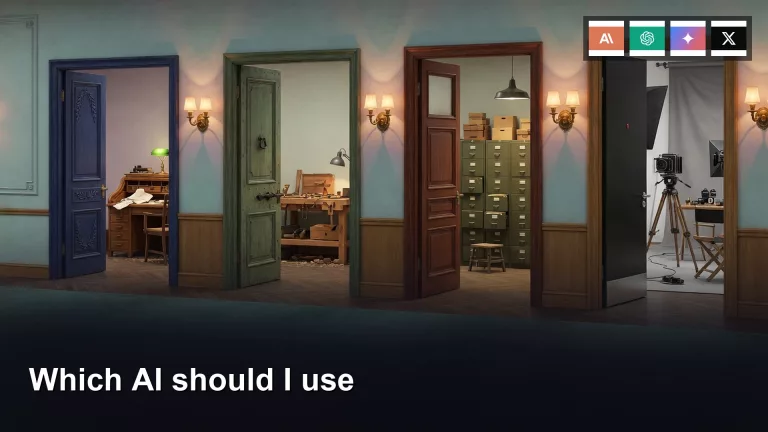
This path is for you if the brand names are louder than the job. Each part is a different job: writing, coding, office files, privacy and a local run, images and voice, and which one to try first. Start with the first part on this page if you just want help with writing and questions.
- 1 ChatGPT, Claude, Gemini, or Grok: which is best for writing and questions? You want a chat box for drafts, explanations, and questions, not a coding agent. This part names ChatGPT, Claude, Gemini, and Grok as writing tools, what to try first, and the 20-minute session that stops the four-app screenshot thread.
- 2 How to pick an AI coding assistant like Claude Code or Codex, and use it well For coding help, pick one AI surface, keep changes on one branch, list the folder, and re-run the failing command yourself. Agents multiply mistakes when nobody owns the verify step.
- 3 Which AI tool to use for your files and office work: ChatGPT, Claude, Gemini, or Copilot Put AI on files and office work with a work account, a safe first task, and a human Send. Summaries help; unsupervised approvals do not.
- 4 How to keep your data private with AI: privacy settings or running a model yourself Closed chat, hosted open weights, and local models are different privacy lanes. Strip identifiers before any paste. Local is optional; it is not free of responsibility.
- 5 What to check before you use AI images, voice, or live web answers Pick the image, voice, or live door on purpose. Verify before you post. A flyer with “Analtyics Nite” in 72-point type is what skipping the still check looks like.
- 6 How to choose between ChatGPT, Claude, Gemini, and Grok for each job on your team One-breath chooser: match the job to a first door, try it, and switch only after two real failures. Write a 10-line team note so the default survives Friday Slack.