
Category: AI
You are here if AI showed up in your job and the names on the screen do not match the buttons. This category is practical. It is not a model-release calendar, and it is not one lesson pasted under a new product name. The series split the pile so a Claude post and a ChatGPT post can teach different work.
Everyday paths are for a person with no account yet, or a person whose chat forgot a file: setup, prompting, memory, agents, safety, and which product fits a job. Product paths stay on one tool: Claude, ChatGPT, Gemini, or Grok, from a first login to the surface you should not open. Open-weight paths are Llama, DeepSeek, Qwen, Kimi, and GLM: what the name refers to, and when a normal paid chat is the easier tool. Engineering paths are for running a model, retrieving from your own files, and fine-tuning. Several of those hubs are still waiting on a first live part, and the hub page says so.
Where to start: no account yet, use AI setup from zero. You already pay for one product, open that product’s series and use the first part. You want the idea before the brand, use Practical AI. You want every series in order, use Learn and the AI tracks.
How to let an AI coding agent work safely from your terminal
Terminal agents like Gemini CLI and Antigravity CLI can edit a real repo. Use a feature branch, a small goal, plan-first habits, and a human merge. Treat mid-2026…

How to share a local AI model with your family or a small team
A kitchen laptop running a local AI model is a shared brain: same login means same chat history. Separate users, keep the app on localhost, and quit it…

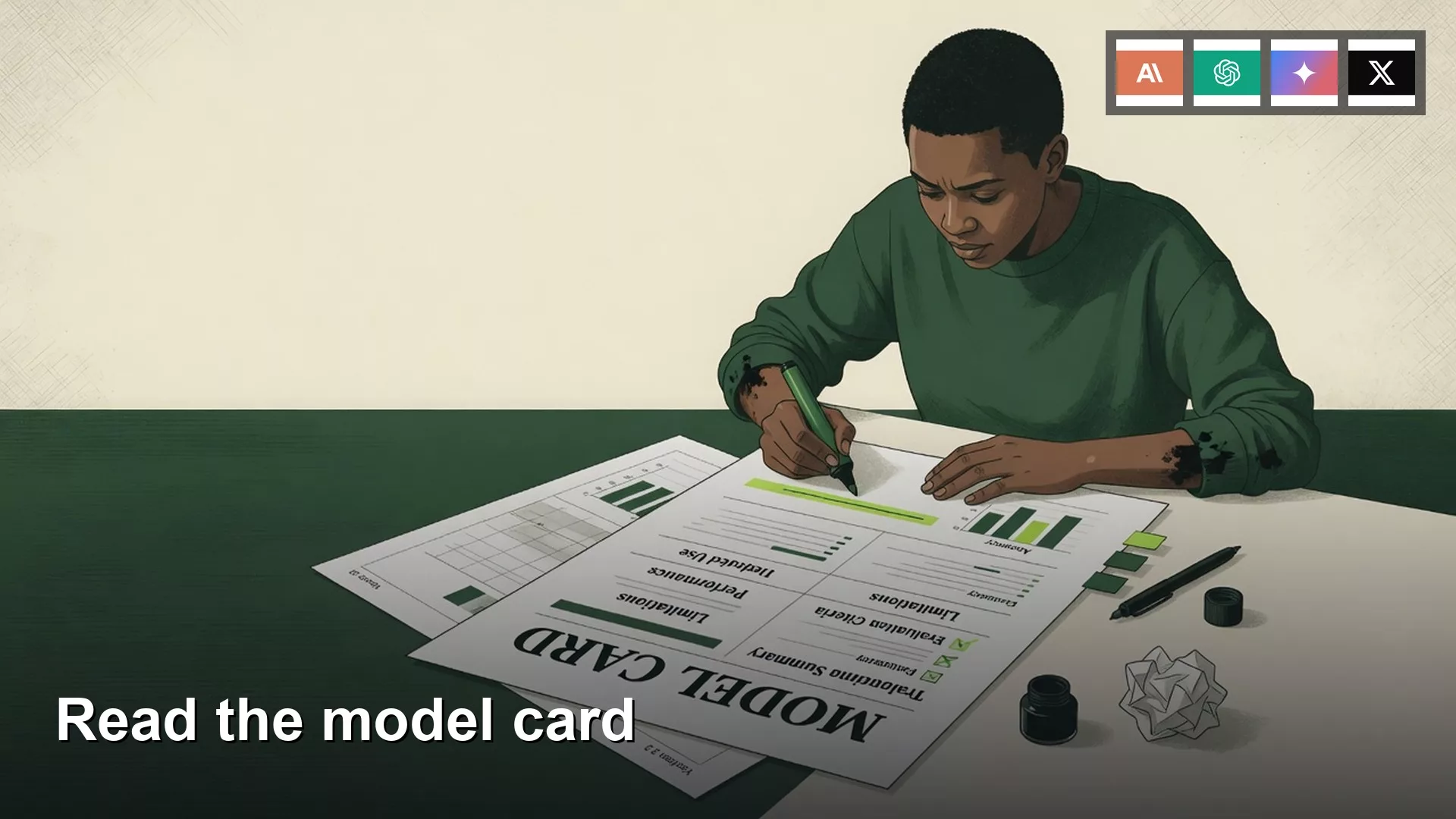
How to read an AI model card before you download the model
Read a Hugging Face model card like a spec sheet before you download. Check publisher, license, chat versus base, and file size against your RAM. Skip the giant…
How to start using Gemini for coding in your code editor
Opening Gemini in your code editor is a power tool, not a free pass. Use the right Google account, an approved extension, a tiny first task, and a…

How to update local AI models without breaking your setup
A short model name can point at a new file overnight while your prompts stay the same. Pin a known-good copy, test one canned prompt, then delete the…
