
Category: AI
You are here if AI showed up in your job and the names on the screen do not match the buttons. This category is practical. It is not a model-release calendar, and it is not one lesson pasted under a new product name. The series split the pile so a Claude post and a ChatGPT post can teach different work.
Everyday paths are for a person with no account yet, or a person whose chat forgot a file: setup, prompting, memory, agents, safety, and which product fits a job. Product paths stay on one tool: Claude, ChatGPT, Gemini, or Grok, from a first login to the surface you should not open. Open-weight paths are Llama, DeepSeek, Qwen, Kimi, and GLM: what the name refers to, and when a normal paid chat is the easier tool. Engineering paths are for running a model, retrieving from your own files, and fine-tuning. Several of those hubs are still waiting on a first live part, and the hub page says so.
Where to start: no account yet, use AI setup from zero. You already pay for one product, open that product’s series and use the first part. You want the idea before the brand, use Practical AI. You want every series in order, use Learn and the AI tracks.
How TypeSafe AI built Jev, an AI model that picks answers instead of writing
TypeSafe AI and former OpenAI researcher Diogo Almeida introduced Jev, a non-autoregressive decision model trained with RLCD instead of RLHF. Learn how its three typed primitives replace flaky…

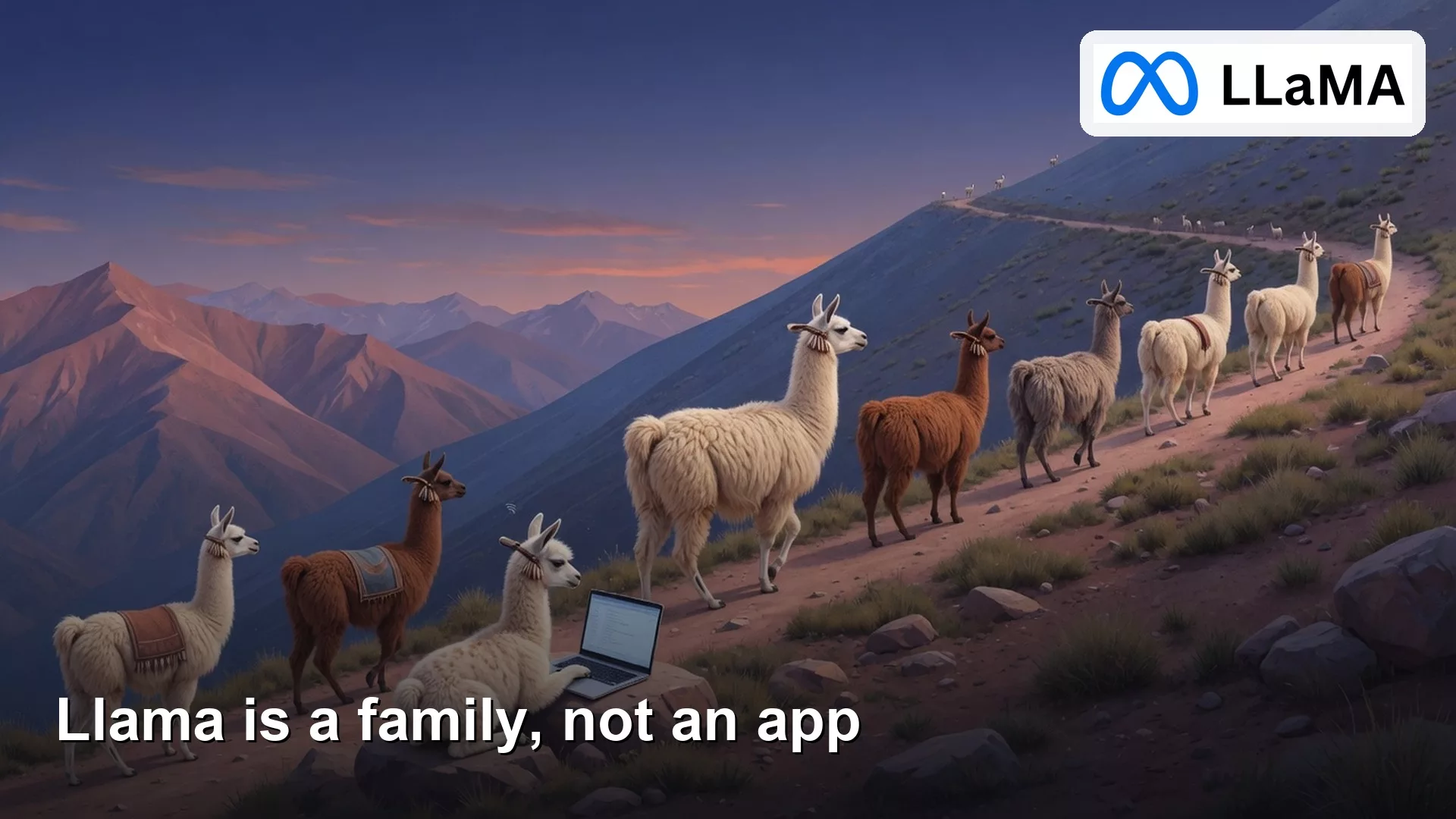
What is Llama, Meta’s family of AI models, and how can you use it?
Llama is a family of weight files plus runners and hosts, not one chat app. Name the door before you paste work data, and do not confuse Groq…
How to code with an AI assistant in four steps: ask, edit, test, and review
Across IDE assist and terminal agents, keep the same loop: clear ask, small diffs, tests that matter, human review before merge. The surface changes. The loop does not.

What are System One AI models, and how do they make fast decisions?
System One models process program state in a single parallel pass to output typed, probabilistic decisions rather than chat prose. Here is how they eliminate hallucinations and bring…

How to use open AI models through Groq, Together, and Fireworks
Hosted APIs for open weights bill by tokens and still send prompts off your machine. Separate Groq from Grok, set a spend cap, and treat retention pages as…
