
Category: AI
You are here if AI showed up in your job and the names on the screen do not match the buttons. This category is practical. It is not a model-release calendar, and it is not one lesson pasted under a new product name. The series split the pile so a Claude post and a ChatGPT post can teach different work.
Everyday paths are for a person with no account yet, or a person whose chat forgot a file: setup, prompting, memory, agents, safety, and which product fits a job. Product paths stay on one tool: Claude, ChatGPT, Gemini, or Grok, from a first login to the surface you should not open. Open-weight paths are Llama, DeepSeek, Qwen, Kimi, and GLM: what the name refers to, and when a normal paid chat is the easier tool. Engineering paths are for running a model, retrieving from your own files, and fine-tuning. Several of those hubs are still waiting on a first live part, and the hub page says so.
Where to start: no account yet, use AI setup from zero. You already pay for one product, open that product’s series and use the first part. You want the idea before the brand, use Practical AI. You want every series in order, use Learn and the AI tracks.
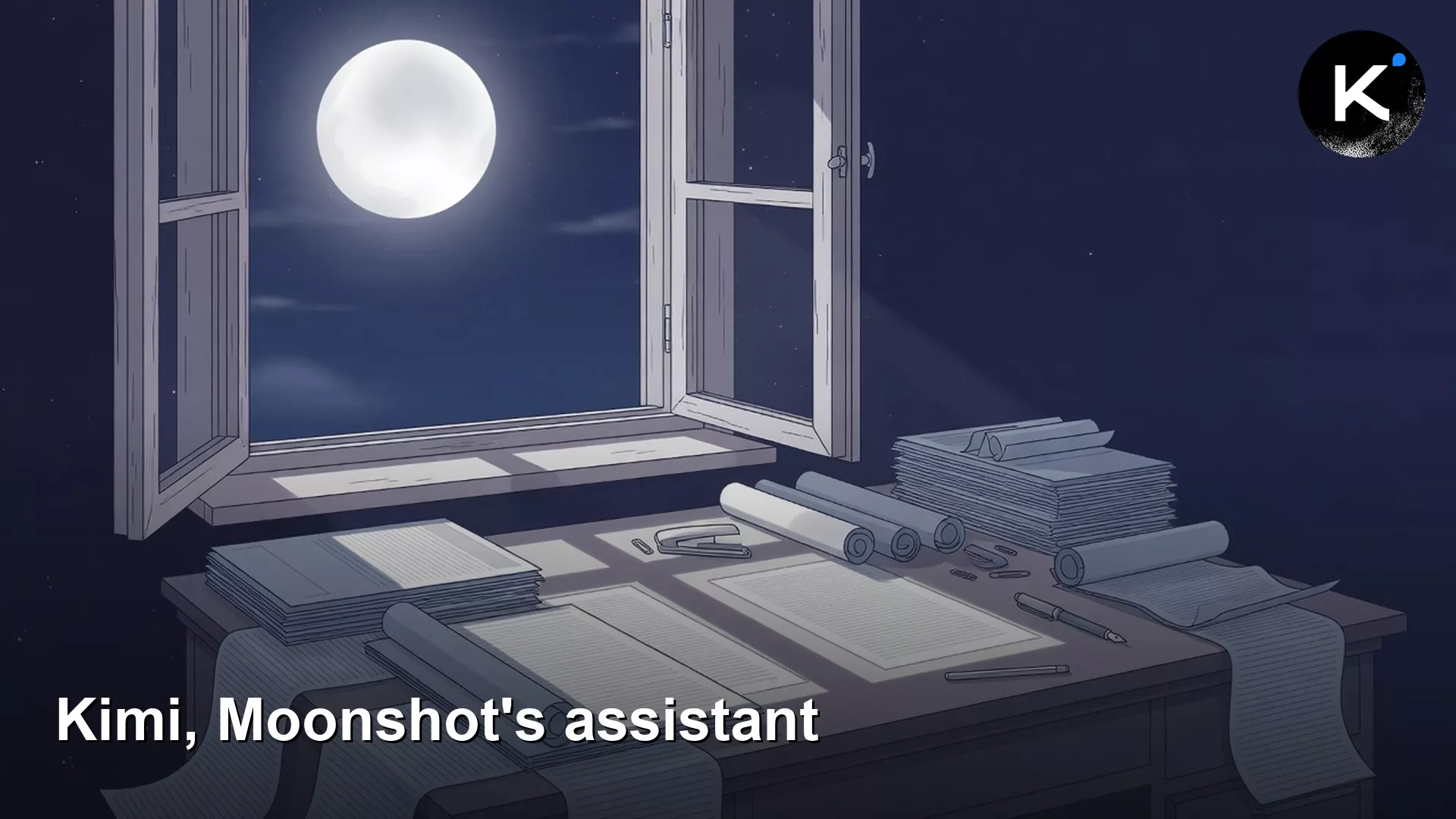
What is Kimi? Moonshot’s model family in plain English
Kimi from Moonshot can hold large documents, but a wide context window is not proof. Bound the pages, tick the quote in the PDF, and start a new…
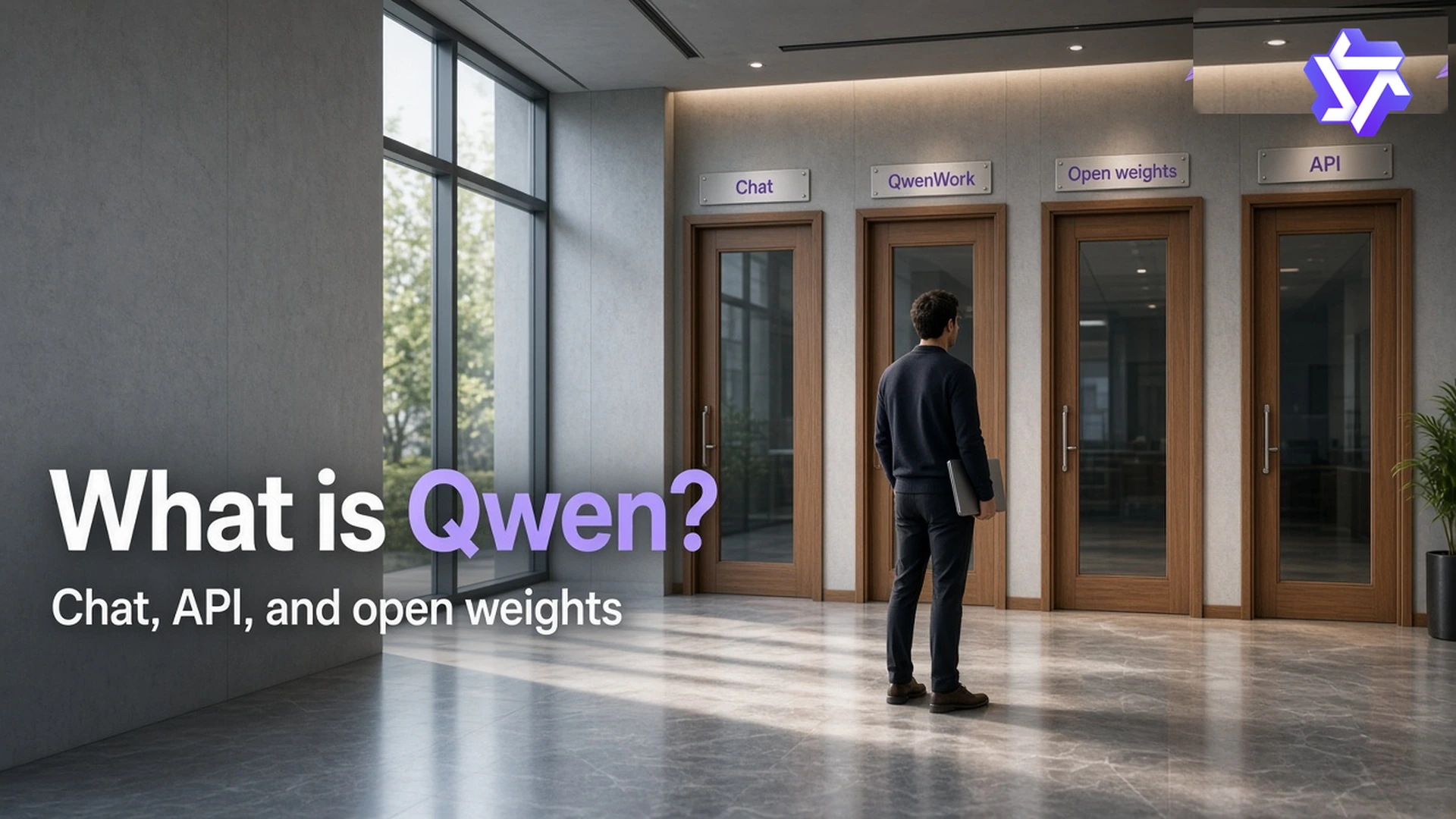
What is Qwen? Alibaba’s family of AI models explained
Qwen is a family across chat, API, and open weights. Use one tab and one model size for a job, and close leftover folders from older Qwen 2.5…
When a full AI coding agent is overkill for a programming job
A full coding agent is often overkill. Choose by job size, write a lean stack on one sticky note, and save autonomy for work that earns the review…

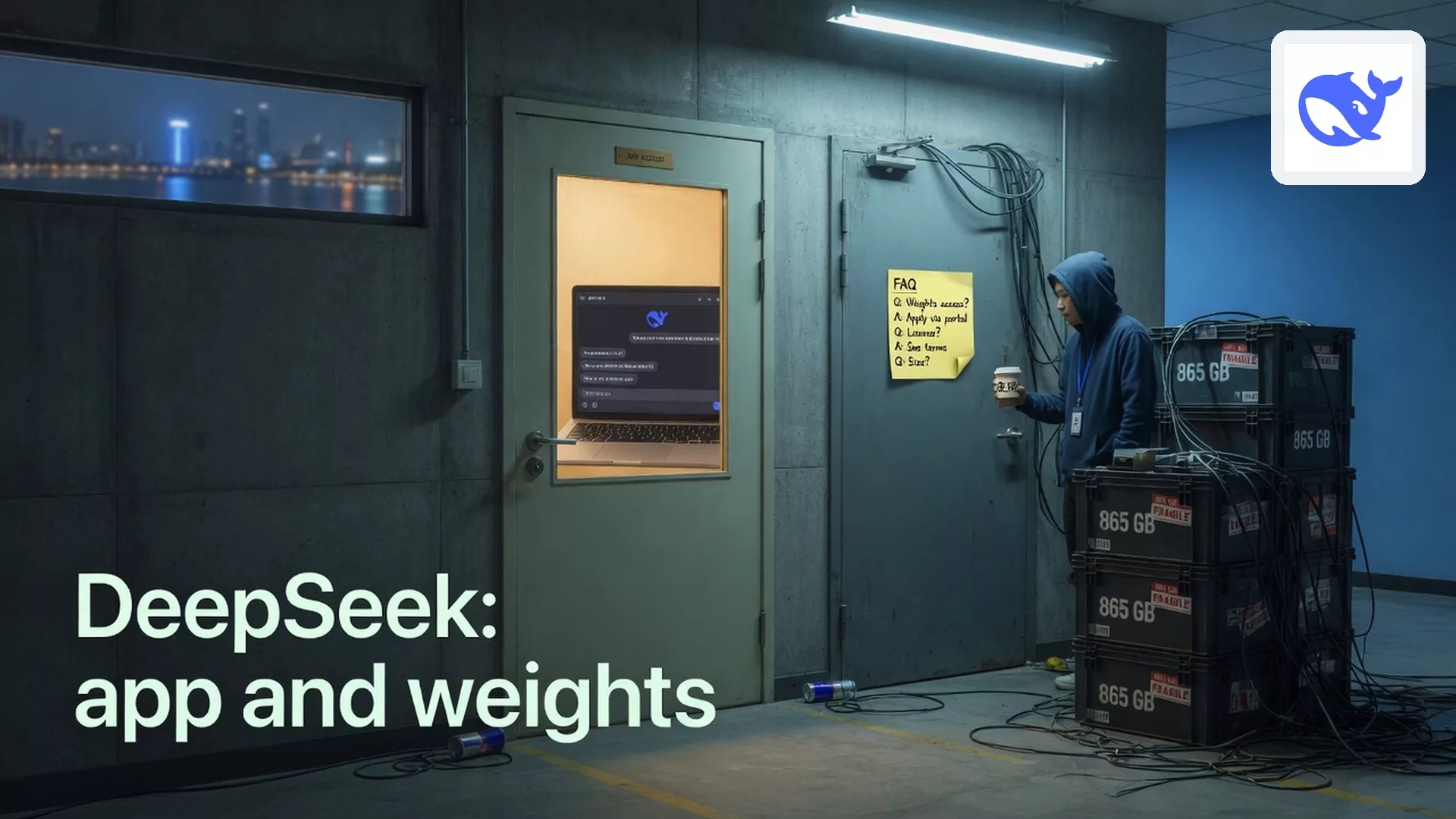
What is DeepSeek? The Chinese AI company and its chatbot explained
DeepSeek chat, API, and open weights are three doors from one lab. Use the site for a short FAQ. Read the Files-tab size before you clone. Open weights…
What to check when your AI coding assistant suddenly stops working
When Gemini coding tools stop, classify the stoppage: plan, quota, account, policy, outage, or deprecation. Fix in order. Buying a new personal plan rarely fixes an enterprise seat…
