

When you let an AI helper change code from the terminal, work on a copy, keep the goal small, ask for a plan first, and approve the final change yourself. These terminal agents (AI helpers that work in the text window where you type commands) can plan a task, edit files, and run commands across a whole project. That power is the point, and it is also the risk, because one mistake can touch many files at once.
Say you copy old setup notes for Gemini CLI onto your work laptop, and that laptop still keeps live company passwords in its default settings. Google has since replaced that tool for many users, so the steps are out of date. Then the AI offers to clean up a folder, and you never made a spare copy of the code. Nothing has gone wrong yet, but you skipped every safety habit in one sitting.
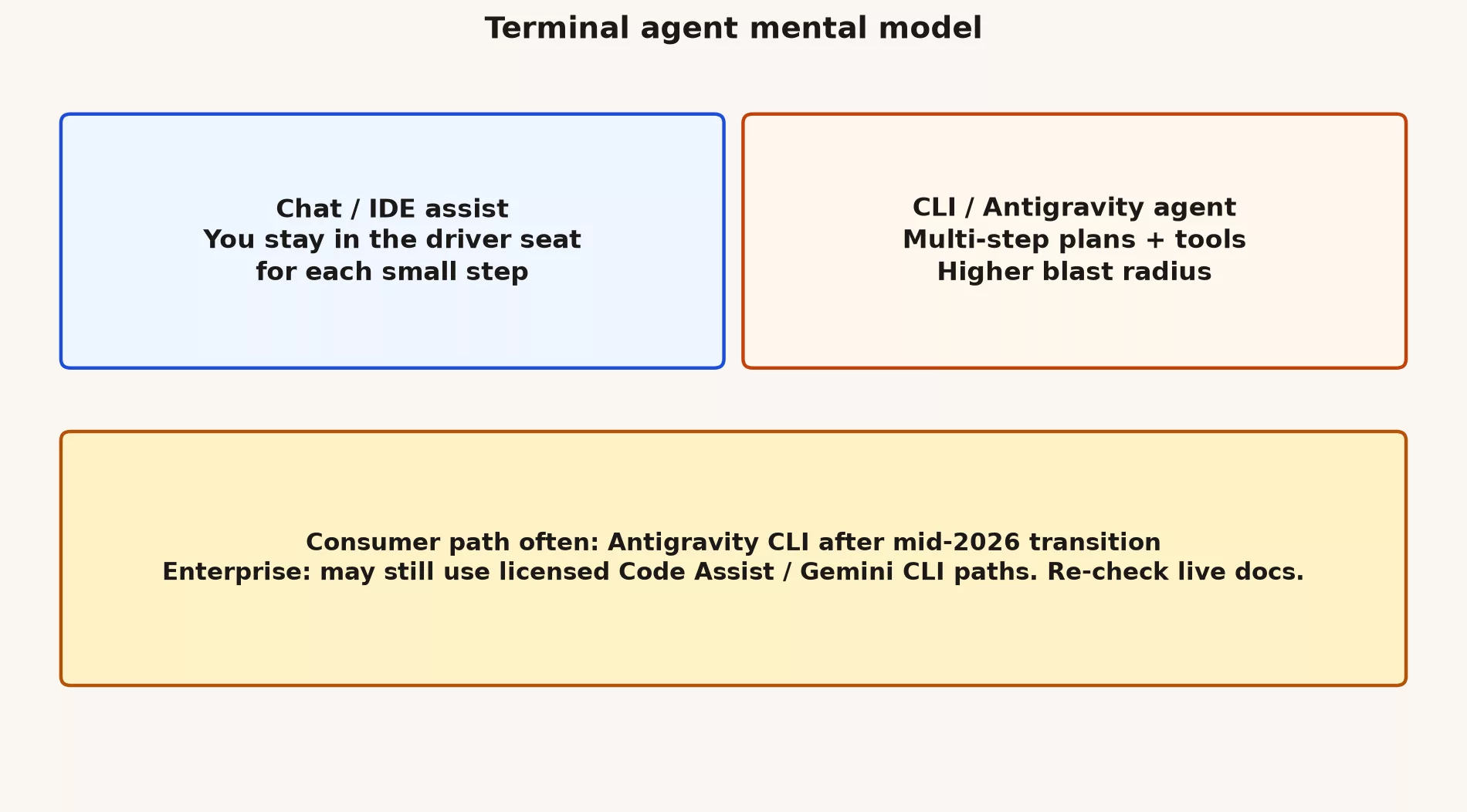
Terminal agents feel like magic because they can plan, edit, and run commands across a project without you typing each step. That is also why careful teams stay nervous. Gemini CLI and Antigravity CLI belong to this family. They give you more independence than inline autocomplete, and they can do more damage than a side-panel tool that only rewrites a sentence.
How much damage each tool can do
| Tool type | Autonomy | Best for |
|---|---|---|
| Gemini app chat | Low | Design talk, snippets, non-repo questions |
| IDE assist | Low-medium | Inline complete, small edits |
| Terminal CLI agent | Medium-high | Multi-step repo tasks with review |
| Antigravity-style platform | High | Agent-first workflows when the team is ready |
Chat is for talking things through, and IDE assist (the helper built into your code editor) is for small edits right next to your files. An AI tool you run by typing commands can touch many files and run commands on its own, and an Antigravity-style platform leans even further toward letting the AI lead. Because the same model family sits behind all four, it is easy to assume they need the same amount of checking, but they do not. The more a tool can do without asking, the more carefully a person has to review what it did.
A safe starter kit
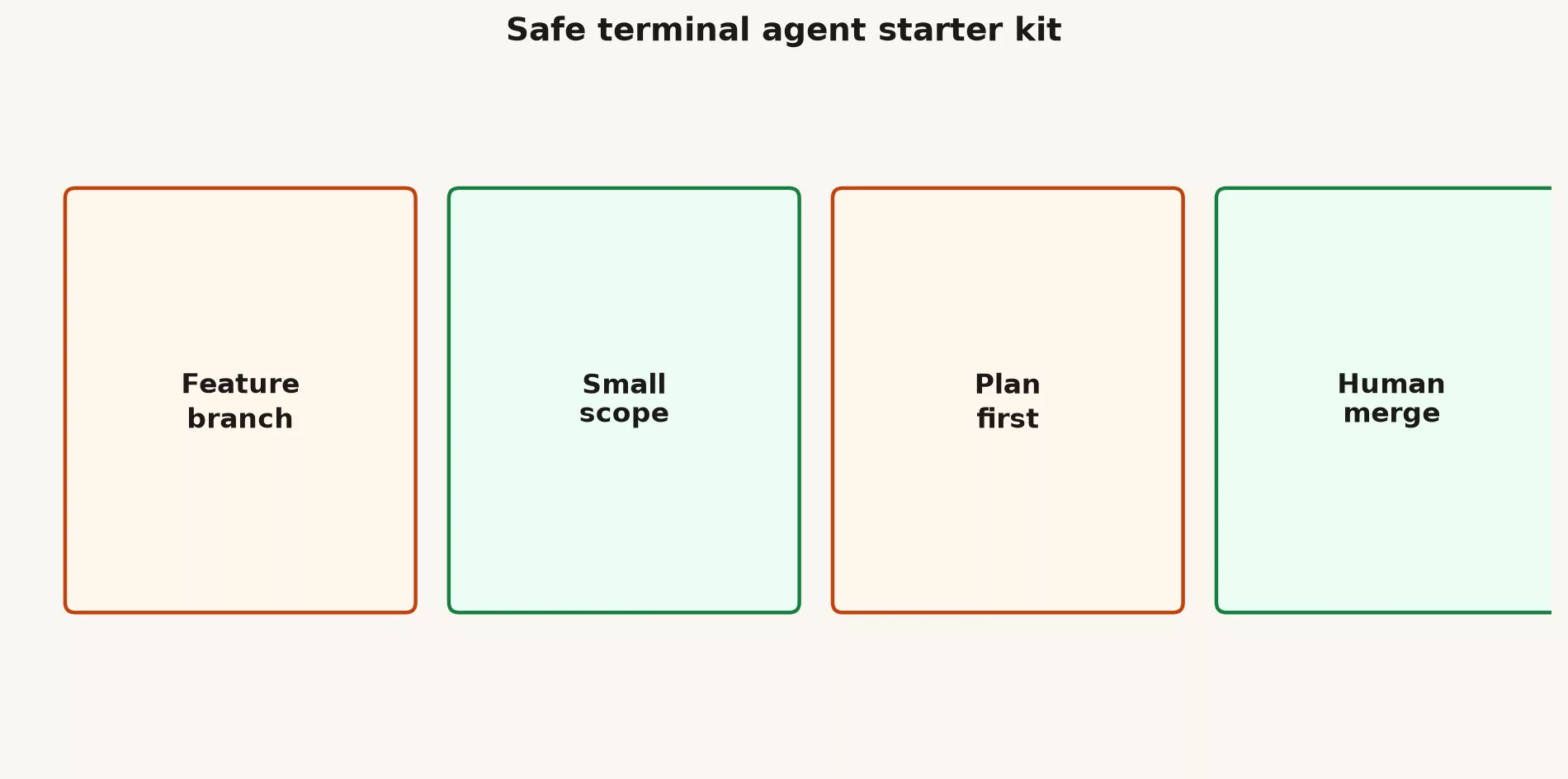
- Create a feature branch, which is a separate copy of the work, so nothing touches the main version.
- State a small goal that a test can check.
- Prefer plan or dry-run modes when they exist, because they show what the agent, the AI tool doing the work, intends before it changes anything.
- Watch which files it touches, and stop if the scope starts to grow.
- Run the tests and open a pull request, which is a request for review, so a person merges the change.
# Internal standard stub
# Approved terminal agent: (Antigravity CLI / Gemini CLI / none)
# Auth: work account / Cloud project
# Data: no customer PII in prompts
# Git: feature branch required
# Review: human required for auth, payments, migrations
# Last verified: YYYY-MM-DD
Handling a tool rename calmly
When a tool changes its name, list every alias, automated job, and wiki page that mentions the old one, and fix them the same day. Then sign in again, test one real workflow (the usual sequence of steps you follow) from start to finish, and update the standard stub above. Dated documents beat memory, because nobody remembers which install steps were replaced. On June 18, 2026, Gemini CLI stopped serving free, Google AI Pro, and Ultra users, who were pointed to Antigravity CLI, while company Standard and Enterprise licenses kept access, according to Google’s developer blog (checked October 2, 2026). Treat product names as pins on a map that can move, and re-check the migration notes the week you train your team.
Safety rules that belong in the stub
- Keep production passwords out of any environment where the agent runs experiments, so a bad command cannot reach real systems.
- Do not allow force-pushing, which overwrites shared history and cannot easily be undone.
- Cap minutes and cost where the tool allows it, so a runaway task stops on its own.
- Log the model and tool versions if you may need an audit later.
Practice this week
- On a throwaway repo, run one task such as “explain why this test is failing.”
- Save the plan the agent wrote and the final list of changes, so you can compare what it said it would do with what it did.
- Write three rules your team would require before anyone uses the tool on real work. That way the trial ends with a decision, not a demo.
Common mistakes
- Copy-pasting install notes written before the rename
- Assuming enterprise and consumer timelines match
- Letting the agent press the merge button itself
- Training junior developers on full autonomy first, before they have seen the small, safe version
What good looks like
One platform team allowed command-line agents only after writing a review checklist and banning access to production secrets, and their incidents dropped. A startup let agents loose on its main copy of the code and spent a week restoring files. The tool was not the villain in either story, because the difference was the process around it.
Ship one small, reviewed change this week using only these habits. Coding AI skills stick when they produce changes you can defend in a review, and they fade when they only produce impressive demos you cannot explain to a colleague.
Quick recap
- Terminal agents do many steps on their own, so a mistake can spread across many files.
- Use a branch, a small scope, a plan first, and a human merge.
- The next post walks through the ask, edit, test, and review loop in detail.
Series notes
This is Part 2 of the Gemini coding surfaces tutorial (GM23). Previous: IDE assist vs chat. Next: the ask-edit-test-review loop.
Sources
Keep going
Same lessons in your feed
Short diagrams, hooks, and weekly tutorials on Substack, Instagram, X, and Facebook.



