Category: AI
You are here if AI showed up in your job and the names on the screen do not match the buttons. This category is practical. It is not a model-release calendar, and it is not one lesson pasted under a new product name. The series split the pile so a Claude post and a ChatGPT post can teach different work.
Everyday paths are for a person with no account yet, or a person whose chat forgot a file: setup, prompting, memory, agents, safety, and which product fits a job. Product paths stay on one tool: Claude, ChatGPT, Gemini, or Grok, from a first login to the surface you should not open. Open-weight paths are Llama, DeepSeek, Qwen, Kimi, and GLM: what the name refers to, and when a normal paid chat is the easier tool. Engineering paths are for running a model, retrieving from your own files, and fine-tuning. Several of those hubs are still waiting on a first live part, and the hub page says so.
Where to start: no account yet, use AI setup from zero. You already pay for one product, open that product’s series and use the first part. You want the idea before the brand, use Practical AI. You want every series in order, use Learn and the AI tracks.
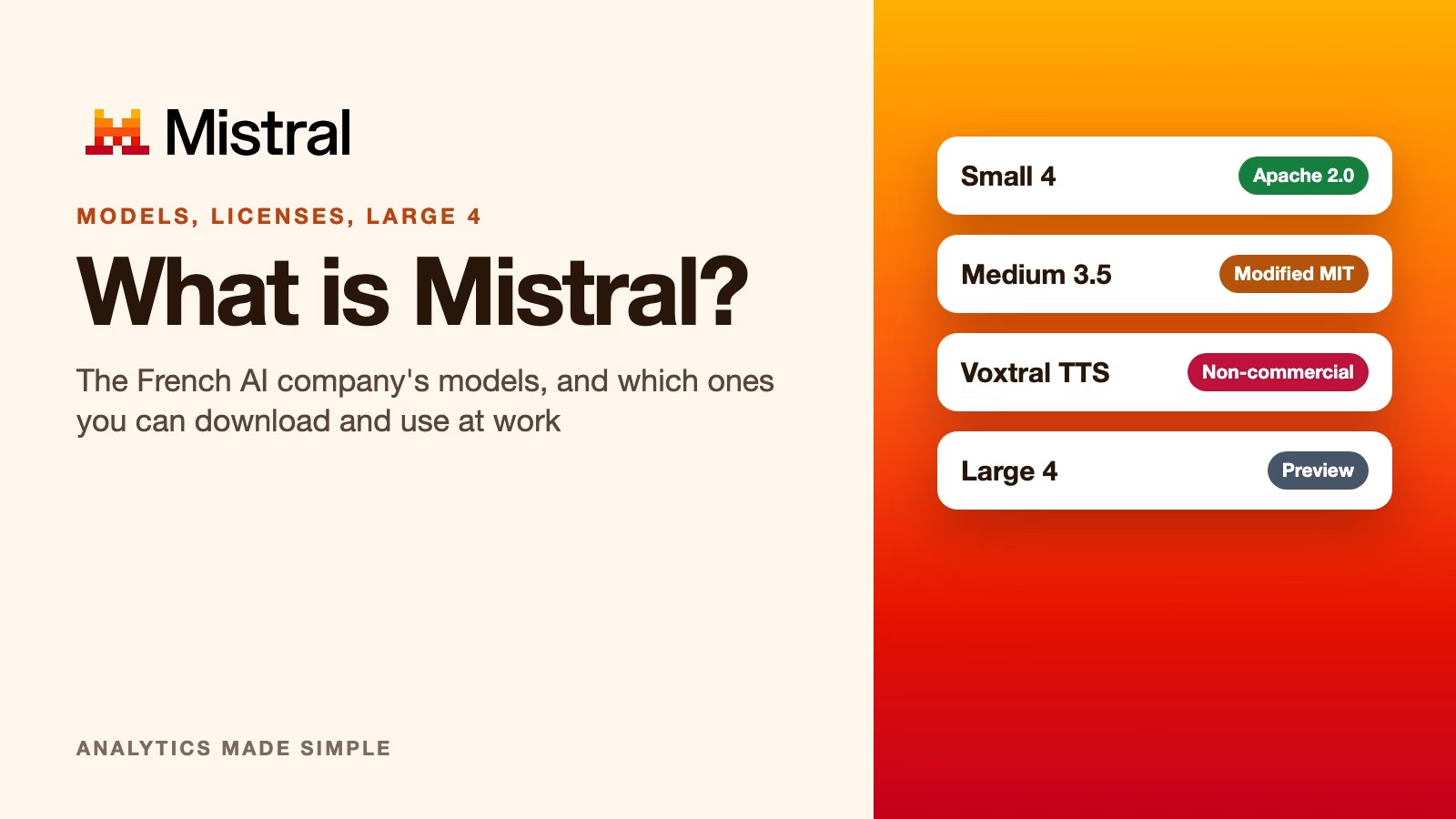
What is Mistral AI? Its models, their licenses, and which ones you can use at work
Mistral AI is a French company whose models you can often download and run yourself, but each one has its own license. Here is what Mistral makes, which…
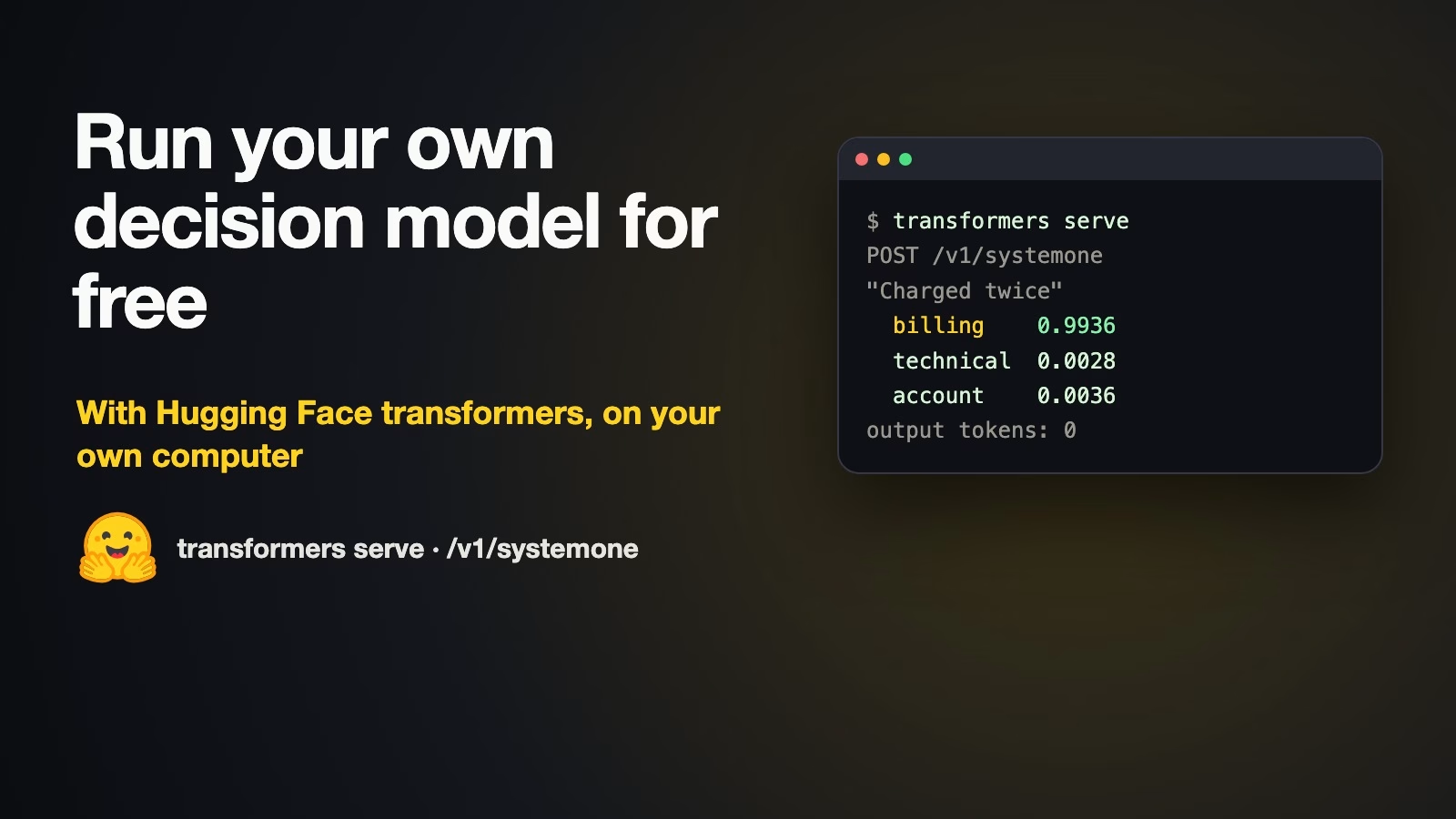
How to run a free AI model that sorts tickets on your own computer with Hugging Face
Hugging Face’s transformers server can now turn an open model such as Qwen into a decision model on your own computer, with a probability for every allowed answer.…
How to write a clear brief for your first AI video
Write your first AI video prompt like a short shot list: one camera move, what moves in the picture, and the light. Mood words like epic do not…

How to add AI to your automation workflows safely
Gate workflow AI with structured outputs, confidence thresholds, and cost caps. Use models for fuzzy text, not for authoritative writes without review.

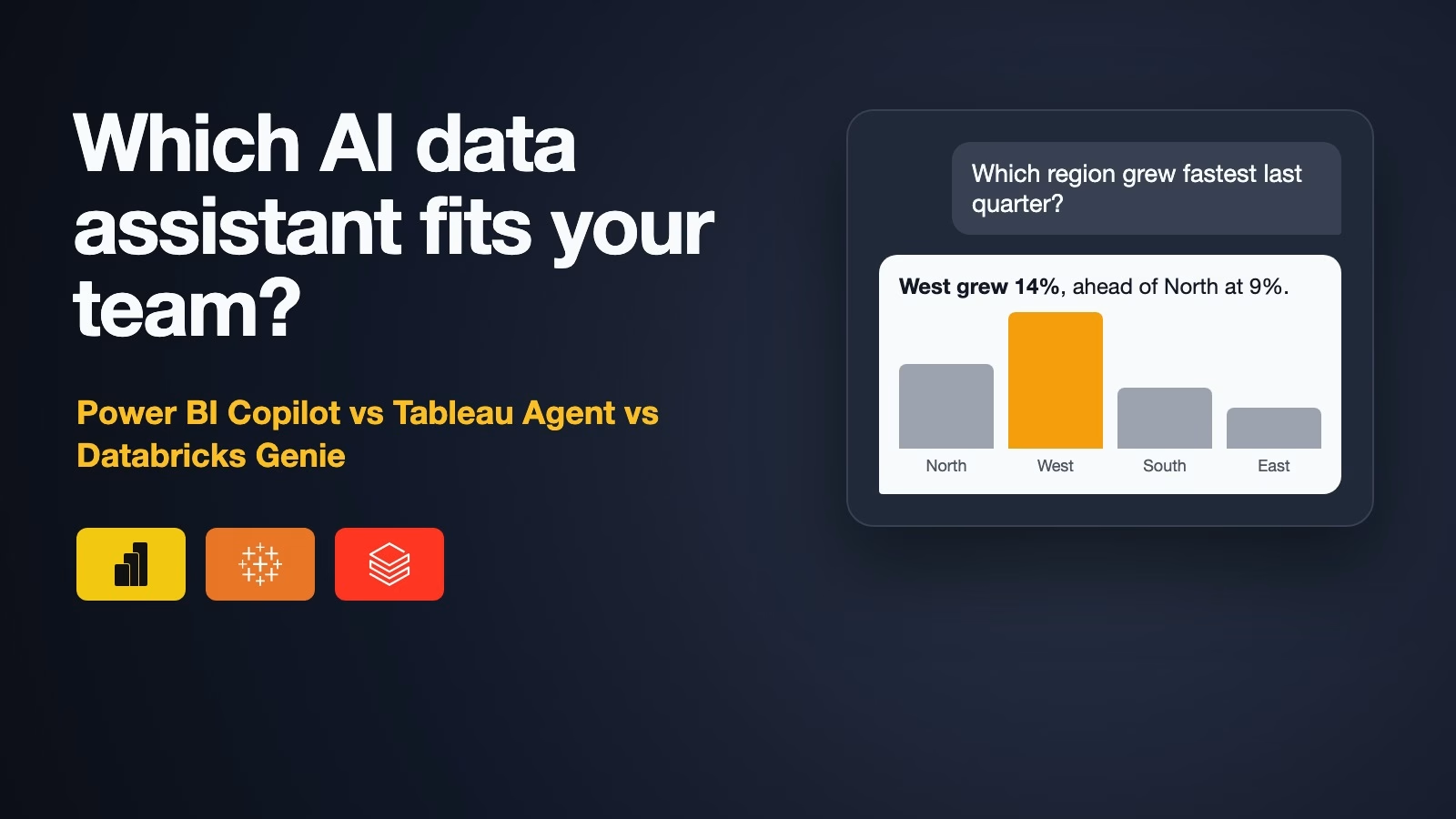
Power BI Copilot vs Tableau Agent vs Databricks Genie: which AI data assistant fits you?
Power BI Copilot, Tableau Agent and Databricks Genie all answer questions about your data in plain English, but each needs a specific plan and some data preparation first.…