Category: AI
You are here if AI showed up in your job and the names on the screen do not match the buttons. This category is practical. It is not a model-release calendar, and it is not one lesson pasted under a new product name. The series split the pile so a Claude post and a ChatGPT post can teach different work.
Everyday paths are for a person with no account yet, or a person whose chat forgot a file: setup, prompting, memory, agents, safety, and which product fits a job. Product paths stay on one tool: Claude, ChatGPT, Gemini, or Grok, from a first login to the surface you should not open. Open-weight paths are Llama, DeepSeek, Qwen, Kimi, and GLM: what the name refers to, and when a normal paid chat is the easier tool. Engineering paths are for running a model, retrieving from your own files, and fine-tuning. Several of those hubs are still waiting on a first live part, and the hub page says so.
Where to start: no account yet, use AI setup from zero. You already pay for one product, open that product’s series and use the first part. You want the idea before the brand, use Practical AI. You want every series in order, use Learn and the AI tracks.
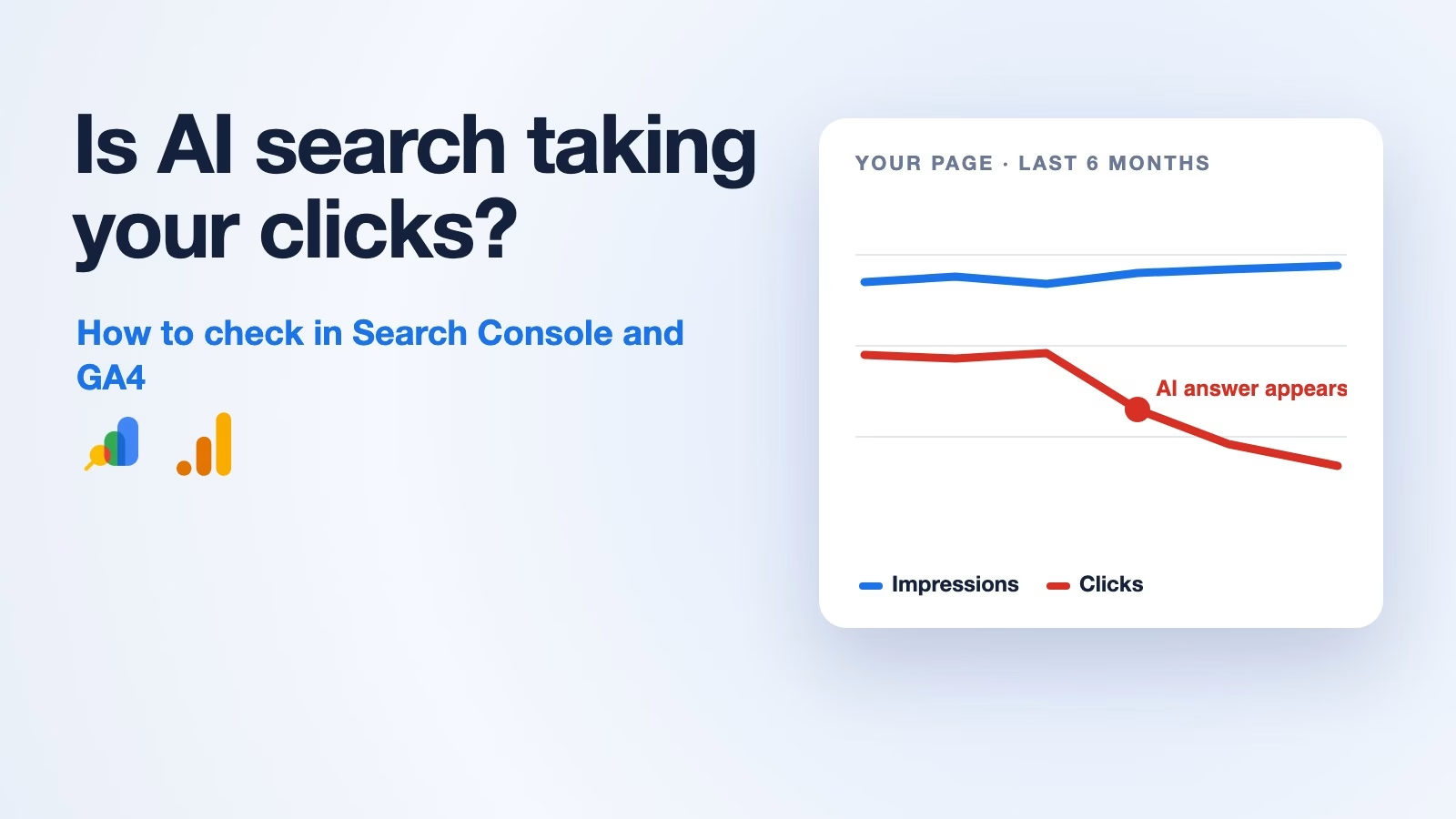
Is AI search stealing your website traffic? How to check in Search Console and GA4
Google’s AI answers can cut clicks to your site even when your pages still show up. Here is how to spot it page by page in Search Console,…
How to give an AI your company’s knowledge: RAG, fine-tuning, or long context
Choose RAG for changing private knowledge with citations, fine-tuning for tone and rigid formats, and long context for whole-document comparison. Most production stacks blend the three on purpose.

How to build an n8n alert workflow that sends fewer, clearer Slack messages
Build n8n keepers around webhook intake, simple triage code, and interactive Slack cards. Optimize for humans who must live with the workflow.
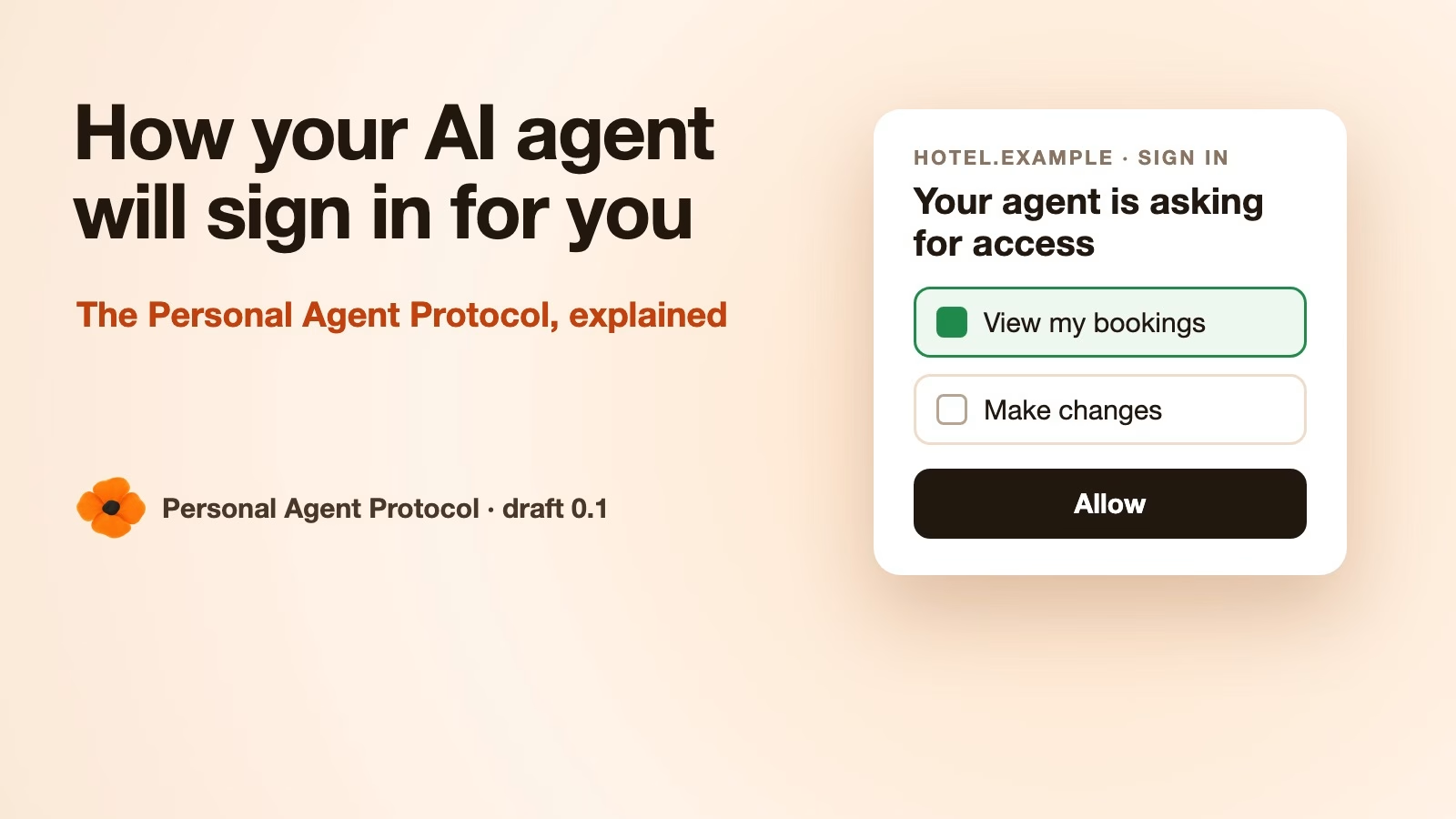
How your AI agent will sign in to shops and banks: the Personal Agent Protocol explained
The Personal Agent Protocol is a draft open standard from Sierra and Meta for how your AI agent signs in to a company and what it may do…
When to use a plain AI chat instead of an AI agent
Use plain chat when the work is thinking and writing. Use agents when files, tests, and shells must close the loop. Match surface to stakes.