
Category: AI
You are here if AI showed up in your job and the names on the screen do not match the buttons. This category is practical. It is not a model-release calendar, and it is not one lesson pasted under a new product name. The series split the pile so a Claude post and a ChatGPT post can teach different work.
Everyday paths are for a person with no account yet, or a person whose chat forgot a file: setup, prompting, memory, agents, safety, and which product fits a job. Product paths stay on one tool: Claude, ChatGPT, Gemini, or Grok, from a first login to the surface you should not open. Open-weight paths are Llama, DeepSeek, Qwen, Kimi, and GLM: what the name refers to, and when a normal paid chat is the easier tool. Engineering paths are for running a model, retrieving from your own files, and fine-tuning. Several of those hubs are still waiting on a first live part, and the hub page says so.
Where to start: no account yet, use AI setup from zero. You already pay for one product, open that product’s series and use the first part. You want the idea before the brand, use Practical AI. You want every series in order, use Learn and the AI tracks.
How to get useful answers from Gemini about your photos and documents
Everyday multimodal help with Gemini: whiteboards, screenshots, and PDFs using structured prompts, short upload rules, and quick verification so camera-roll magic does not become a data incident.

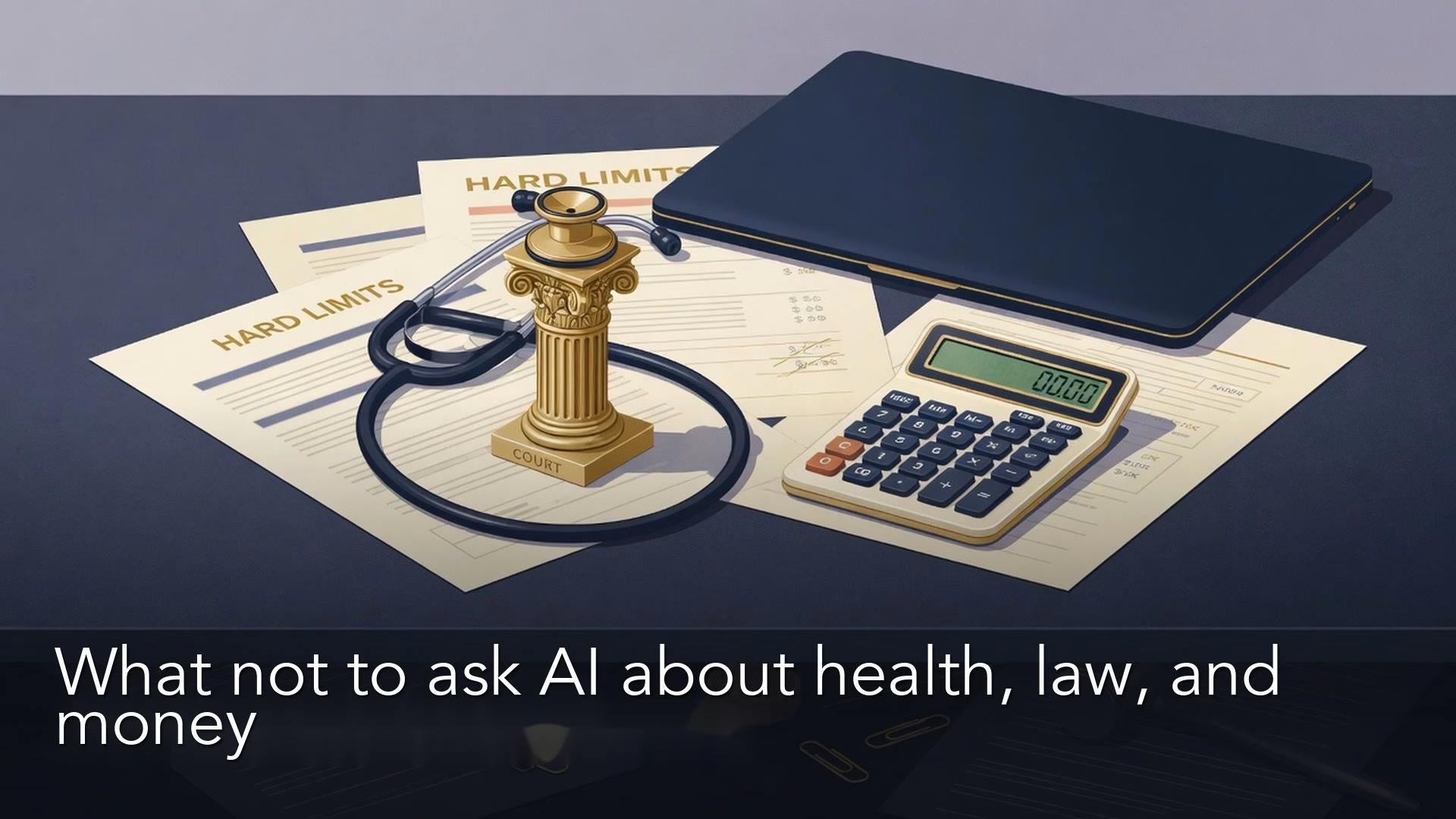
What not to ask AI about health, legal, and money questions
Chat cannot be your doctor, lawyer, or adviser. Prep questions and plain drafts; never paste full records or treat a reply as a signed plan.
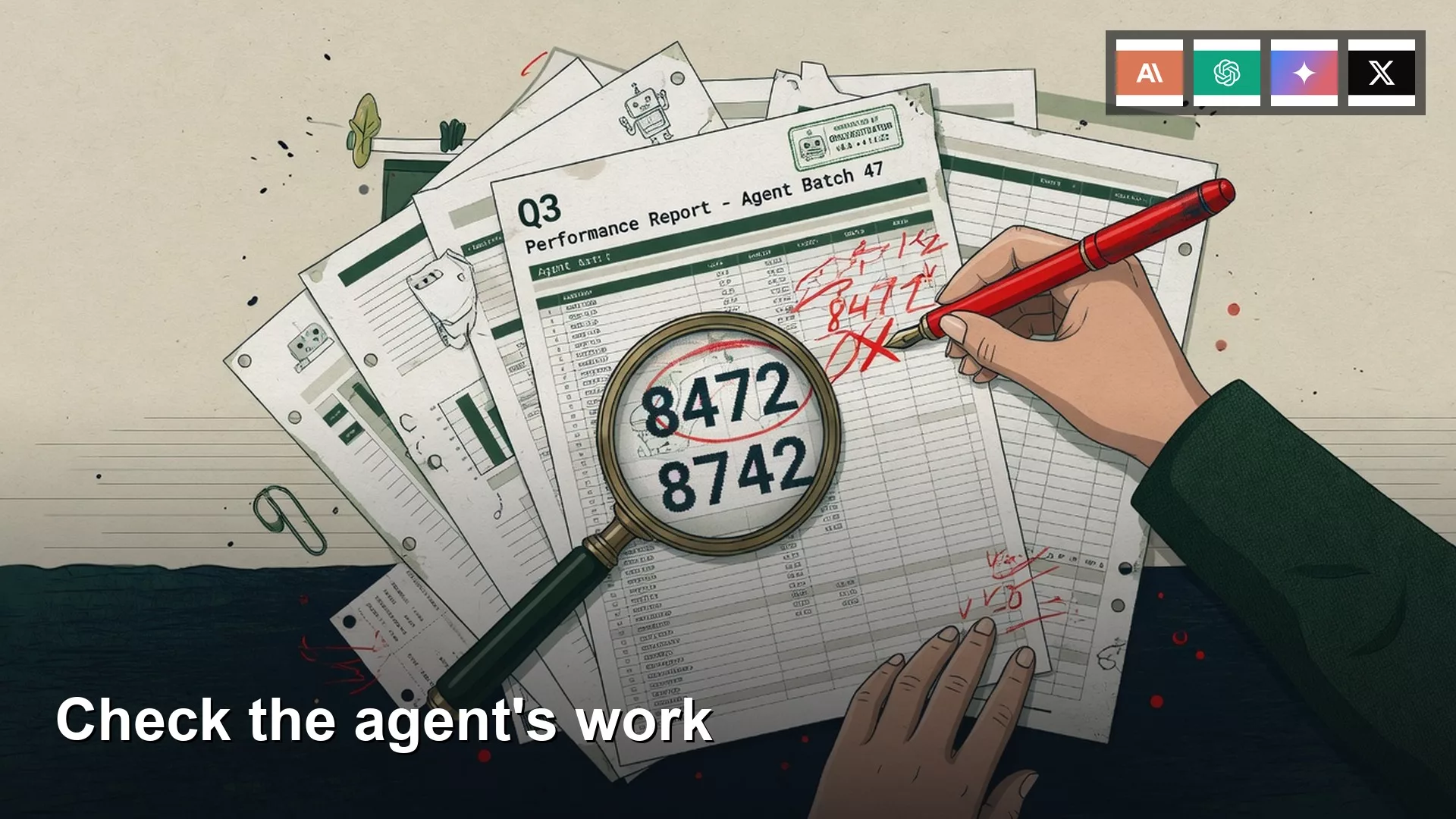
How to check an AI agent’s work when you are not an engineer
Check the files, not the agent transcript. Verify the number, source, owner, and whether send already happened. Pass or fail in sixty seconds.
How to turn a messy folder into a project Claude or ChatGPT can work with
A dump of files is not a project. Copy what the job needs, write standing instructions, pin the output format, and clean for thirty minutes first.

How to edit Grok Imagine images step by step instead of starting over
Stop regenerating from zero for one wrong word. Point at the region, use a reference, and budget three edit passes so color and spelling do not drift.
