
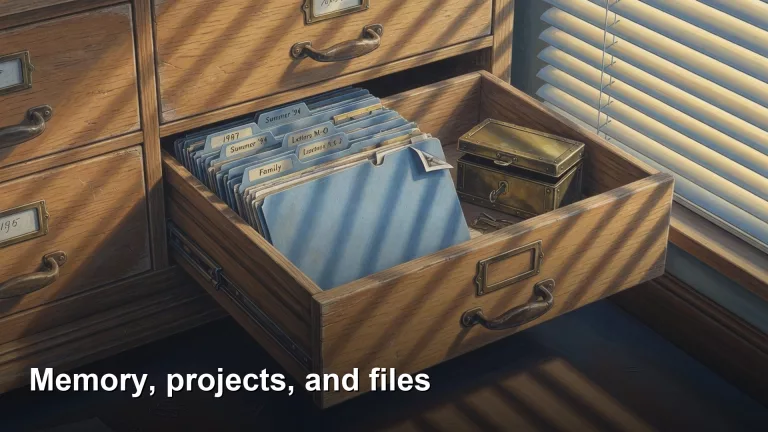
This path is for you if a chat forgot the file you uploaded last week. Parts separate chat history, memory, and projects, then where an upload goes across tools, and how to turn a messy folder into a working project. Start with the first part on this page.
- 1 How AI chat apps like ChatGPT remember you across chats History is this thread, Memory travels, Projects are job buckets. Pick the drawer so hobby chats do not draft the board deck.
- 2 How to upload documents to AI tools safely An upload is a copy leaving your disk. Strip IDs and unrelated pages; prefer a redacted extract over the whole PDF.
- 3 Where did my file go? How AI chat apps store your uploads Yesterday's attachment is not in today's empty chat. Hunt the thread, Project, Memory, or Downloads path before you ask what the file said.
- 4 How to turn a messy folder into a project Claude or ChatGPT can work with A dump of files is not a project. Copy what the job needs, write standing instructions, pin the output format, and clean for thirty minutes first.