
Category: AI
You are here if AI showed up in your job and the names on the screen do not match the buttons. This category is practical. It is not a model-release calendar, and it is not one lesson pasted under a new product name. The series split the pile so a Claude post and a ChatGPT post can teach different work.
Everyday paths are for a person with no account yet, or a person whose chat forgot a file: setup, prompting, memory, agents, safety, and which product fits a job. Product paths stay on one tool: Claude, ChatGPT, Gemini, or Grok, from a first login to the surface you should not open. Open-weight paths are Llama, DeepSeek, Qwen, Kimi, and GLM: what the name refers to, and when a normal paid chat is the easier tool. Engineering paths are for running a model, retrieving from your own files, and fine-tuning. Several of those hubs are still waiting on a first live part, and the hub page says so.
Where to start: no account yet, use AI setup from zero. You already pay for one product, open that product’s series and use the first part. You want the idea before the brand, use Practical AI. You want every series in order, use Learn and the AI tracks.
How to use Google Gemini for research, planning, and writing
Research and writing with Gemini works when you force a pipeline: questions, trusted sources, outline, draft with placeholders, then verify. Mark unknowns. Humans own the byline.

How much freedom should you give an AI agent?
Pick watch, approve, or walk away on purpose. If you typed save and the agent sent mail, send was armed when you left the chair.

How to upload documents to AI tools safely
An upload is a copy leaving your disk. Strip IDs and unrelated pages; prefer a redacted extract over the whole PDF.

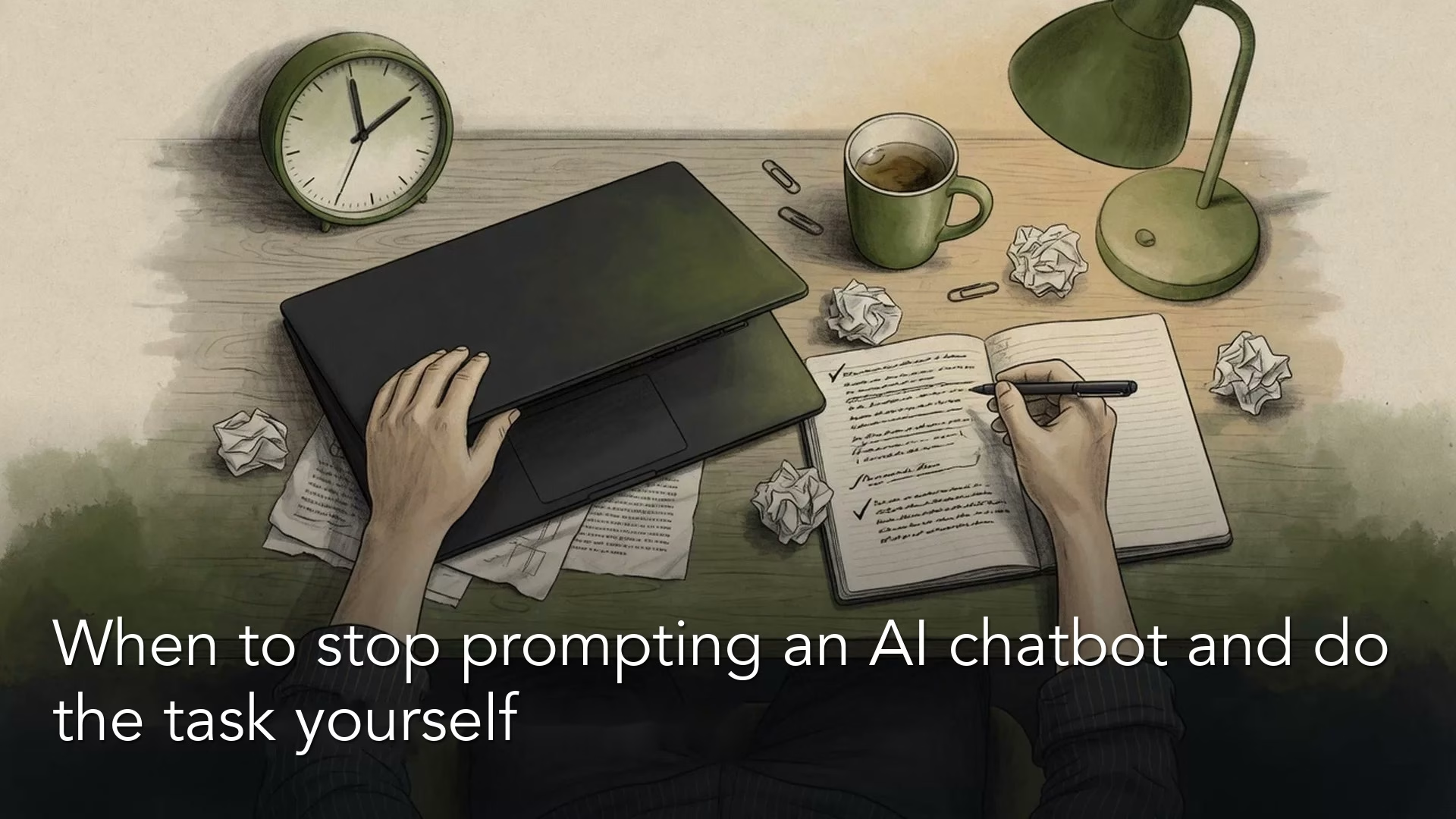
When to stop prompting an AI chatbot and do the task yourself
Prompting has a clock. When facts, feeling, or your signature matter, close the chat and do the task yourself.
How to review and undo Grok Build’s code changes safely
Review Build before you promote a prompt. Watch first, keep secrets out, and treat git as undo for anything the agent can delete.
