Category: AI
You are here if AI showed up in your job and the names on the screen do not match the buttons. This category is practical. It is not a model-release calendar, and it is not one lesson pasted under a new product name. The series split the pile so a Claude post and a ChatGPT post can teach different work.
Everyday paths are for a person with no account yet, or a person whose chat forgot a file: setup, prompting, memory, agents, safety, and which product fits a job. Product paths stay on one tool: Claude, ChatGPT, Gemini, or Grok, from a first login to the surface you should not open. Open-weight paths are Llama, DeepSeek, Qwen, Kimi, and GLM: what the name refers to, and when a normal paid chat is the easier tool. Engineering paths are for running a model, retrieving from your own files, and fine-tuning. Several of those hubs are still waiting on a first live part, and the hub page says so.
Where to start: no account yet, use AI setup from zero. You already pay for one product, open that product’s series and use the first part. You want the idea before the brand, use Practical AI. You want every series in order, use Learn and the AI tracks.
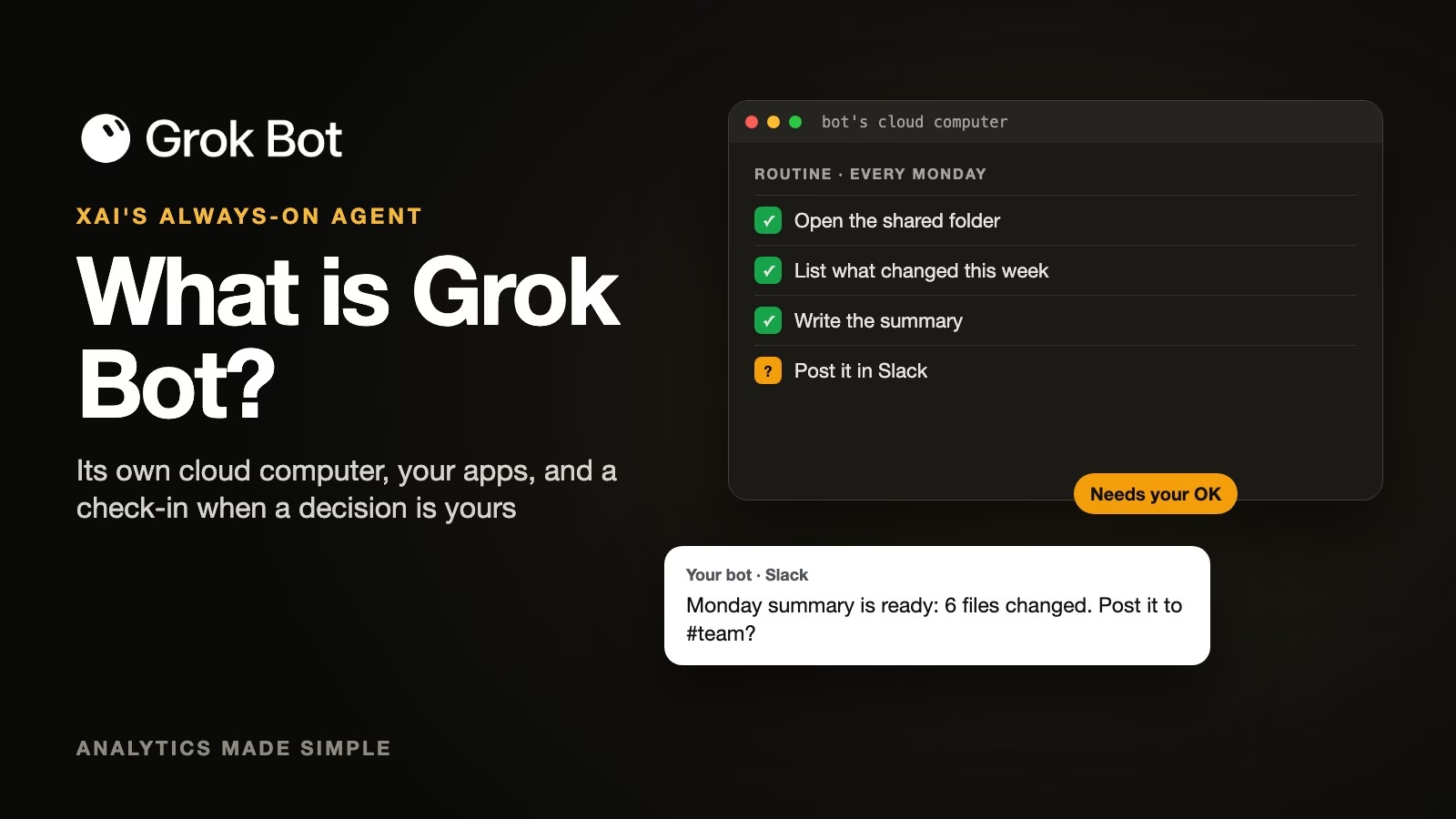
What is Grok Bot? xAI’s always-on AI agent and how to use it safely
Grok Bot is xAI’s always-on AI agent: it has its own cloud computer, signs into your apps, and keeps working on a job between check-ins. Here is where…
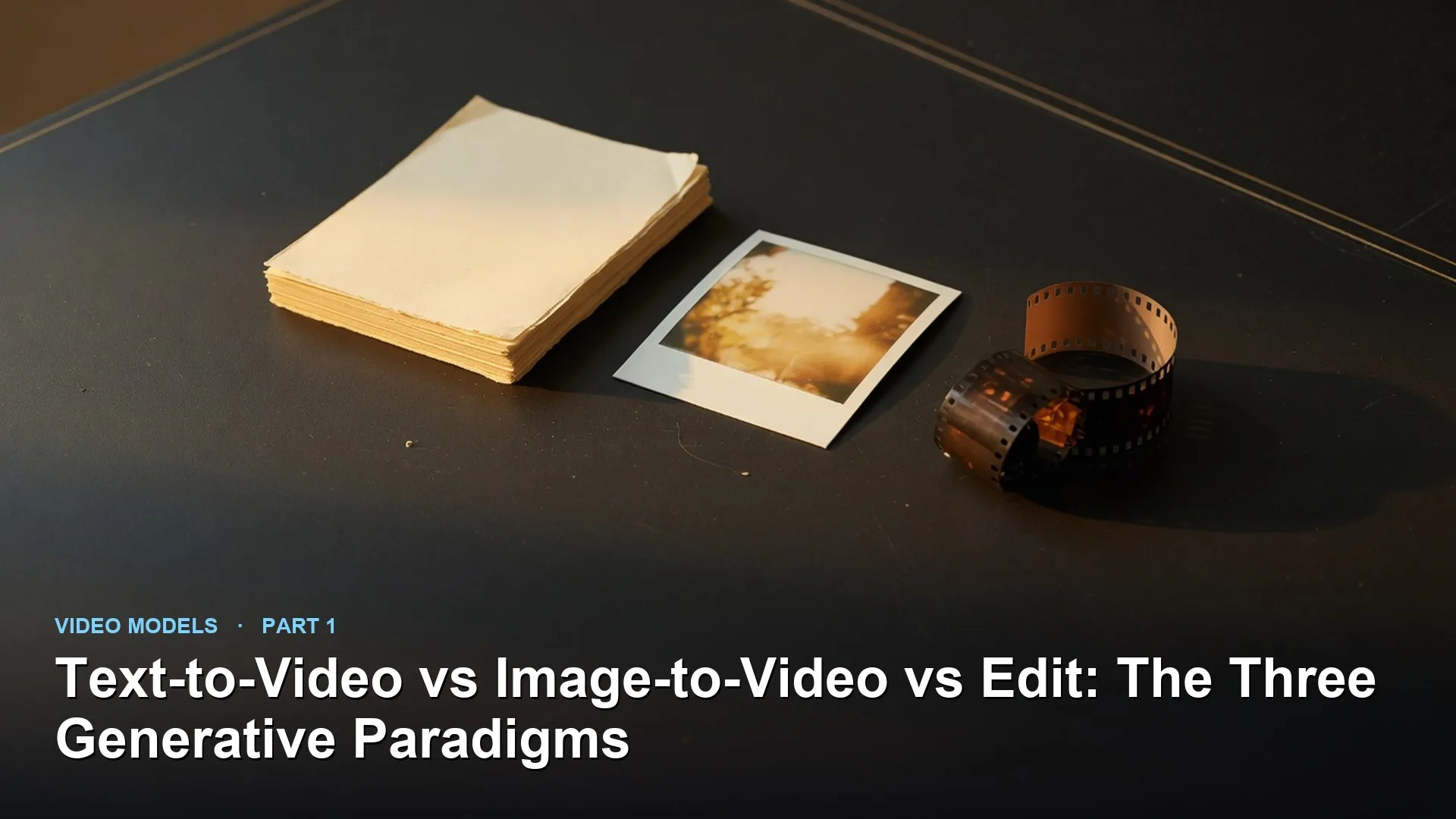
How to choose between text-to-video, image-to-video, and AI video editing
Separate text-to-video, image-to-video, and edit workflows. More control usually means starting from a still or a clip, not from a vague paragraph.
How to start using Qwen, Alibaba’s AI chatbot
Use official Qwen chat with Max, Plus, or Turbo on purpose, and turn Web Search off when the source of truth is the PDF in your hand. Verify…
Claude Code mods for beginners: how they work, real examples, and safety tips
Claude Code mods are small pieces of code that change how Claude Code looks and behaves, from a pane beside the chat to a check before risky commands.…

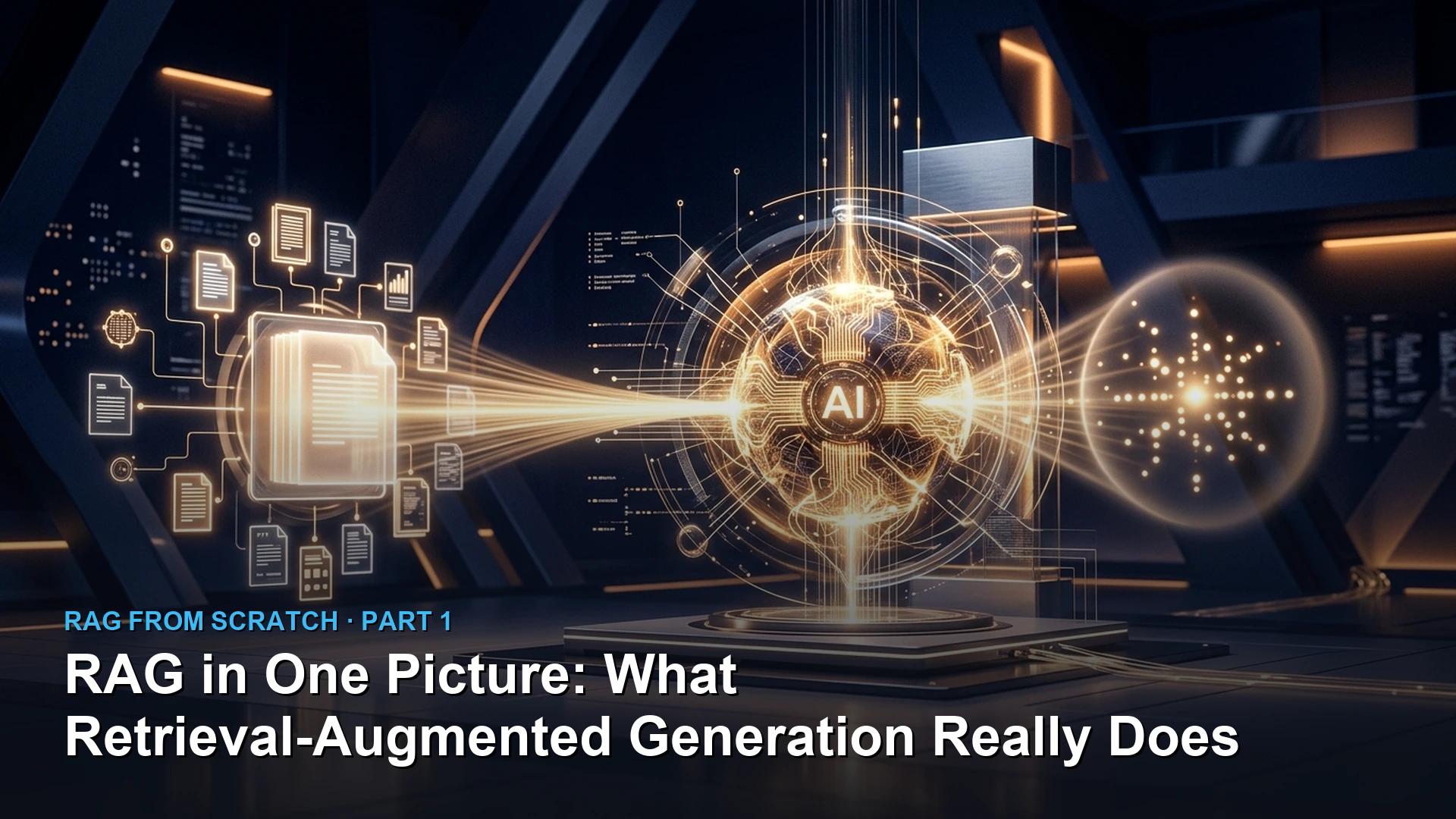
What is RAG? How AI answers questions from your own documents
RAG separates knowledge lookup from model reasoning. Embed, retrieve, augment the prompt, then generate. Bad retrieval looks like a broken search engine with better prose.