
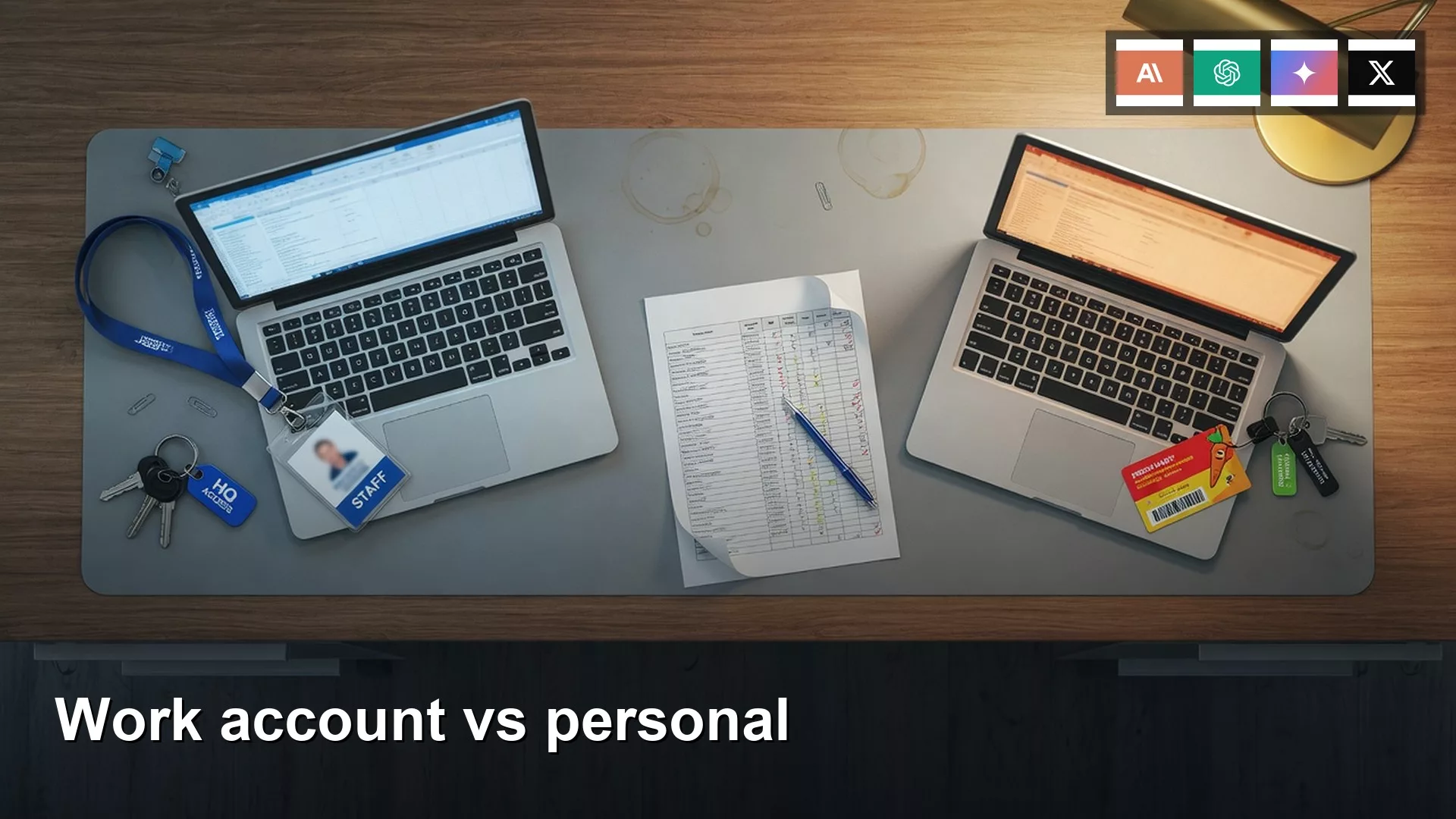
The email you sign in with on an AI app decides who owns what you type: you, or your employer. Keep one personal login and one work login. Never paste customer data into your personal account, and never do personal tasks on your work login.
Say your work ChatGPT account hits its usage limit late one afternoon. You have a spreadsheet of 19 customers open, and a notes column holds three people’s personal email addresses. You also pay for ChatGPT on your personal Gmail, so you switch tabs, paste the sheet in, and ask why customers are leaving.
The email is the legal person in the room

A chat looks like a window, but the vendor treats it like a contract. The identity you are signed in with is the customer, which is either you or your company. If the avatar shows dev.personal@gmail.com, those 19 rows now sit in a consumer account, even if your prompt said “summarize churn for the Q3 board.” If the avatar shows the company Google and you paste your kid’s history essay, that essay is now company data. The window does not care about your intent. That is the trap.
The earlier post in this series said to pick the identity before you pick the plan. How long chats are kept, whether they are used for training, who can export a thread, and who owns the file after you quit all follow the login, not the topic. Opening a new tab does not create a new legal person. Keep both accounts if you need them, but never let one email do two jobs.
Rule of thumb: The email (or company single sign-on, called SSO) on the account is the legal person in the room. Do not sign a client draft in with a shopping Gmail, and do not sign homework in with the company Google.
Why the social sign-in buttons matter
Those big buttons are a convenience, and they also lock the account to that login. “Sign in with Google” means the product now treats that Google account as your identity, and the same goes for Apple and Microsoft. ChatGPT’s own help page is blunt about this, and it was checked in August 2026. If you started with a social login or SSO, you generally cannot later switch that account to a plain email and password. Enterprise customers can sometimes get a reset through their sales rep, while consumer accounts stay locked.
The Google account you click might also be the wrong one. Chrome may be logged into your photos and shopping, while your work Google is the other profile in the account switcher. One tap on the blue button and you have signed a client file into your personal identity. Apple is worse on a work laptop, because your personal Apple ID is probably already signed in to the App Store, as in the $19.99 duplicate subscription from the earlier post on accounts. Microsoft splits the same way, between a personal Outlook account and a work account managed through Microsoft Entra (the company’s identity system). Connectors follow the same identity, because ChatGPT’s Google app can only see the one Google account you chose, and a second Gmail replaces the first. If you connect your work Drive to personal Plus, you still have a personal Plus with a work Drive attached.
- Open the avatar and read the email out loud. Gmail, iCloud, or a personal Outlook address means the personal account.
- A company domain means the work account, even if you opened the tab from home.
- “Sign in with Apple” on a managed Mac still lives with your Apple ID, not with IT.
- If your work Google is also how you pay for Plus on your Visa, you have already mixed billing and identity, so fix the login before you add any files.
Work seats versus consumer seats
Consumer ChatGPT (Free, Go, Plus, Pro), Claude Free, Pro, and Max, Gemini on a personal Google account, and Grok on grok.com or X are personal products. You are the customer, you pick the data controls, and there is no company admin who can place a legal hold on your chats. If a vendor trains on consumer chats unless you opt out, that switch lives in your settings, so go and read it. Do it today.
Work seats are a different product family even when the chat looks identical, and the names keep moving. In August 2026, OpenAI sold work ChatGPT under Business and Enterprise, and Team was the earlier label. On those seats the company is the customer, and business data such as conversations, files, and outputs is not used to train models by default. Qualifying organizations can set how long data is kept, admins manage members and SSO, and Enterprise adds user provisioning, audit logs, and a compliance export path. A limit on that seat is annoying. Pasting the same sheet into personal Plus carries none of those controls with it.
Claude Team asks for a business email and at least two members. Upgrading from Pro on a work email creates a new organization, and your personal Free, Pro, or Max account stays separate unless you migrate chats, projects, files, and memory into the Team organization. Once content is in the organization, it cannot move back. Enterprises can also claim the company domain, so you@company.com on a personal Claude account may get pulled in. Gemini on a work Google account is not your photos Gemini. Where Gemini Apps is a core service on the Workspace license, chats are not used to improve generative models, and where it is only an additional service, they may be reviewed and used to improve Google’s products. Check the badge at gemini.google.com to see which one you have. Copilot on a work Entra account gets enterprise data protection, and prompts can show up in Purview e-discovery (the tool legal teams use to search company records). Grok is personal unless your IT team bought a written deal for it.
| Question | Personal consumer | Work seat | Sign in with Google / Apple / Microsoft |
|---|---|---|---|
| Who is the legal person? | You | The company | The identity behind the button, even if you meant “quick” |
| Typical products (checked August 2026) | ChatGPT Free/Plus/Pro, Claude Pro/Max, Gemini personal, Grok | ChatGPT Business/Enterprise, Claude Team, Gemini for Workspace, Copilot on Entra | Any of the above, glued to that provider |
| Training default | Consumer controls; often an opt-out in Data Controls | Usually excluded from training on the work contract | Follows whichever box you glued |
| Customer files | Never | Yes, if policy allows the tool | Only if the glued box is the work seat |
What IT can see
People hear “admin” and picture a manager reading every prompt at lunch. That is rarely how it works. It is also the wrong kind of comfort. The honest picture is records, not a nosy human on a stool.
On work ChatGPT, admins can see usage, manage members, and (on Enterprise) pull audit-style logs. They may not read your Tuesday draft, but they can reconstruct that a file was uploaded, by whom, and when. On Claude Team, the organization owns the workspace once you are in it. On Gemini for Workspace, Keep Activity is on by default for 18 months unless an admin sets it to 3, 18, or 36 months, or turns it off, and you cannot flip that yourself. Work users also cannot delete chats in the Gemini mobile app the way a personal Google user can. Education tenants can search Gemini conversations in Google Vault, and Copilot on Entra logs prompts into the same compliance system as email.
Personal Plus hides the thread from IT, and for a customer churn sheet that is a hole. Legal cannot find the 19 rows anywhere in the company’s systems. The vendor still has them under consumer terms. If you opted into training, or never found the switch, the sheet may sit in a consumer training pile. The company also cannot send a deletion request the way it can against its own workspace. You have made the file more exposed and harder to find at the same time.
Two mixes that create a record you cannot unsay

Mix A is the story above, where customer data lands in a personal account because the work seat hit a cap. Mix B is Sunday-night homework done in the company Google because that was the profile already logged in. The first leaks outward into the vendor’s consumer world, and the second leaks inward into the company’s retention and e-discovery. Deleting the visible thread does not fix either one. Consumer backups and admin retention do not follow your trash can. A child’s essay in work Gemini can sit for 18 months and show up in a lawsuit that has nothing to do with homework.
A third mix happens when you opened ChatGPT with your work Gmail in 2024, paid for Plus on your own Visa, and now IT buys Business. After a domain claim or a Team invite, that history may be treated as company property. Claude’s migration path is one-way on purpose, so if the writing was personal, move it to a personal address before someone claims the domain. A fourth mix is the laptop itself. “Sign in with Apple” on a managed Mac still belongs to your Apple ID, and your company’s mobile device management (MDM) tool, which IT uses to control work devices, can wipe the device but cannot produce that chat for a client audit. Pick your browser profile the same way you pick your email. The earlier post on browser, mobile, and desktop apps covered where you use AI, and this section covers the login sitting behind each of those.
A worked example with 19 rows in the wrong account
Here is the sheet you pasted. The numbers are toy values, labeled as an example, in the shape of a real churn pull: 19 customers, plus a notes field that nobody should have left in the export.
| customer_id | months_active | last_invoice | notes (should have been stripped) |
|---|---|---|---|
| C-1042 | 14 | 2026-07-31 | emailed mara.k@inbox about pause |
| C-1108 | 6 | 2026-06-12 | cell in Slack: asked for a refund path |
| C-1180 | 22 | 2026-08-02 | renewal contact is a personal Gmail |
Sixteen more rows look like that one. Three had personal emails, and one had a cell number. That is a lot for one paste. You asked personal Plus for “top 3 churn drivers, keep it board-ready.” By Friday, legal asks for the export as part of a customer complaint about C-1108. The Drive folder has the original sheet, but the AI draft lives only in your personal Plus history, and there is no work log of the upload.
The fix goes in this order. Wait out the work-seat limit, or ask IT whether a higher cap or a different model exists on the same login, and do not open the personal tab as overflow. Strip the notes, emails, and phone numbers before any upload (the later post in this series on files comes after the one on two-factor sign-in). If the paste already happened, copy the useful draft into a work document by hand, stop using the personal thread, and tell whoever owns privacy at your company that a consumer account saw the 19 rows.
You can paste this checklist into the team note from the first post in the series:
Identity checklist (one block per product)
Product: [ChatGPT / Claude / Gemini / Grok / Copilot]
Login email in the avatar: [ ]
Sign-in method: [password / Google / Apple / Microsoft / company SSO]
This login is for: [personal | work]
Work files allowed here: [yes / no]
If the seat hits a limit: [wait | ask IT | switch model in the SAME login]
Do not open the other box as overflow
Kids / homework / medical: never on the work login
Customer names, emails, 19-row exports: never on the personal login
Connectors (Drive, Gmail, GitHub): only on the matching identity
Screenshot date: [ ]
Owner: [your name]
If the avatar email is Gmail and the task involves customer C-1108, stop. If the avatar is the company domain and the task is a seventh-grade essay, switch.
Common mistakes
- Treating a work-seat limit as permission to overflow into personal Plus.
- Clicking “Sign in with Google” while Chrome is on the photos account.
- Opening Claude Pro with
you@company.com, then being surprised when the domain is claimed. - Connecting work Drive to a personal ChatGPT “so the files are handy.”
- Using the company Gemini for a kid’s homework because it was already logged in.
- Assuming deleted personal chats are gone from the vendor, or that IT can see your personal Plus chats if they need them for a case.
Quick recap
- The email or company login is the legal person, and your intent does not override it.
- Sign in with Google, Apple, or Microsoft locks the account to that identity, so check the avatar before you paste.
- Work seats (ChatGPT Business or Enterprise, Claude Team, Gemini for Workspace, Copilot on Entra) are company contracts, and consumer Plus is not a backup seat.
- IT can retain and export work chats, and legal cannot find a 19-row paste that only lives in a personal account.
- One personal account, one work account, with no customer files in the personal one and no homework in the work one.
How to practice this week
Open each AI product you use and take a screenshot of the avatar email. Fill in the checklist once per product. If a customer file already sits in a personal history, stop pasting more and tell your privacy owner. If personal writing sits under a work domain, copy it out to a personal login before someone claims the domain. The next post in the series covers two-factor sign-in, account recovery, and shared family or team plans, because identity comes first. The chooser for picking a product lives at which AI product to choose. Related reading: AI for writing, AI for coding, AI for files, AI privacy, Learn, and Practical AI.
Series notes
This is Part 3 of AI setup from zero. Previous: Browser vs mobile vs desktop. Next: 2FA, recovery, and shared plans.
Sources
- OpenAI: changing ChatGPT sign-in method (Google, Apple, Microsoft, and SSO login locks)
- OpenAI: business data privacy (work seats, training default, retention, admin controls)
- OpenAI: ChatGPT Enterprise (SSO, admin, compliance language, checked August 2026)
- Anthropic: get started with the Team plan (business email, separate personal org, one-way migrate)
- Google: Gemini Apps with a work or school account (core vs additional service, 18-month Keep Activity, admin control)
- Microsoft: enterprise data protection for Copilot (Entra work identity, logging, commercial terms)
- OpenAI usage policies and Anthropic usage policy (what you may put in a chat)
- Analytics Made Simple: AI setup from zero (this series)
Keep going
Same lessons in your feed
Short diagrams, hooks, and weekly tutorials on Substack, Instagram, X, and Facebook.



