
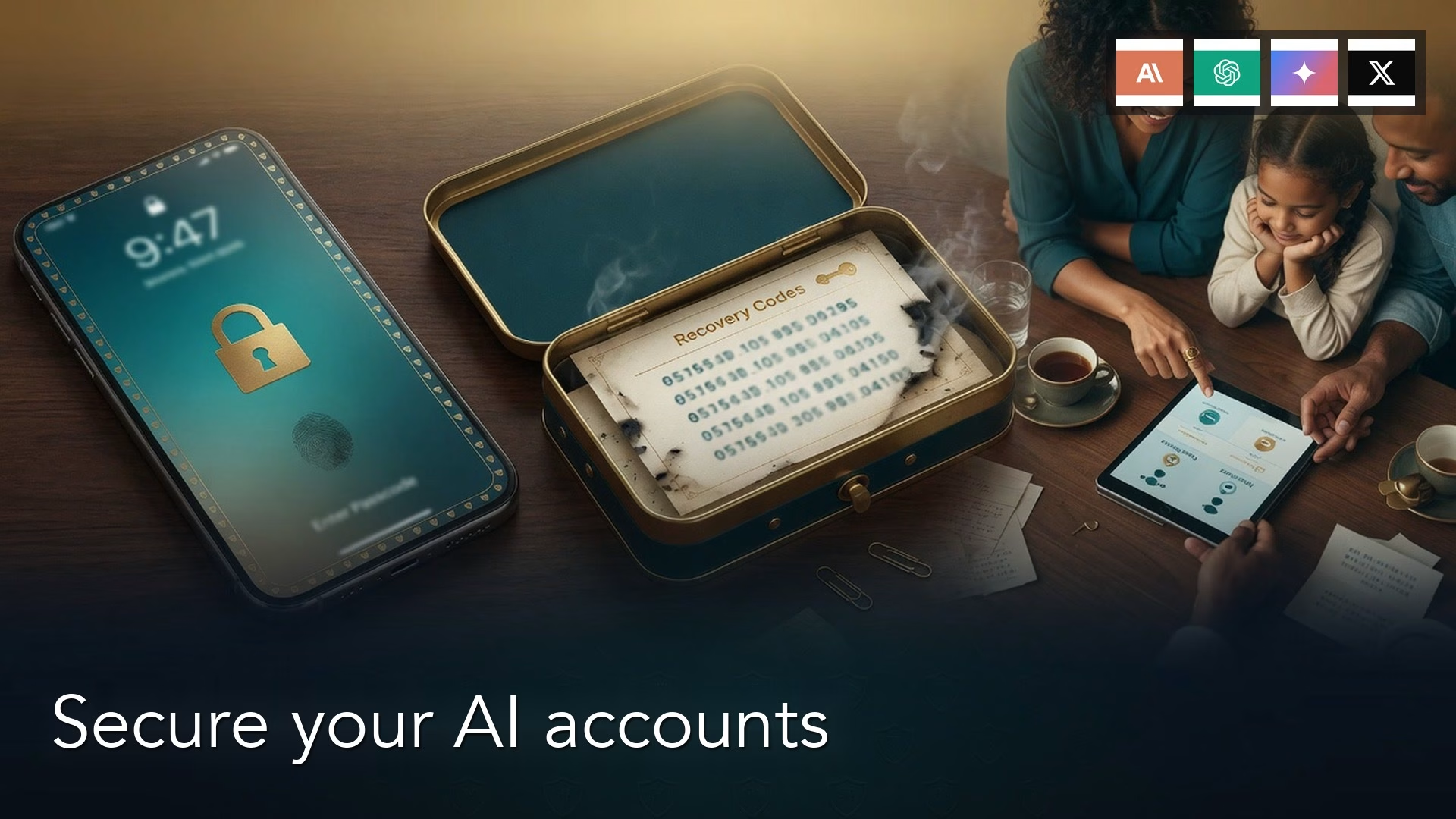
Turn on two-factor sign-in (2FA) yourself, on a phone you hold. Store your recovery codes, the one-time backup codes the service gives you, in a password manager or on paper, never in your Camera roll. A family or team plan shares a bill, but a shared password shares your chats and the 6-digit codes too.
Imagine your phone asks for a 6-digit sign-in code the day before an important meeting, and you cannot find a way to get one. The AI account that holds your notes and slides for that meeting is locked until you do.
2FA is a second lock
A password, a magic email link, or “Sign in with Google” or “Sign in with Apple” is the first lock. 2FA is the second: a 6-digit code, a tap on a trusted phone, or a passkey, which is a login that uses your face or fingerprint instead of a typed code. In this story your partner did not steal your password. He sat inside your Apple ID, which is the first lock for every “Sign in with Apple” and for App Store billing. Then a 6-digit prompt appeared that you had never asked for.
Two separate locks get mixed up on an iPhone. Apple’s own 2FA protects the Apple ID (Settings, your name, then Sign-In and Security). The vendor’s 2FA protects ChatGPT, Claude, Gemini, or Grok inside that product. You can have Apple 2FA on and still have ChatGPT’s version off, and you can have ChatGPT’s on while a partner buys Pro on your Apple ID. Turn both on, and do it on a phone or laptop you hold. If you sign in through Google or Apple, secure that account first. Grok follows your X account, and Claude Team can use your company’s single sign-on (SSO), a shared company login. Consumer Claude is different, so open Settings and look, because some accounts lean on email links plus Google or Apple.

Rule of thumb: The person who can see the 6-digit code owns the account. If that person is not you, fix the setup before you fix the slides.
Authenticator app, text message, or passkey
OpenAI’s Help Center lists four ways to turn on multi-factor sign-in (MFA, the same idea as 2FA) for consumer ChatGPT. You can use an authenticator app (such as Google Authenticator, Authy, 1Password, or Apple Passwords), a push to a trusted device, a 6-digit text message (SMS, the ordinary phone texting service) or WhatsApp message, or a passkey. You manage them under ChatGPT Settings, then Security. Once MFA is on, it applies across ChatGPT and the developer platform. OpenAI’s page says workspace admins cannot force MFA for every seat, so it is up to each person, or to company SSO if you are on a work plan.
| Method | What you see | Weak against | Use it when |
|---|---|---|---|
| Authenticator app | 6-digit code every 30 seconds in an app you chose | A stolen unlocked phone, or a QR someone else scanned | Default for ChatGPT, Google, and any vendor that offers TOTP |
| SMS or WhatsApp | 6-digit text to a phone number | SIM swap, recycled numbers, a handset you no longer have | Temporary only, then add an app or passkey |
| Passkey | Face ID, Touch ID, or a hardware key confirm | Losing the only device that holds it | Add as a second method, especially on ChatGPT |
The US government’s Cybersecurity and Infrastructure Security Agency says plainly in its phishing-resistant MFA note that SMS and voice codes can be stolen with a SIM swap, where an attacker moves your phone number to their own SIM (subscriber identity module, the small card that holds your number). An authenticator app is better because the secret lives on your device and not at the phone carrier. A passkey (built on open web login standards) is stronger still, because a fake login page cannot replay it the way it can replay a typed code. You still need a spare. Scan the ChatGPT QR (quick response) code, the square barcode on the screen, with your authenticator, and write down the recovery material before you close the sheet. On Claude, open Settings and look for security or two-factor. If you only see email links plus Google or Apple, secure that Google or Apple account today. Gemini follows Google 2-Step Verification, and Grok follows X. Names move, so re-check.
Recovery codes live somewhere real
When you set up an authenticator, the vendor usually shows a short list of one-time recovery codes, or one long recovery key. You will not see that list again unless you generate a new one. Photographing it puts a spare key in the same Camera roll as your lunch photos and iCloud Photos, and emailing it to yourself puts it in the inbox an attacker already wants. A real place is a password manager vault (1Password, Bitwarden, or Apple Passwords on accounts you control), or a printed page in a drawer you can open on a Sunday.
OpenAI’s Advanced Account Security mode, rolled out for eligible consumer accounts in 2026, makes recovery stricter. Email and SMS recovery can go away, passkeys or hardware keys become your sign-in, and a recovery key is your spare. OpenAI’s Advanced Account Security article said, when checked in August 2026, that a valid recovery key starts a 48-hour waiting period before you can sign in again, and that Support will not reset you if you enrolled. Do not turn that mode on until your codes are stored.
| Spare | What it is | Fails when | Put it here |
|---|---|---|---|
| Recovery codes / key | One-time strings from the vendor | You screenshotted them into Camera | Password manager, or paper in a drawer |
| Backup email | A second inbox the vendor can mail | It is the same Gmail you log in with | A mailbox you still open this month |
| Passkey on a second device | Face ID on the laptop as well as the phone | You only enrolled the iPhone | Work Mac plus phone, then store recovery too |
| Recovery contact (Apple) | A person who can generate a code for your Apple ID | That person is the one who bought the app | Someone who will pick up, in person |
A backup email is not a second copy of the same address. If ChatGPT is on dana.work@gmail.com, a plus-alias in the same inbox is still one lock. Use a mailbox you will still have in a year. In the story, you later find “IMG_4481” in your Camera roll from Monday night: the Apple 2FA QR code your partner pointed at your phone “for a second.” Treat recovery material like cash, not like a meme.
A family plan shares the bill

A family or team plan is one invoice with more than one seat or household member. Each person still signs in as themselves, so chats, memory, uploaded files, and 2FA stay on that person’s login. You share the card, not the password. A shared login is a different thing: one email and one password used by two humans. The Project with the client name list is then visible to whoever opens the app, and the 6-digit codes go to whoever set up the authenticator. OpenAI’s terms treat a ChatGPT account as one user, and Anthropic’s consumer terms have the same shape for Claude Pro.
When the ChatGPT pricing page was checked in August 2026, ChatGPT Plus was one person at $20 a month. ChatGPT Team is seats with an admin and a minimum seat count, commonly two. Claude Pro is one person, and Claude Team is seats with standard and premium levels, minimums, and SSO. Anthropic has not shipped a Netflix-style family plan, so if two adults both need Claude, two Pro logins or a real Team organization beat one password on the fridge. Google One AI plans can share storage and, under current family-plan language, AI benefits with other members of the family group, with age limits, so confirm the live page. Each member still has their own Google account, and Gemini chats do not merge. Grok’s paid options follow grok.com and the X account, and sharing an X password is still a shared login.
Family Sharing on an iPhone can hide who pays
Apple Family Sharing is not an AI family plan. It is Apple’s household feature, with an organizer, members, optional Purchase Sharing, and shared subscriptions that Apple itself supports, such as iCloud+ and Apple TV. When Purchase Sharing is on, the organizer’s payment method is the default card. A family member taps Buy, and the charge from Apple.com/bill lands on the organizer, who can open purchase history and see the line. In-app subscriptions are shareable only if the app’s developer turned Family Sharing on for that product, and many AI apps do not. So you get a charge on the organizer’s card and a seat tied to one Apple ID.
In the story you are the Apple ID and your partner is the thumb. The Visa under Family Sharing is yours, so your finance team already knows about the $19.99 line. Settings, your name, then Subscriptions shows Claude. His phone shows it too, because he is signed into your Apple ID in the App Store. That is how it hides: the household sees one bill, two people share one login, and 2FA follows whoever completed Apple’s prompt on the new iPhone. Buy the plan on the vendor’s website while logged into the email you mean to keep, and turn off the in-app subscribe button. Do not sign a partner’s iPhone into your Apple ID “for five minutes,” because five minutes is how 2FA moves house.
A worked example: 18 hours, one workshop
| When | What you thought | What it was |
|---|---|---|
| Monday night | My partner is downloading Claude on my phone for the trip | App Store session on your Apple ID, in-app Pro, QR pointed at your Camera |
| Tuesday afternoon | A glitch. I will retry | 6-digit 2FA bound to your partner’s device, Project still on that account |
| Tuesday evening | Support will sort it before the workshop | Vendor support cannot see an Apple-billed seat the same way, and you had no recovery codes |
| Wednesday morning | Workshop with the agenda | You rebuilt the outline from email. The name list stayed in Claude |
The 18-hour hole was not a missing feature. You still had your laptop, but you did not have the second lock. Your partner was in back-to-back meetings with Do Not Disturb on, so the 6-digit codes sat unseen. The fix goes in this order. Sign his iPhone out of your Apple ID. Cancel the App Store Claude subscription in Apple’s list, because the claude.ai billing page may not show it. Open Claude on the website with your work email, set up authenticator 2FA on your phone, and save the recovery codes into 1Password before you close the dialog. If the Project is gone, treat the name list as spilled and tell the client. If he wants a Claude account of his own, it should use his email and his card.
A recovery kit you can copy
Paste this into the same team note where you listed your vendor. Fill in the brackets, and if a line is still blank on Friday, that line is the lock that will fail.
Recovery kit (one vendor)
Account email: [work address]
Sign-in method: [email+password / Google work / Apple (only if I own this Apple ID)]
Apple ID on this phone: [mine / signed out of partner]
2FA method: [authenticator app name] on [my phone]
2FA backup: [passkey on this Mac / none yet]
SMS 2FA: [off, or number I still hold]
Recovery codes stored: [1Password vault / printed envelope in desk]
NOT stored: Camera, iCloud Photos, Slack, email to self
Backup email: [different inbox I opened this month]
Recovery contact: [name, in person, not the person who buys apps on my ID]
Family Sharing organizer: [me / partner]
Purchase Sharing: [on / off]
App Store subscribe for this vendor: OFF (website billing)
Shared login with anyone: NO
Owner: [you]
Last checked: [date]
Cancel path: Settings > Security (vendor web), plus Apple Subscriptions if a $19.99 line exists
This checklist names the person who holds the 6-digit app, the drawer that holds the spare codes, and the card that will see Apple.com/bill. If “Apple ID on this phone” is not yours, stop and sign out before you set up anything else. Turning on 2FA on a shared Apple ID gives the other person a stronger grip.
Common mistakes
- Leaving 2FA off because the vendor sent a magic link last time.
- Letting a partner scan the QR code “for a second,” which leaves the secret on their phone.
- Saving recovery codes as a screenshot in Camera or in iCloud Photos.
- Using SMS as the only second factor, then swapping SIM cards for a trip.
- Sharing one Plus or Pro password with a household and calling it a family plan.
- Buying Claude or ChatGPT in the iPhone app on someone else’s Apple ID, then asking finance to read Apple.com/bill.
- Turning on OpenAI Advanced Account Security before the recovery key is in a vault you can open.
- Setting the backup email to the same inbox as the login.
How to practice this week
Block 20 minutes and open the one vendor you use most. Confirm the email is your work identity, and turn on authenticator 2FA on a phone in your hand. Store the recovery codes before you close the tab. Sign the App Store out of any Apple ID that is not yours, then check Family Sharing, Purchase Sharing, and Apple Subscriptions for a surprise Claude or ChatGPT line. If two adults both need a paid seat, buy two logins or a real Team organization, and do not paste one password into both phones.
The next post covers files, uploads, and where your data goes. A lock is only useful if you know which files you put behind it. Related paths are AI for writing, privacy and run-it-yourself, Learn, and Practical AI.
Quick recap
- Turn on 2FA yourself, on a device you hold.
- Prefer an authenticator app or a passkey, and treat SMS as temporary.
- Put recovery codes in a vault or on paper, never in Camera.
- Family and team plans share a bill, while a shared password shares the chats and the 6-digit codes.
- Apple Family Sharing can put Apple.com/bill on the organizer and still leave you locked out of the seat.
Series notes
This is Part 4 of AI setup from zero. Previous: Personal vs work accounts. Next: Files, uploads, and where your data goes.
Sources
- OpenAI: Enabling or disabling multi-factor authentication (MFA) (authenticator, push, SMS or WhatsApp, passkeys; Settings then Security)
- OpenAI: Passkeys to secure your OpenAI account
- OpenAI: Advanced Account Security (recovery keys; email and SMS recovery can be disabled; Support cannot reset enrolled accounts)
- OpenAI: Introducing Advanced Account Security (April 2026 product note)
- Anthropic: Getting started with Claude
- Anthropic: Claude pricing (Pro vs Team seats; no consumer family plan; check the current page)
- Apple: Share apps and purchases with Family Sharing (organizer pays when Purchase Sharing is on; purchase history)
- Apple: Two-factor authentication for Apple Account
- US cybersecurity agency: Phishing-resistant MFA (text-message codes and SIM swaps; prefer passkeys)
- Google: AI plans with Cloud Storage (family sharing language; re-check who gets Gemini)
- Google Gemini
- Grok (paid paths follow grok.com and/or X; re-check)
- AMS: AI setup from zero
- OpenAI: Usage policies and Anthropic: Usage policy (one user per consumer account is the shape; confirm current terms)
Keep going
Same lessons in your feed
Short diagrams, hooks, and weekly tutorials on Substack, Instagram, X, and Facebook.



