Category: Tutorials
You are in the right place if you want a lesson you can follow, not a glossary and not a product homepage. This shelf holds most of the articles on Analytics Made Simple. Two paths sit inside it on purpose. SQL is the database path: you have rows, and you need to ask a question without exporting another spreadsheet. AI is the tool path: chat products, open-weight models, and the jobs those tools are actually good at. Other tutorials land here when they teach a skill that does not belong on a narrower shelf.
A category page is the pile. A series page is the path, with a place to start and an order. If you open a tag or page 2 of this list, you are in a filing cabinet. The lesson is the article, or the series hub that lines the articles up.
Where to start: if the pain is a table, open the SQL series and use the first part on that page. If the pain is a model name or a chat tool, open the AI category and pick the product you already have on screen. If you are not sure which job you have, open Learn and choose the track that matches the work, not the logo.
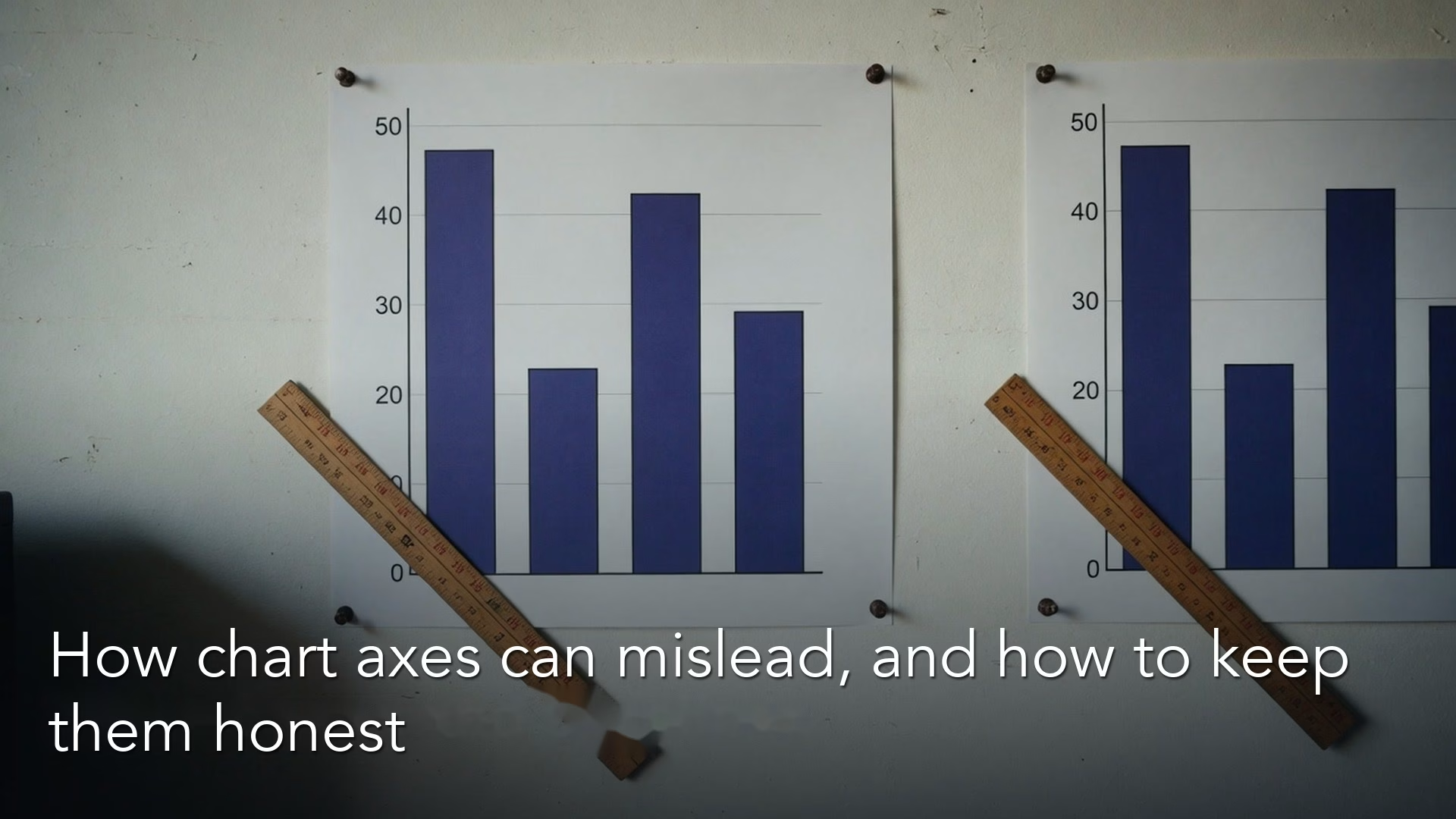
How chart axes and baselines can make the same numbers tell different stories
Axes decide whether a chart is honest. Learn baselines, truncated scales, dual-axis traps, and when a log scale helps so small differences stop looking like emergencies in the…
Free or paid AI plans: how to set up your AI accounts and payments
Free is enough to start. Paid buys limits and extra surfaces, not a personality. This part maps accounts, payment rails (web vs App Store vs API), and Free…

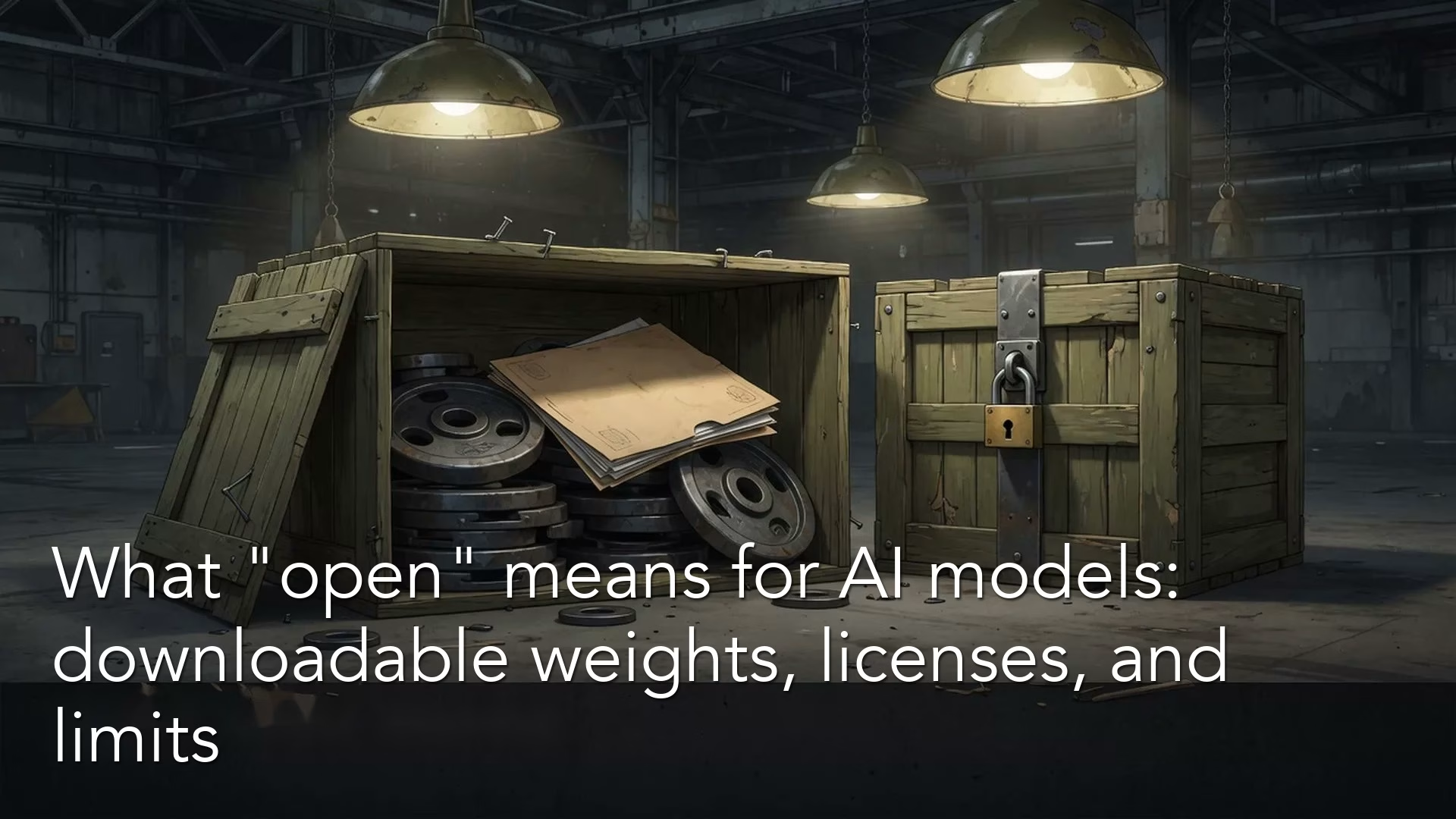
What “open” means for AI models: downloadable weights, licenses, and limits
“Open” in AI is three different claims: open weights you can download, open source under the OSI bar, and a free chat box. This part names the gap,…
Which Grok product should you pay for: chat, Build, Imagine, or the API?
Grok is four products with four bills: chat apps, Grok Build, Imagine, and the API Console. Pick the door that matches the job so you stop buying credits…
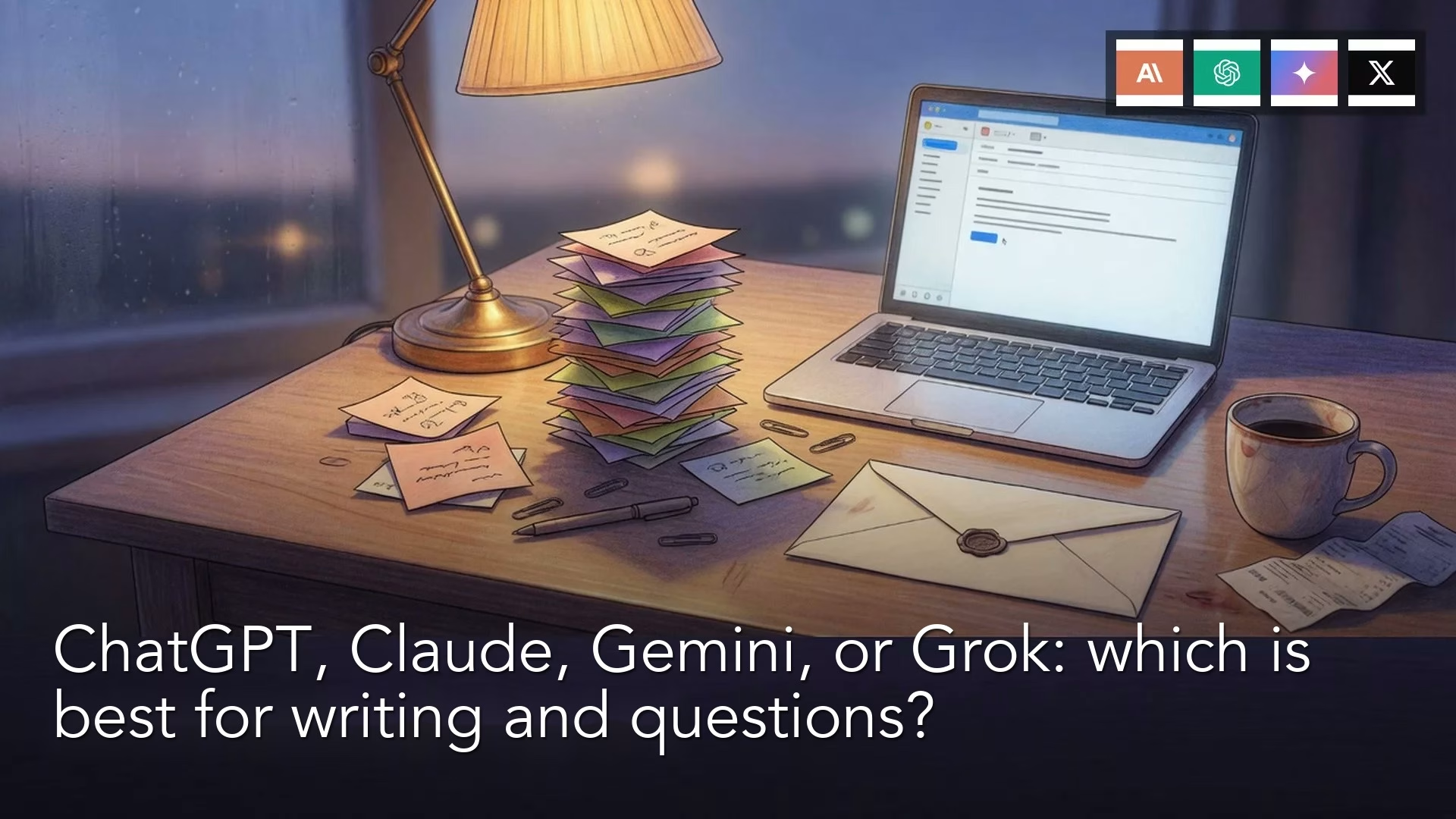
ChatGPT, Claude, Gemini, or Grok: which is best for writing and questions?
You want a chat box for drafts, explanations, and questions, not a coding agent. This part names ChatGPT, Claude, Gemini, and Grok as writing tools, what to try…