Category: AI
You are here if AI showed up in your job and the names on the screen do not match the buttons. This category is practical. It is not a model-release calendar, and it is not one lesson pasted under a new product name. The series split the pile so a Claude post and a ChatGPT post can teach different work.
Everyday paths are for a person with no account yet, or a person whose chat forgot a file: setup, prompting, memory, agents, safety, and which product fits a job. Product paths stay on one tool: Claude, ChatGPT, Gemini, or Grok, from a first login to the surface you should not open. Open-weight paths are Llama, DeepSeek, Qwen, Kimi, and GLM: what the name refers to, and when a normal paid chat is the easier tool. Engineering paths are for running a model, retrieving from your own files, and fine-tuning. Several of those hubs are still waiting on a first live part, and the hub page says so.
Where to start: no account yet, use AI setup from zero. You already pay for one product, open that product’s series and use the first part. You want the idea before the brand, use Practical AI. You want every series in order, use Learn and the AI tracks.
Gemini CLI vs Antigravity CLI: which Google AI coding tool should you use?
Gemini CLI and Antigravity CLI are terminal agent surfaces in transition. Know what replaced what by tier, how CLI differs from IDE assistants, and never point an agent…
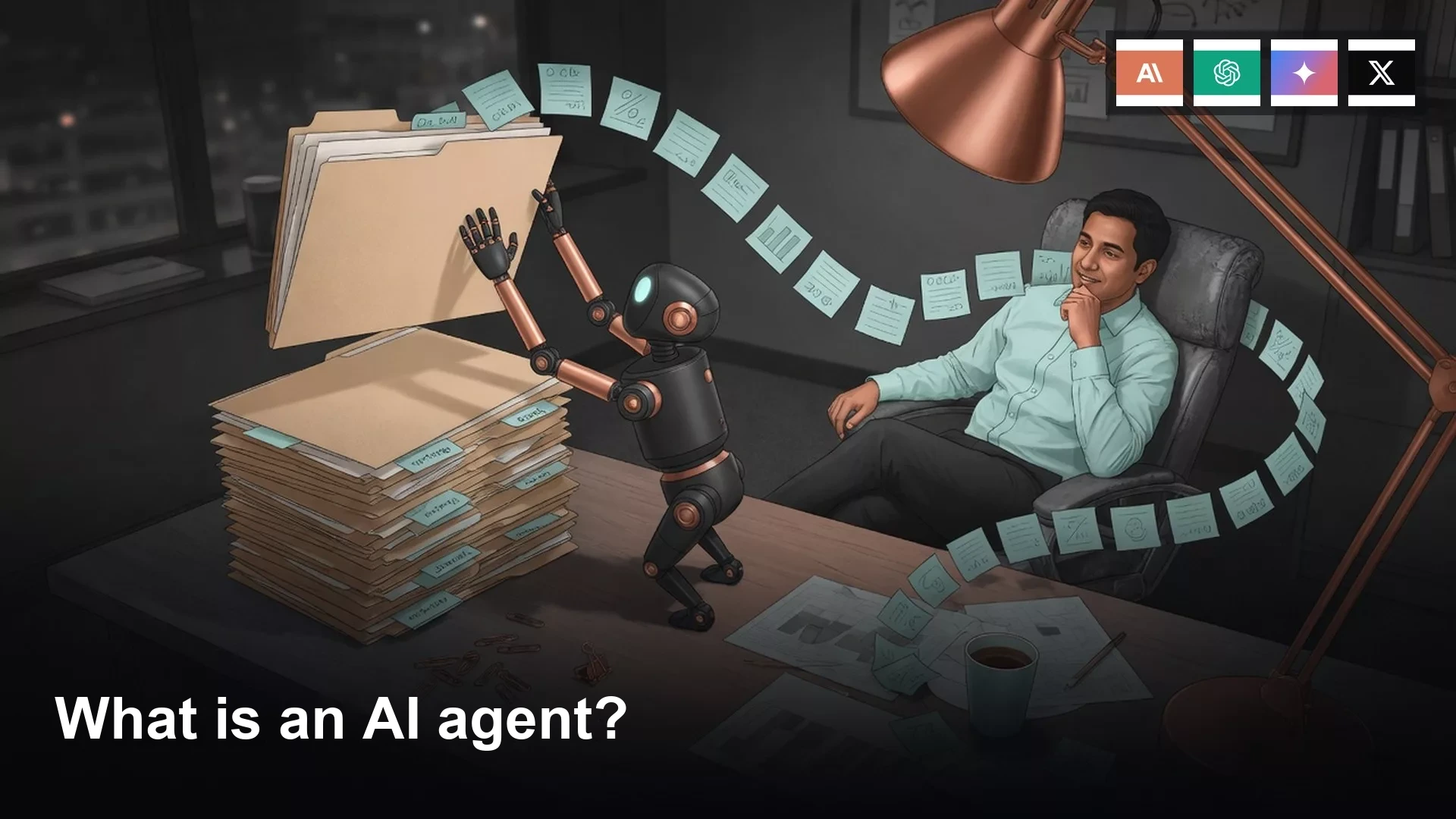
What is an AI agent? A plain-English guide
An agent plans, acts, observes, and acts again with tools you grant. Chat answers once. Write a stop, keep delete off, and watch the first run so a…
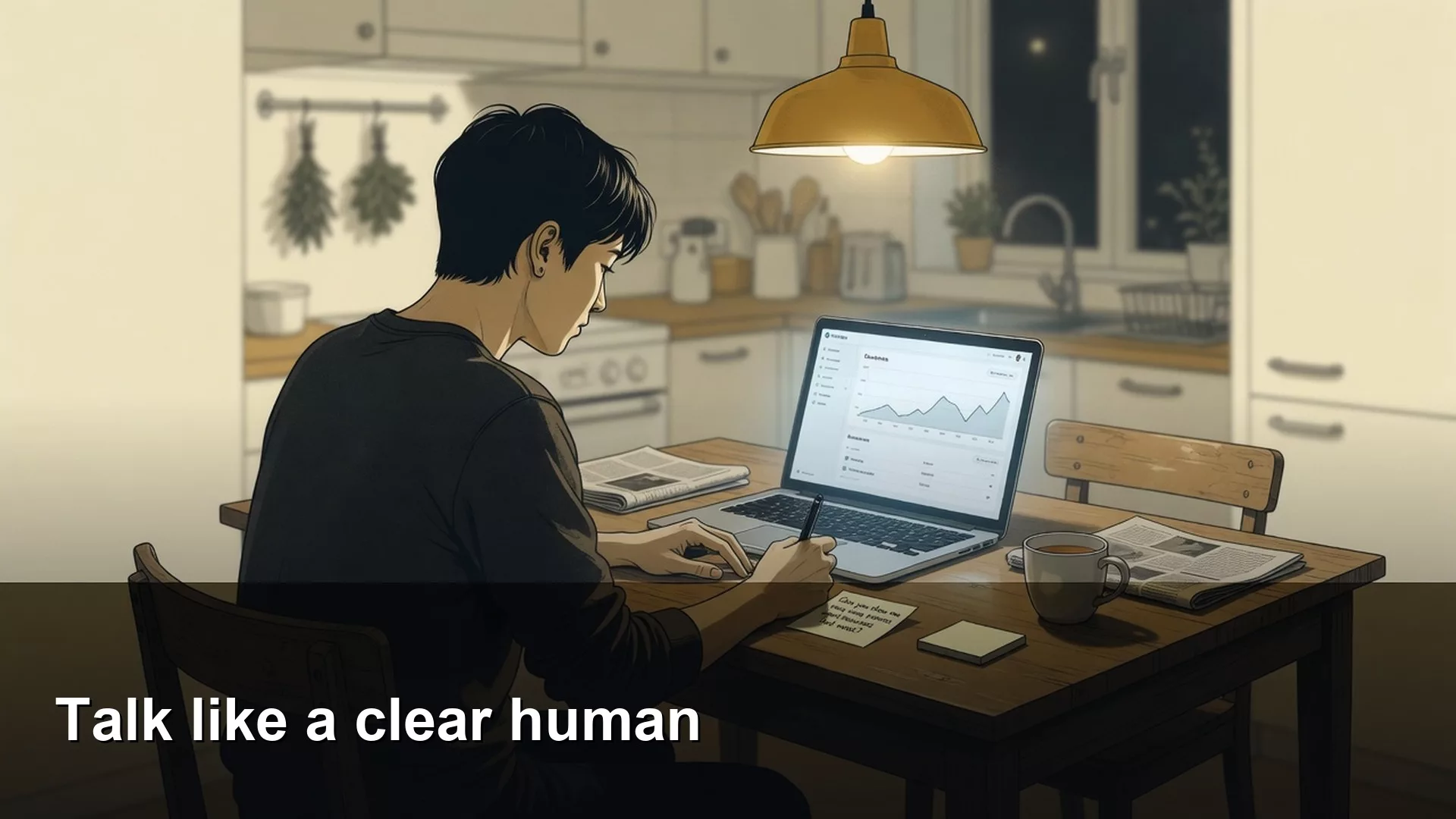
How to talk to an AI chatbot clearly, without magic prompt words
Treat a prompt as a work request. Name the task, audience, facts, format, and avoids. Eight words get you a 400-word essay; six clear lines get you three…
How to install Grok Build and get through your first run
Install Grok Build in a sandbox, not on a production clone. Log in, ask one read-only question, make one tiny reviewed change, and keep everyday chat separate from…
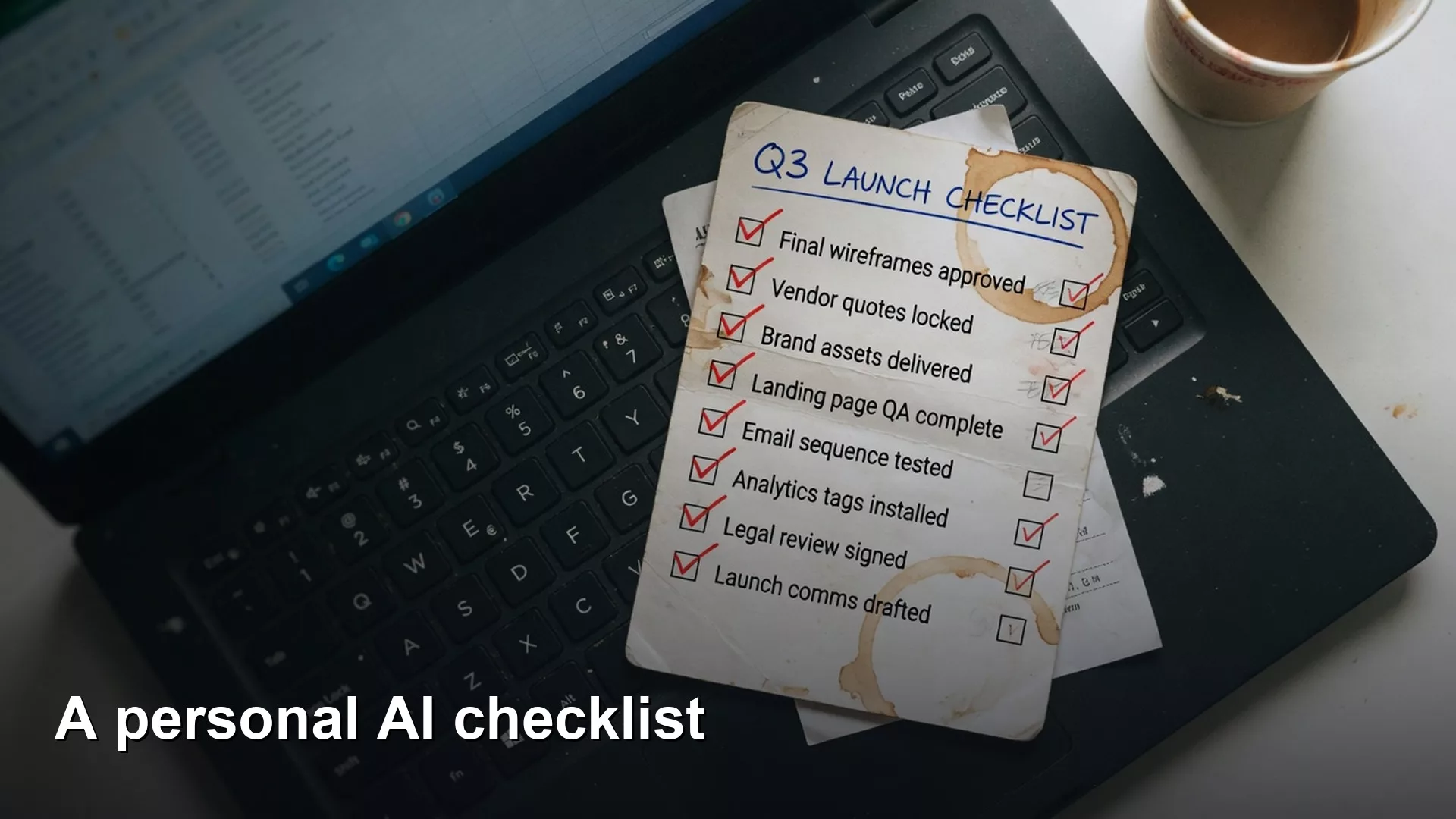
How to build a personal checklist for checking AI-generated work
Close Practical AI with one checklist that travels across SQL, charts, Python, and email. Verify every draft against a signed source before it leaves your desk.