

Use Gemini in Gmail to summarize and draft, but read the key message yourself and check every promise before you press Send. The safest habit is a five-step loop: summarize, draft with limits, edit in your own voice, check the facts, then send. Done that way, it saves time without sending a polished mistake.
Say you are answering a long customer thread. You ask Gemini to summarize it, then to draft a reply, and you send the draft without opening the message that said “we cannot do Friday.” Your apology email goes out promising Friday. Reading that one awkward message yourself would have caught it.
This post covers drafts, summaries, and tone in Gmail, and how to use them without turning every reply into corporate sludge. You will get a loop you can repeat, four prompts you can paste, and a short practice set you can finish in one sitting.
The safe mail loop
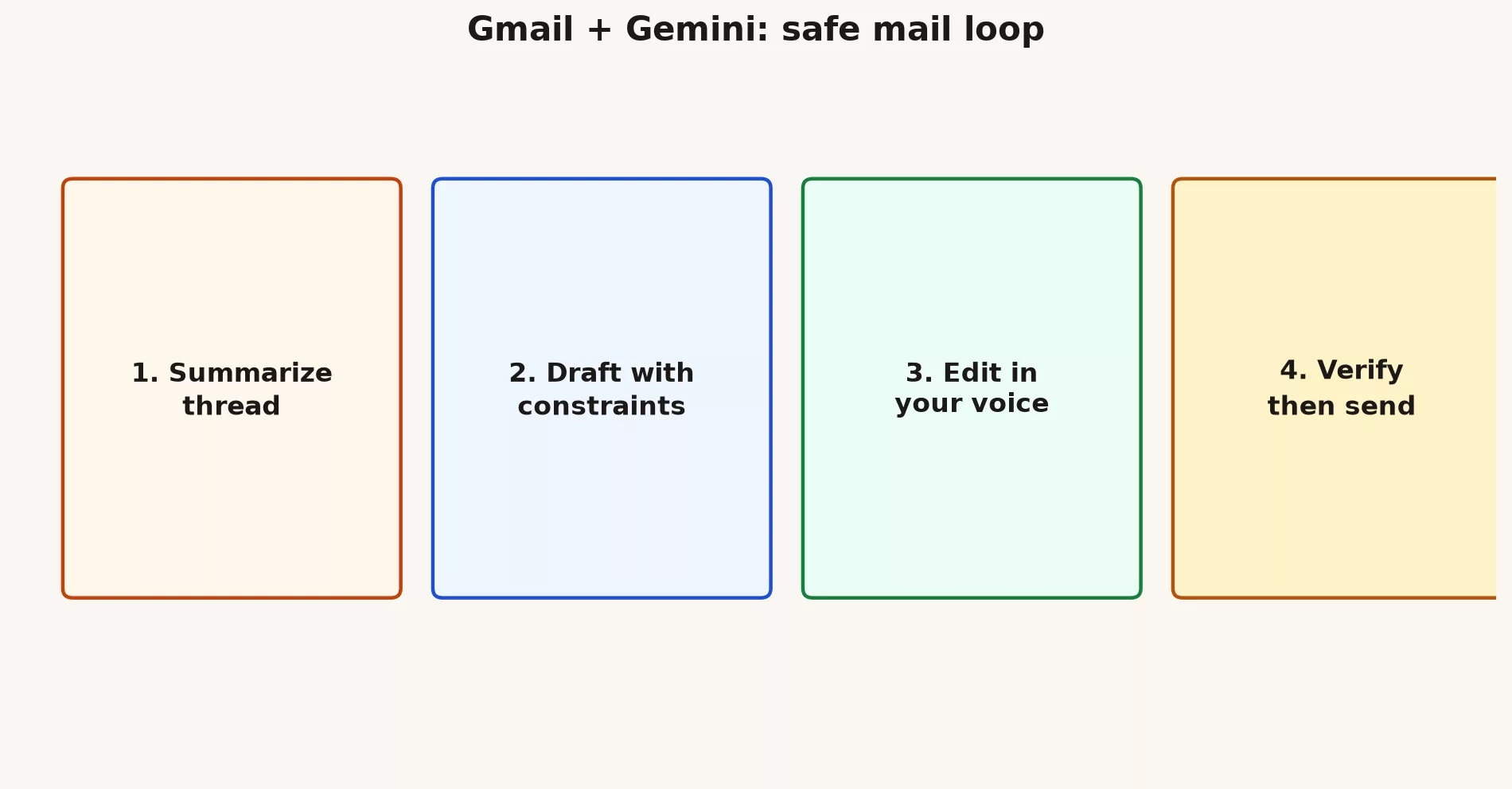
Each step in the loop exists because the step before it can fail quietly. Follow them in order, and the model does the typing while you keep the judgment.
- Summarize long threads when you need to get oriented, and skip it when you already know what is being asked.
- Draft with hard limits on length, tone, and number of asks, and tell the model not to invent deadlines.
- Edit the draft the way you would edit a junior colleague’s work.
- Verify names, dates, ticket numbers, and promises against the original thread or the official record, such as your ticketing tool.
- Send only after a human decision, because the model never owns the outcome.
If you would not put a sentence under your own name, do not let the side panel talk you into it.
Four email jobs Gemini can help with
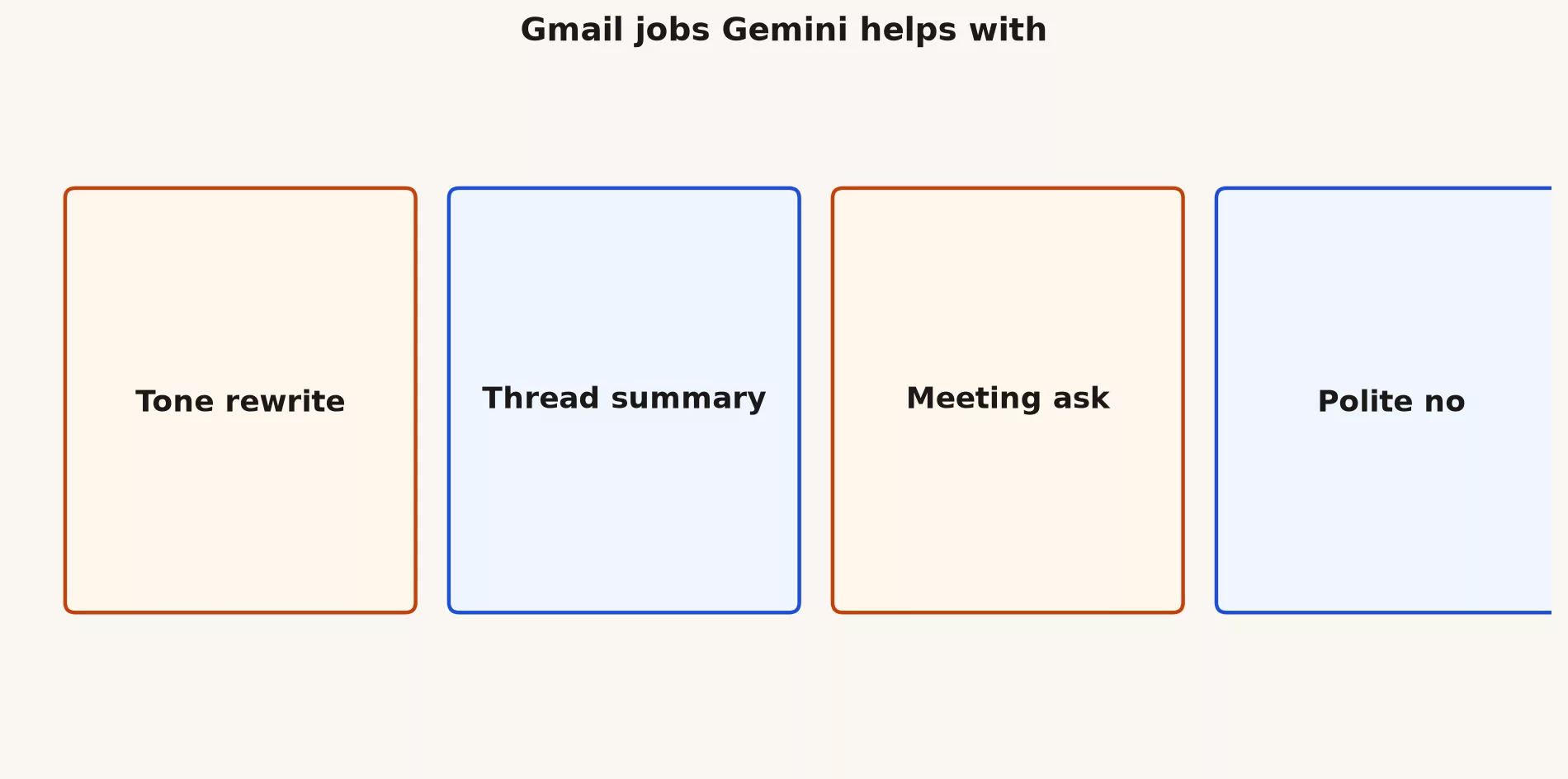
Gemini is good at four everyday email jobs, and each one has a matching way to go wrong. The table pairs them so you know what to check before you hit Send.
| Job | Good for | Watch out |
|---|---|---|
| Tone rewrite | Harsh drafts that need kindness without vagueness | Sanding off a necessary no |
| Thread summary | Long CC storms | Missing a buried refusal or deadline |
| Meeting ask | Clear times and purpose | Inventing availability you do not have |
| Polite no | Declines without drama | Leaving a soft maybe when you meant no |
Prompt patterns for tone and asks
A prompt is just the instruction you type to the model. The four below work because each one states the outcome, the limits, and what the model must not do. Paste them into the Gemini side panel and swap the bracketed parts for your own details.
Summarize this thread in 5 bullets:
- decisions already made
- open questions
- what they need from me by when
Do not invent deadlines. Mark uncertainty as UNKNOWN.
Draft a reply.
Goal: [one clear outcome]
Tone: direct and kind
Length: under 120 words
Rules: one ask max; no corporate sludge; include ticket/ID if provided
Return subject + body only.Rewrite for tone only. Keep all facts identical.
Make it warmer without adding promises.
Flag any sentence that still sounds defensive.Draft a polite no to [request].
Offer at most one alternative.
Do not apologize more than once.
Under 90 words.What summaries leave out
Summaries compress, and compression drops the awkward sentence that mattered. That might be the “we cannot do Friday,” the legal caveat, or the customer’s real constraint. After any AI summary of a heated thread, open the two longest messages and the latest message from whoever makes the decision. Thirty seconds of human skimming beats a confident but wrong brief, because the wrong brief is the one people act on.
Customer and regulated mail
If your organization restricts AI on customer content, follow that rule even when the demo is tempting. Do not forward customer threads to a personal Gemini tab, since that moves private data to an account your employer does not control. If your admin has turned on Workspace AI for your team, you should still keep out anything that does not belong in email at all, such as passwords or full card numbers. AI does not make a bad channel safe.
Worked example: delayed shipment reply
Say a customer wrote in angry because their order is late. You know the facts, and the model only needs to help you say them well. Here is how the loop plays out.
- You supply the facts: the new estimated arrival is Tuesday, the ticket number is 18422, and a goodwill gesture is allowed only if policy says so.
- Your prompt forces the arrival date into the first two sentences, allows one apology at most, and bans finger-pointing.
- You add the real policy decision on discounts yourself, because the model cannot know it.
- You send from the system your team requires, whether that is Gmail or the ticketing tool, and not from a random alias.
Draft a customer reply.
Facts: delayed shipment; new ETA Tuesday; ticket 18422.
Tone: accountable and brief.
Rules: ETA early; max one apology; no third-party blame by name; ask if Tuesday works.
Length: under 100 words.
Team norms for AI mail
A few shared habits keep AI-drafted mail from turning into unreviewed spam. Agree on them once, and write them where the whole team can see them.
- Every external customer email gets a human read before it goes out.
- Nobody jokes about “send without reading,” because jokes like that become habits.
- The team shares a prompt library for common replies such as refunds, delays, and introductions.
- Managers show what a good decline looks like, and not only what a polished reply looks like.
When Gmail AI is the wrong tool
Sometimes the right move is to close the side panel. Four situations come up most often.
- You need to update the official record in your customer database, and an email story will not do that.
- The mail involves legal holds or sensitive investigations that have special handling rules.
- You do not understand the thread and are hiding behind a summary.
- Your admin has switched the feature off for that kind of data.
Common mistakes
- Summarizing and then replying without opening the key messages.
- Letting “Help me write” quietly become “Help me avoid thinking.”
- Over-apologizing until the email creates legal exposure.
- Using personal accounts for work mail content.
What good looks like
One customer success team cut its average handle time on long threads by using summaries for orientation only, then requiring a human to skim the last customer message. Quality scores went up because people stopped answering yesterday’s question. A different team auto-drafted every reply and sent bland, slightly wrong delivery dates, so they paused AI drafts until they rebuilt the verify step.
Practice beats theory. Run one real task from this post today on non-sensitive material, save the result outside the side panel, and write two lines on what you will reuse tomorrow. Small, dated repetitions are how Workspace AI turns from a novelty into a skill.
Quick recap
- The loop is summarize, draft, edit, verify, send.
- Clear limits in the prompt beat vague hopes, and humans own the Send button.
- Summaries can leave out the one sentence that matters.
- The next post covers Docs, going from an outline to a draft while you stay in control.
Practice this week
You can finish this in one sitting, and it works best on material that does not matter if you get it wrong.
- Pick a non-sensitive thread, or create a practice thread with a coworker.
- Run a 5-bullet summary with the UNKNOWN rule, so missing facts show up as gaps instead of guesses.
- Draft a reply under 120 words with one ask.
- Edit the tone by hand for two minutes.
- Write down one risk you almost missed.
Series notes
This is Part 1 of the Gemini in Google Workspace tutorial (GM17). Feature buttons depend on your Workspace edition and admin settings. Next: Docs outline to draft.
Sources
- Google Workspace with Gemini
- Help me write in Gmail and Docs
- Gemini in the side panel
- Gemini everyday tutorial
Keep going
Same lessons in your feed
Short diagrams, hooks, and weekly tutorials on Substack, Instagram, X, and Facebook.



