

The skill that carries over to any coding tool is a four-step loop: ask clearly, change the code in small pieces, test what matters, and review everything before it goes live. If you skip a step, the assistant turns into a slot machine that sometimes pays out and sometimes quietly breaks something that used to work.
Say you type “fix auth” into a coding agent (an AI that can take actions, not just write text) and accept a 40-file change because the summary sounded confident. The automatic checks (called CI, short for continuous integration) all pass. On Monday, the staging site stops letting single sign-on users log in, because you never told the agent which test should have blocked the change.
The loop is the skill. A diff is simply the list of lines a change adds and removes, and a merge is the moment that change joins the main copy of the code. Each step below exists so that a person, not the assistant, decides what gets merged.
The four steps in practice
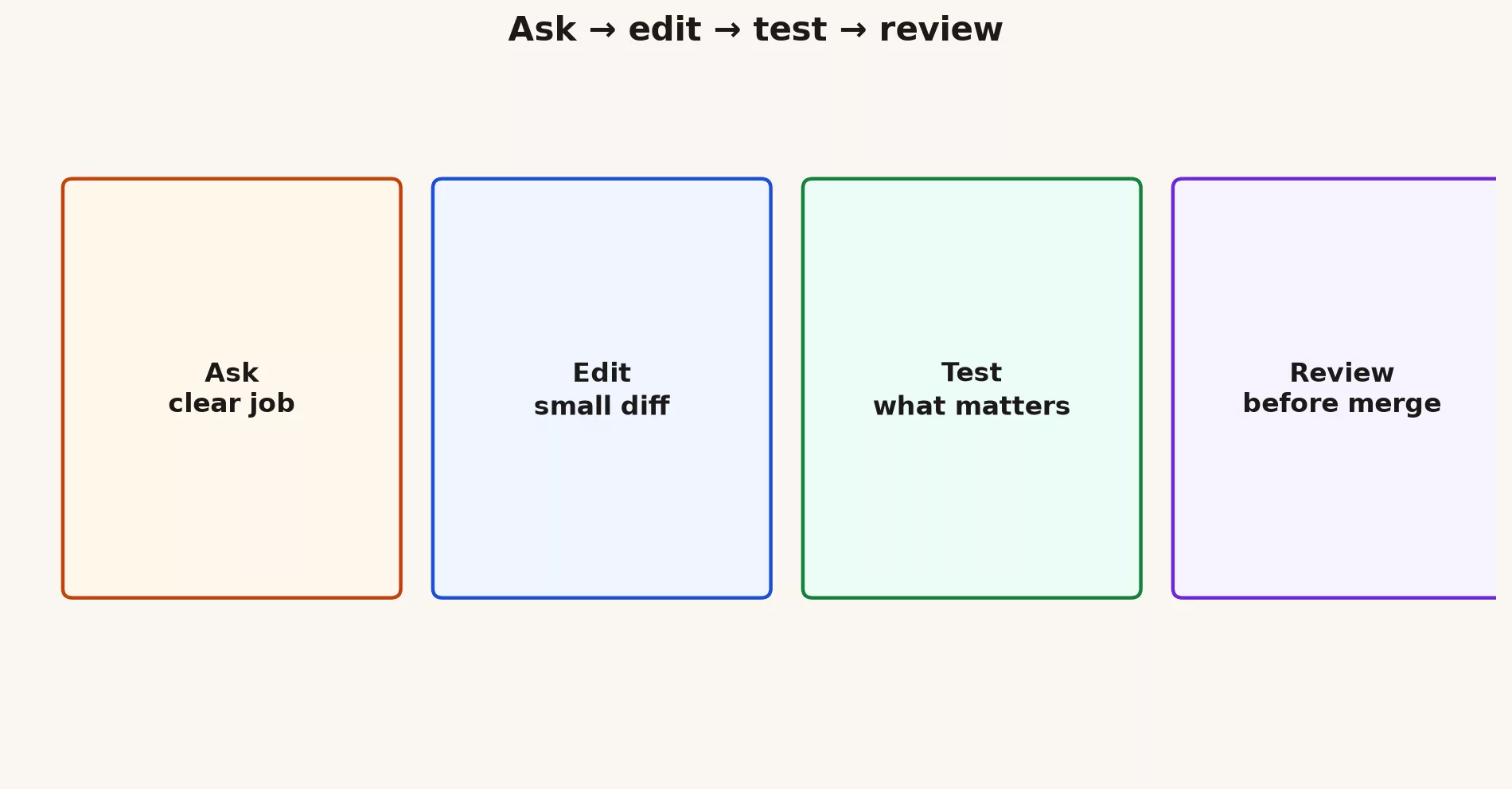
Ask
Task: [one outcome]
Constraints: [files/dirs allowed], [do not touch]
Definition of done: [tests / behavior]
I will review the diff before merge.
Edit
Prefer patches you can read in one sitting, because a change you cannot read is a change you cannot check. If the agent proposes a rewrite of half the service, stop and split the job into smaller pieces, then ask for one piece at a time.
Test
Run the tests that cover the code that changed, plus one smoke path, which is a quick end-to-end click-through of the most important flow such as logging in. If you have no tests, write one before you accept complex logic. The assistant can draft the test for you, but you still decide whether it checks the right thing.
Review
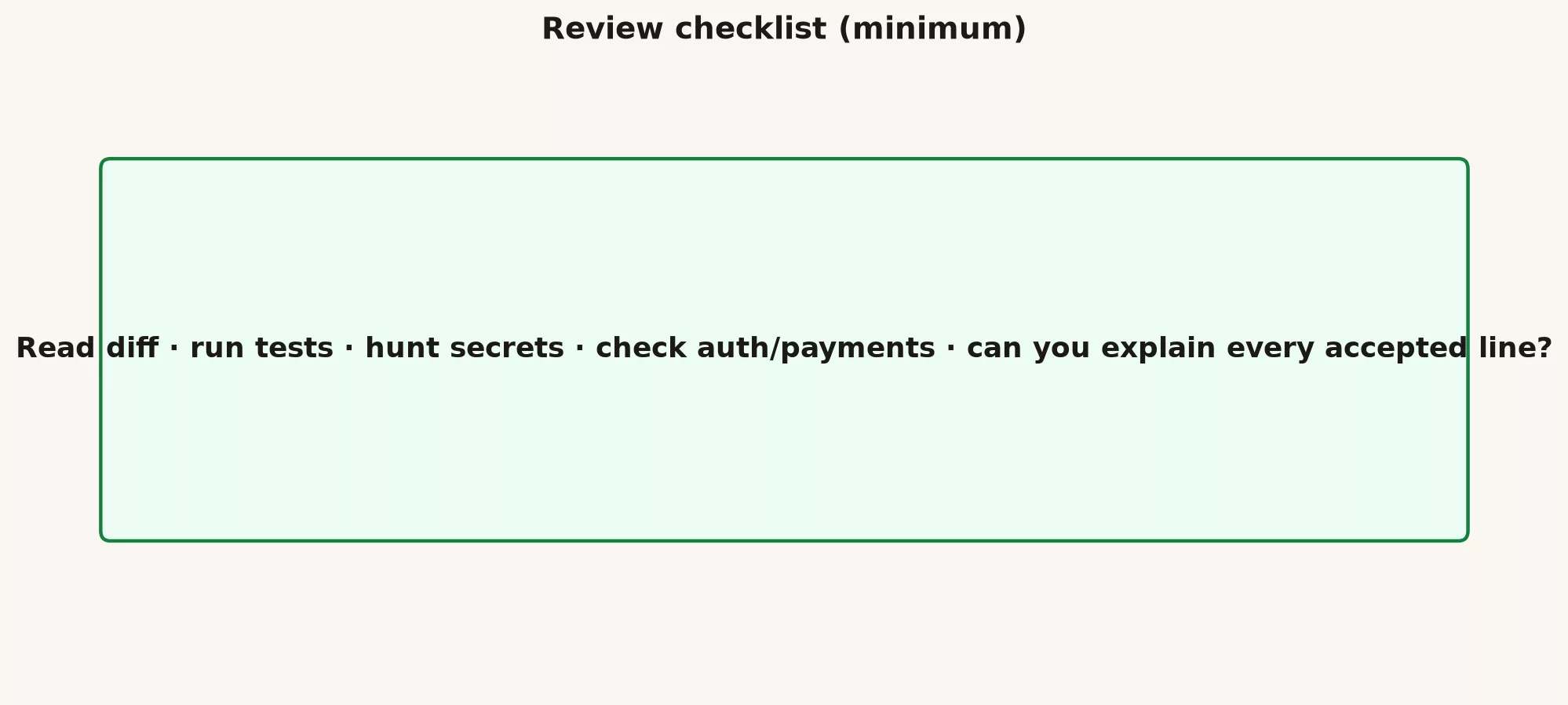
If you cannot explain a line you accepted, you should not ship it under your name.
Junior / senior pairing
- Newer developers can use the assistant to explain unfamiliar code and to draft tests, while a senior developer reviews the merge.
- Senior developers can use it for repetitive boilerplate code, but they still own the design decisions.
- Never let the assistant stand in for real mentoring conversations between people. Judgment about trade-offs is learned from colleagues, not from suggestions.
Worked micro-example
- Ask: add input validation (a check that rejects bad entries) to one form field, with tests.
- Edit: change only the file that handles the form and the file that holds its tests.
- Test: run the unit tests, which check small pieces of code on their own, and then submit the form by hand once.
- Review: confirm there are no new dependencies (outside code libraries), the error messages are clear, and no personal data (PII, meaning personally identifiable information) is written to the logs.
Common mistakes
- Using one prompt for a whole epic, which is a large feature that should be split into many tasks.
- Green tests that only check mocks, meaning stand-ins for the real thing, so they pass even when the real code is broken.
- Reviewing only the title of the pull request (PR) and never opening the diff.
- Letting an upgrade to a dependency (an outside code library a project needs to run) slip quietly into the same change, which makes the diff harder to check.
What good looks like
Teams that added a required sentence to their PR template describing the AI’s role in the change saw better review quality. Teams that banned AI entirely still had new developers pasting code into ChatGPT in a personal browser, so a loop with clear rules worked better than pretending the tools did not exist.
Ship one small, reviewed change this week using only the habits described here. These skills stick when they produce merges you can defend, and they do not stick when they only produce impressive demos that you cannot explain.
Quick recap
- Ask, edit, test, and review every time, without skipping a step, because the step you skip is usually the one that would have caught the mistake.
- Keep the diffs small, and be able to explain every line you accept.
- The next post covers usage quotas, product editions, and why a tool sometimes stops mid-task.
Practice this week
- Pick a real small bug or improvement, so the practice teaches you something about your own code.
- Run the full loop on a feature branch. Then nothing you try can touch the main code.
- Open a pull request (PR, a request for teammates to review your change) with a summary, written by you, of what the assistant did.
- Write down one place where you trusted a suggestion more than you should have. That note sharpens your review next time.
Series notes
This post is Part 3 of the Gemini coding surfaces tutorial (GM24). The previous post covered the mental model for a terminal agent, and the next one covers quotas and why a tool stopped.
Sources
Keep going
Same lessons in your feed
Short diagrams, hooks, and weekly tutorials on Substack, Instagram, X, and Facebook.



