
Category: Tutorials
You are in the right place if you want a lesson you can follow, not a glossary and not a product homepage. This shelf holds most of the articles on Analytics Made Simple. Two paths sit inside it on purpose. SQL is the database path: you have rows, and you need to ask a question without exporting another spreadsheet. AI is the tool path: chat products, open-weight models, and the jobs those tools are actually good at. Other tutorials land here when they teach a skill that does not belong on a narrower shelf.
A category page is the pile. A series page is the path, with a place to start and an order. If you open a tag or page 2 of this list, you are in a filing cabinet. The lesson is the article, or the series hub that lines the articles up.
Where to start: if the pain is a table, open the SQL series and use the first part on that page. If the pain is a model name or a chat tool, open the AI category and pick the product you already have on screen. If you are not sure which job you have, open Learn and choose the track that matches the work, not the logo.
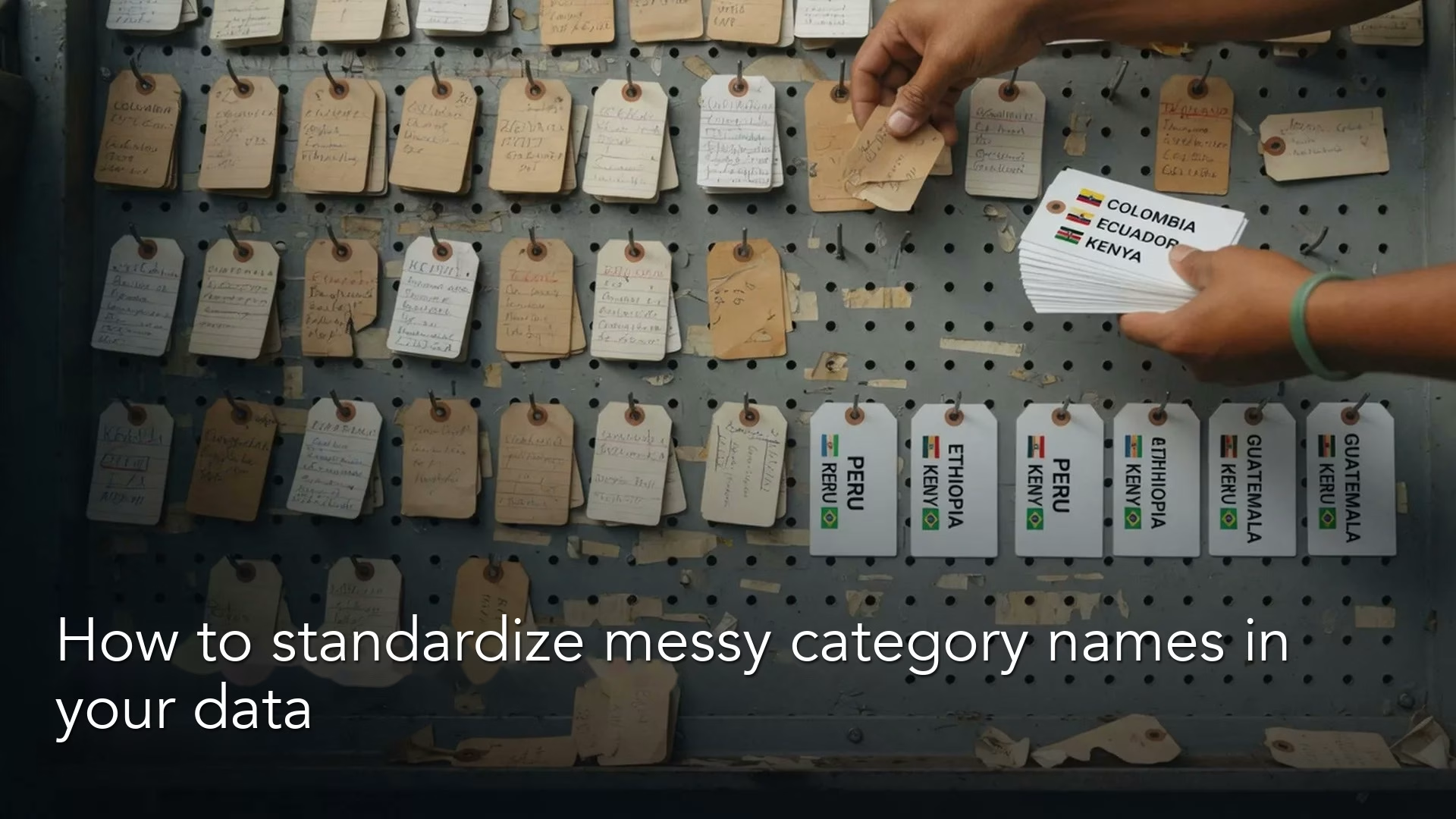
How to standardize messy category names in your data
Category chaos turns dashboards into spelling bees. Learn canonical values, mapping tables, alias lists, and how to escape Other hell so groupbys stay honest and unmapped rates stay…
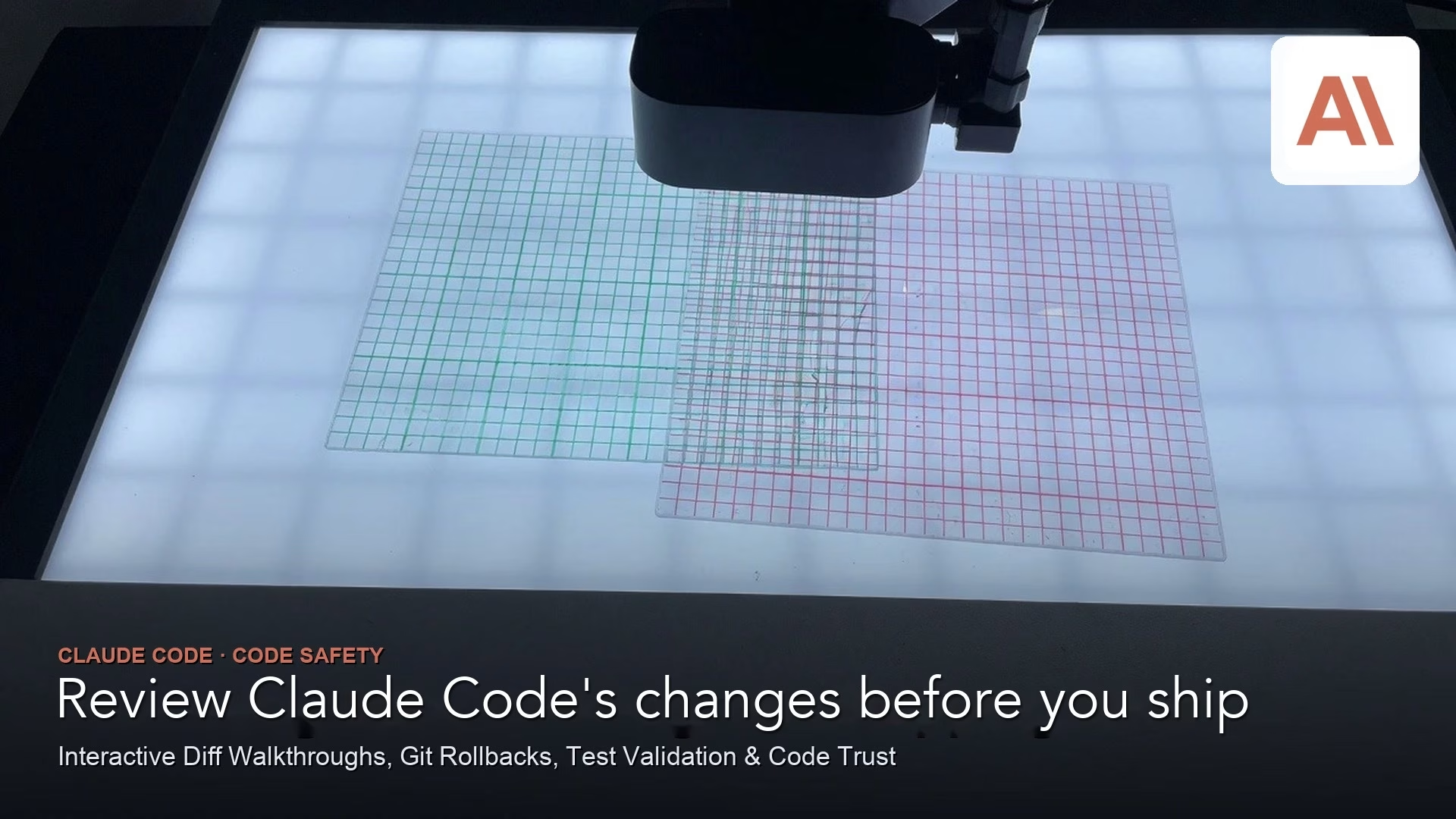
How to review Claude Code’s changes before you ship them
Part 9 of the Claude Code tutorial. Review every agent change set: read the diff, run tests, check secrets and scope, then own the commit. Undo with restore…
How to start your first coding project with ChatGPT Codex
Codex is the coding agent surface in the ChatGPT desktop app (with Chat and Work). Part 1 of the ChatGPT Codex tutorial: open a project, ask orientation questions,…

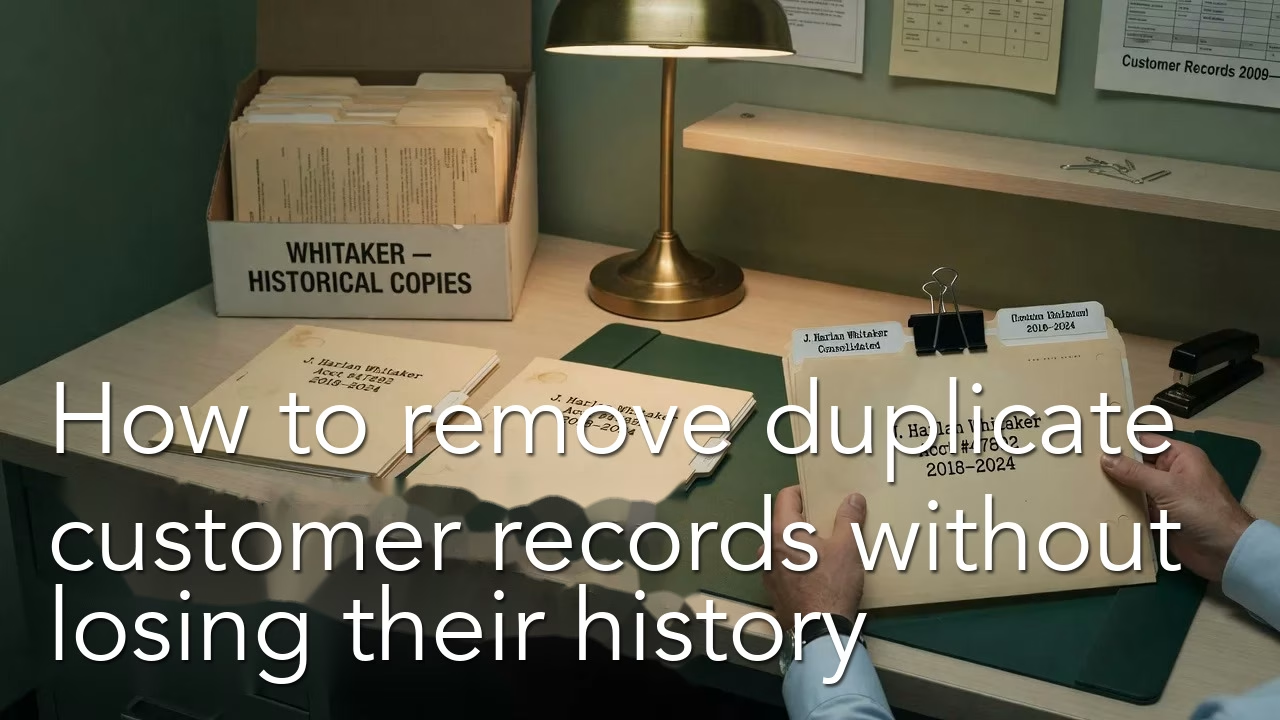
How to remove duplicate customer records without losing their history
Duplicates are identity problems, not a delete button. Learn natural versus surrogate keys, soft deletes, merge lineage, and validation checks so you collapse false twins without shredding history,…
How Claude Code works through multi-step tasks on its own
Part 8 of Claude Code tutorial. Run multi-step agentic work with a goal-plan-act-observe loop, checkpoints, and clear autonomy: watch, steer, or walk away only when rails are real.
