Category: Tutorials
You are in the right place if you want a lesson you can follow, not a glossary and not a product homepage. This shelf holds most of the articles on Analytics Made Simple. Two paths sit inside it on purpose. SQL is the database path: you have rows, and you need to ask a question without exporting another spreadsheet. AI is the tool path: chat products, open-weight models, and the jobs those tools are actually good at. Other tutorials land here when they teach a skill that does not belong on a narrower shelf.
A category page is the pile. A series page is the path, with a place to start and an order. If you open a tag or page 2 of this list, you are in a filing cabinet. The lesson is the article, or the series hub that lines the articles up.
Where to start: if the pain is a table, open the SQL series and use the first part on that page. If the pain is a model name or a chat tool, open the AI category and pick the product you already have on screen. If you are not sure which job you have, open Learn and choose the track that matches the work, not the logo.
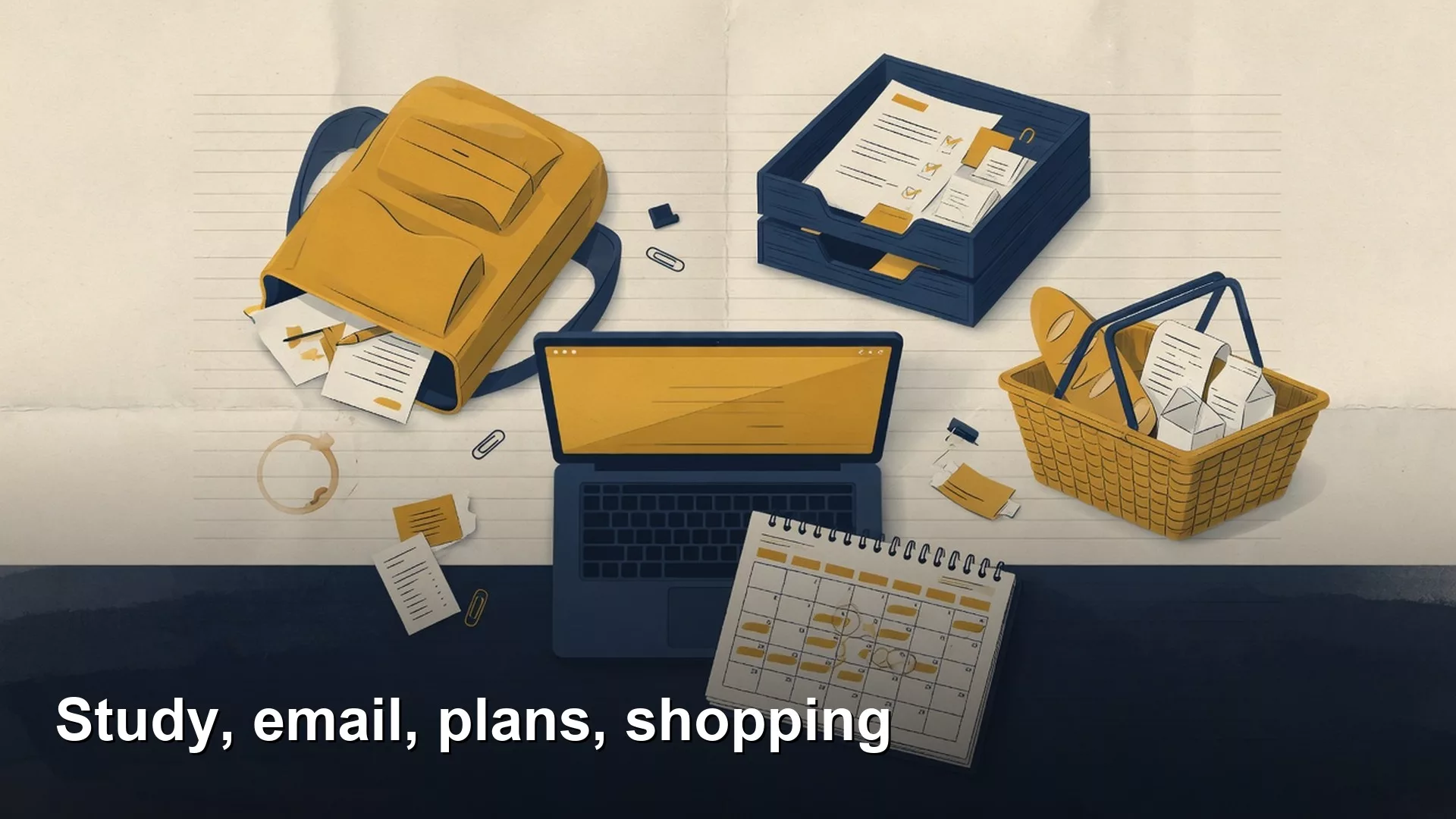
Study, work email, plans, and shopping research
Study, email, plans, and shopping share one skill: one job per chat, named constraints, and verify before you spend or send.
Files, uploads, and where your data goes
Know whether a file left as paste, upload, Project, or Memory. Paste a snippet, not a giant CRM export, and check training toggles.

Grok Build for sheets and research (carefully)
Sheets hide bad formulas. Give Build a small labeled range, audit formulas, and open research sources yourself.

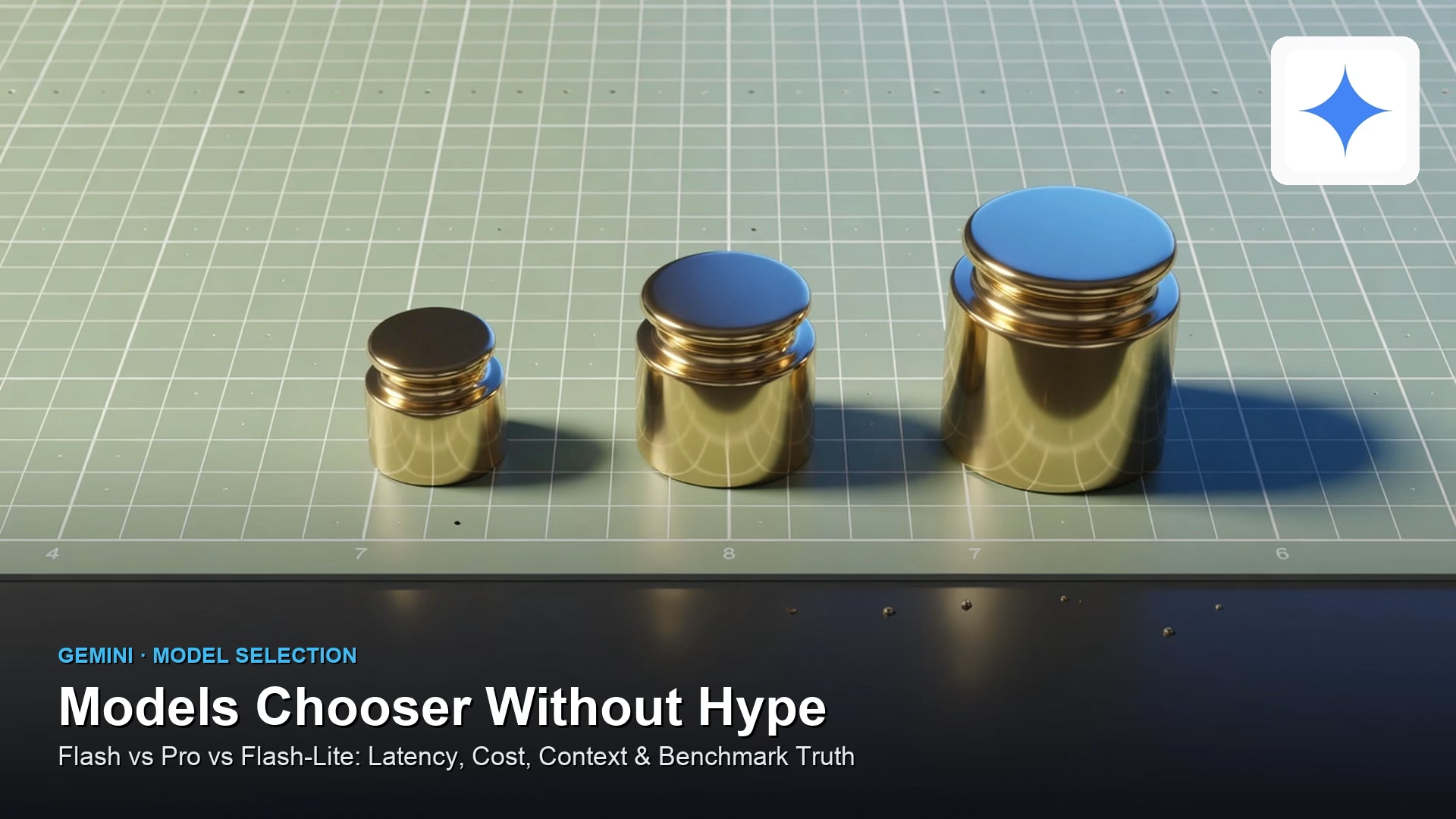
Models chooser without hype
Model names change faster than team training decks. Choose by job: Flash-class for everyday speed, Pro-class when depth earns the cost, pin versions, and re-test after launches instead…
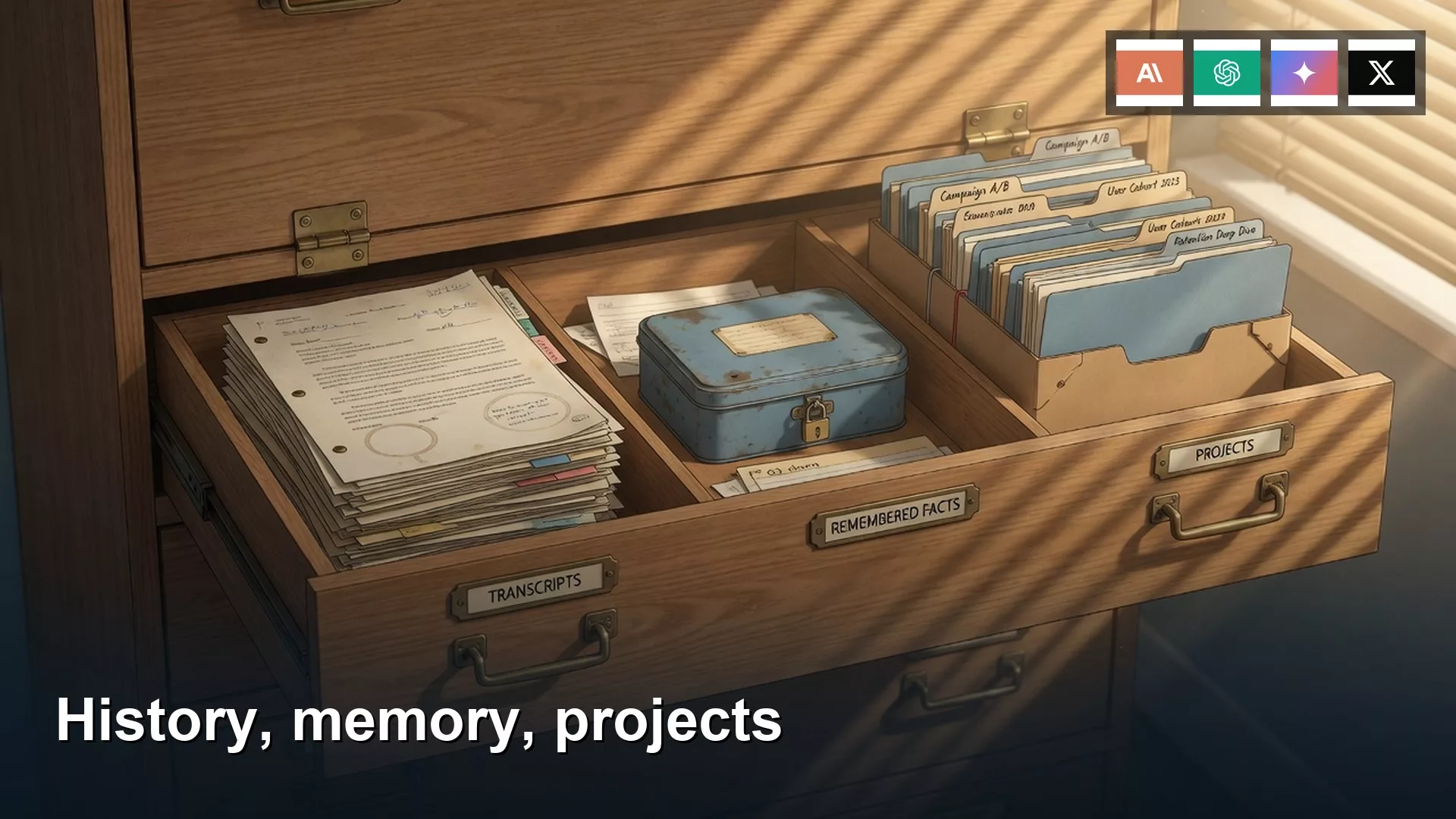
Chat history vs memory vs projects
History is this thread, Memory travels, Projects are job buckets. Pick the drawer so hobby chats do not draft the board deck.