Category: Tutorials
You are in the right place if you want a lesson you can follow, not a glossary and not a product homepage. This shelf holds most of the articles on Analytics Made Simple. Two paths sit inside it on purpose. SQL is the database path: you have rows, and you need to ask a question without exporting another spreadsheet. AI is the tool path: chat products, open-weight models, and the jobs those tools are actually good at. Other tutorials land here when they teach a skill that does not belong on a narrower shelf.
A category page is the pile. A series page is the path, with a place to start and an order. If you open a tag or page 2 of this list, you are in a filing cabinet. The lesson is the article, or the series hub that lines the articles up.
Where to start: if the pain is a table, open the SQL series and use the first part on that page. If the pain is a model name or a chat tool, open the AI category and pick the product you already have on screen. If you are not sure which job you have, open Learn and choose the track that matches the work, not the logo.
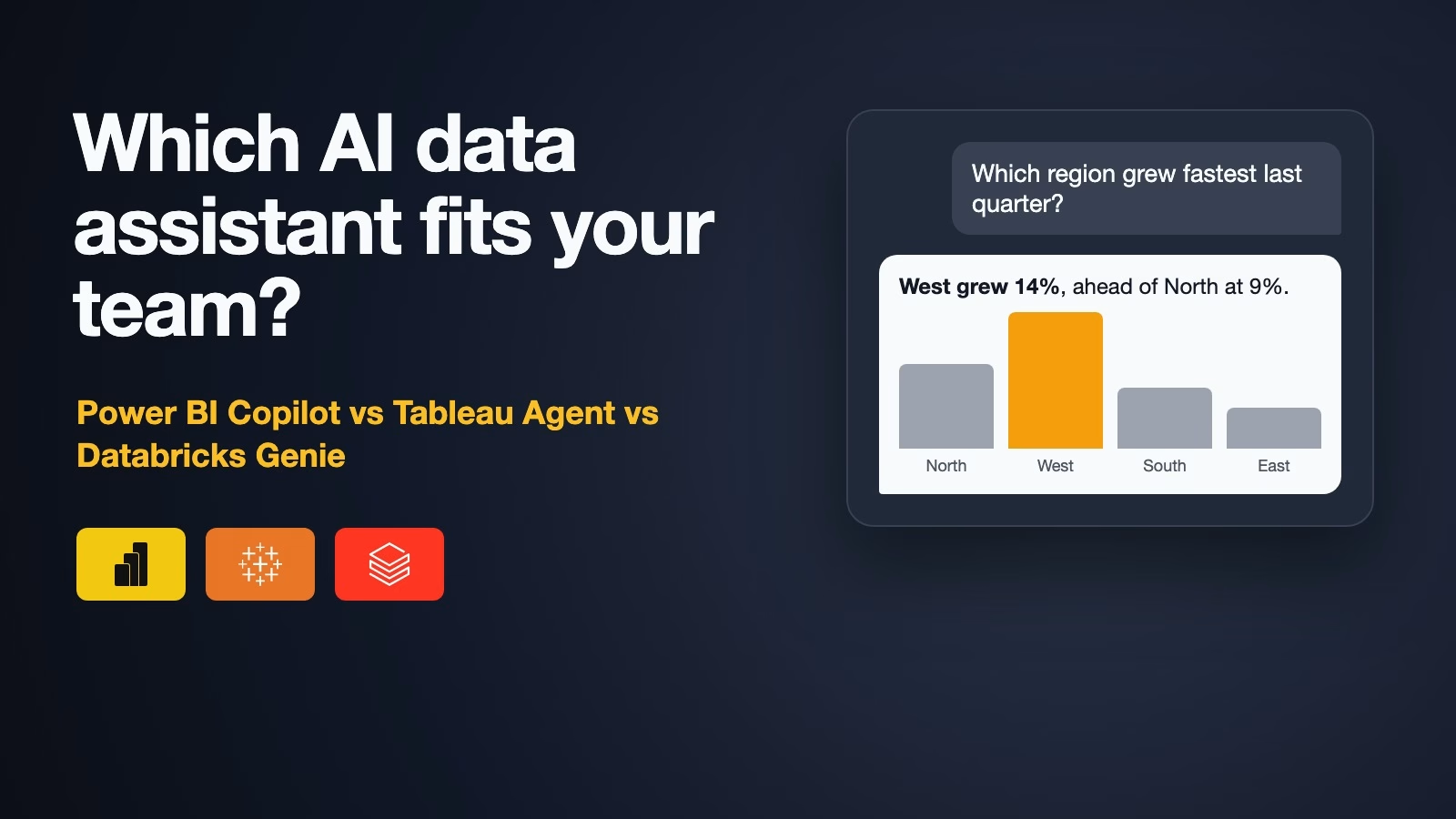
Power BI Copilot vs Tableau Agent vs Databricks Genie: which AI data assistant fits you?
Power BI Copilot, Tableau Agent and Databricks Genie all answer questions about your data in plain English, but each needs a specific plan and some data preparation first.…
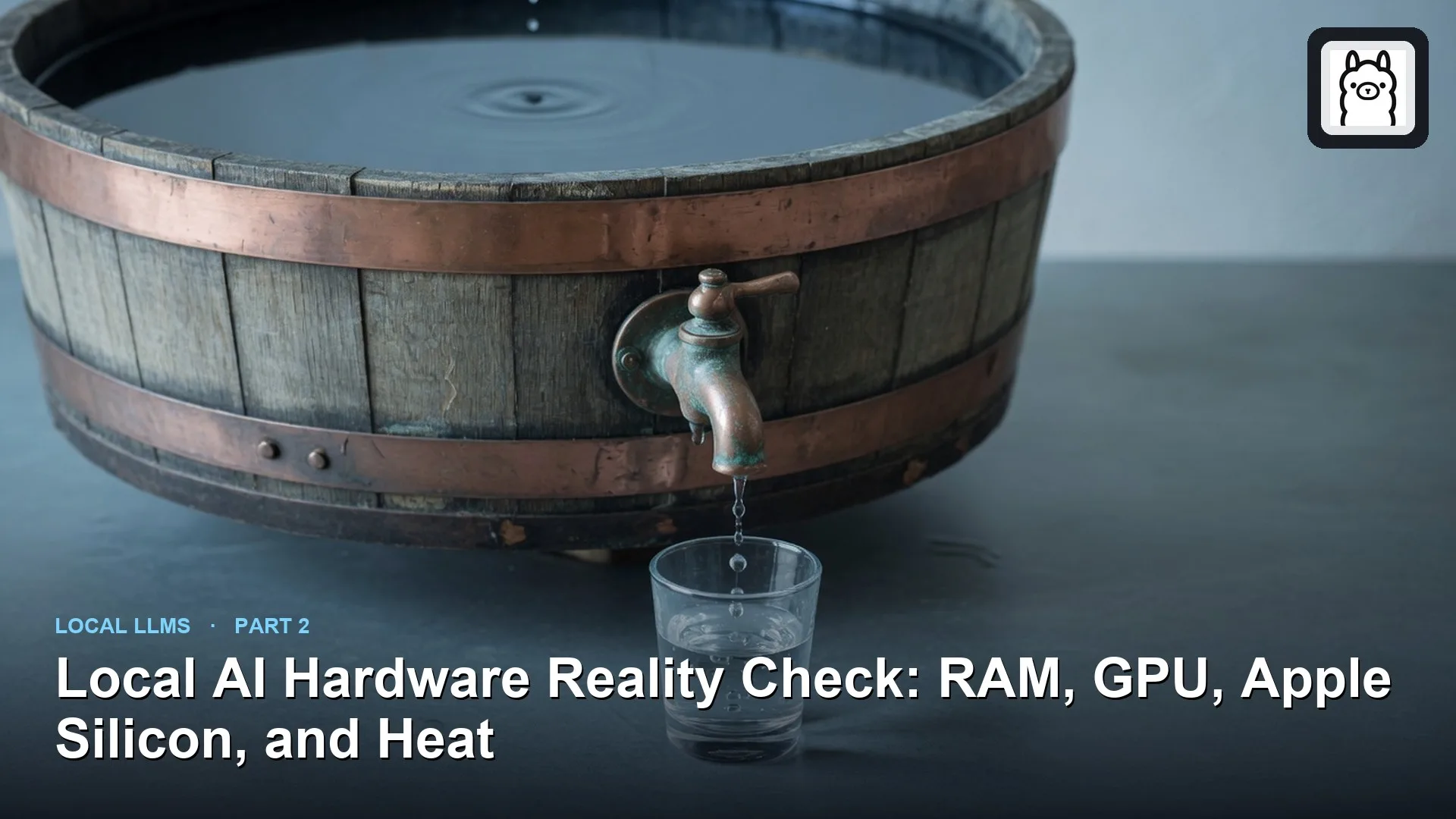
What hardware do you need to run AI on your own computer?
Size local hardware from model memory and bandwidth, not from brand stickers. Prefer enough unified or GPU memory, then worry about fancy cores.
How to turn meeting transcripts into action items you can trust
Turn meetings into action items you can trust: an owner who was in the room, a real date, and the exact words behind each task, checked and confirmed…
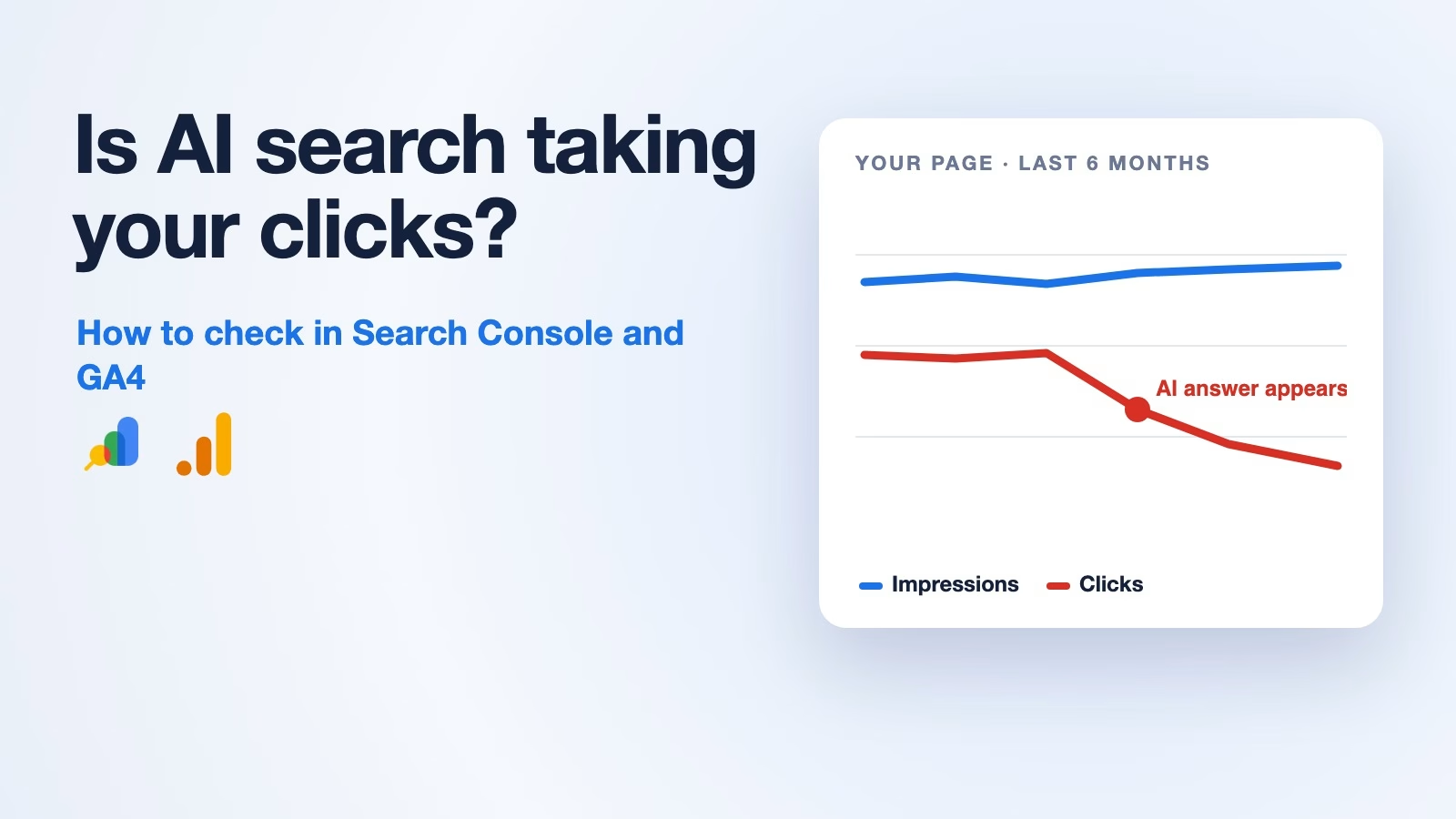
Is AI search stealing your website traffic? How to check in Search Console and GA4
Google’s AI answers can cut clicks to your site even when your pages still show up. Here is how to spot it page by page in Search Console,…
How to give an AI your company’s knowledge: RAG, fine-tuning, or long context
Choose RAG for changing private knowledge with citations, fine-tuning for tone and rigid formats, and long context for whole-document comparison. Most production stacks blend the three on purpose.