
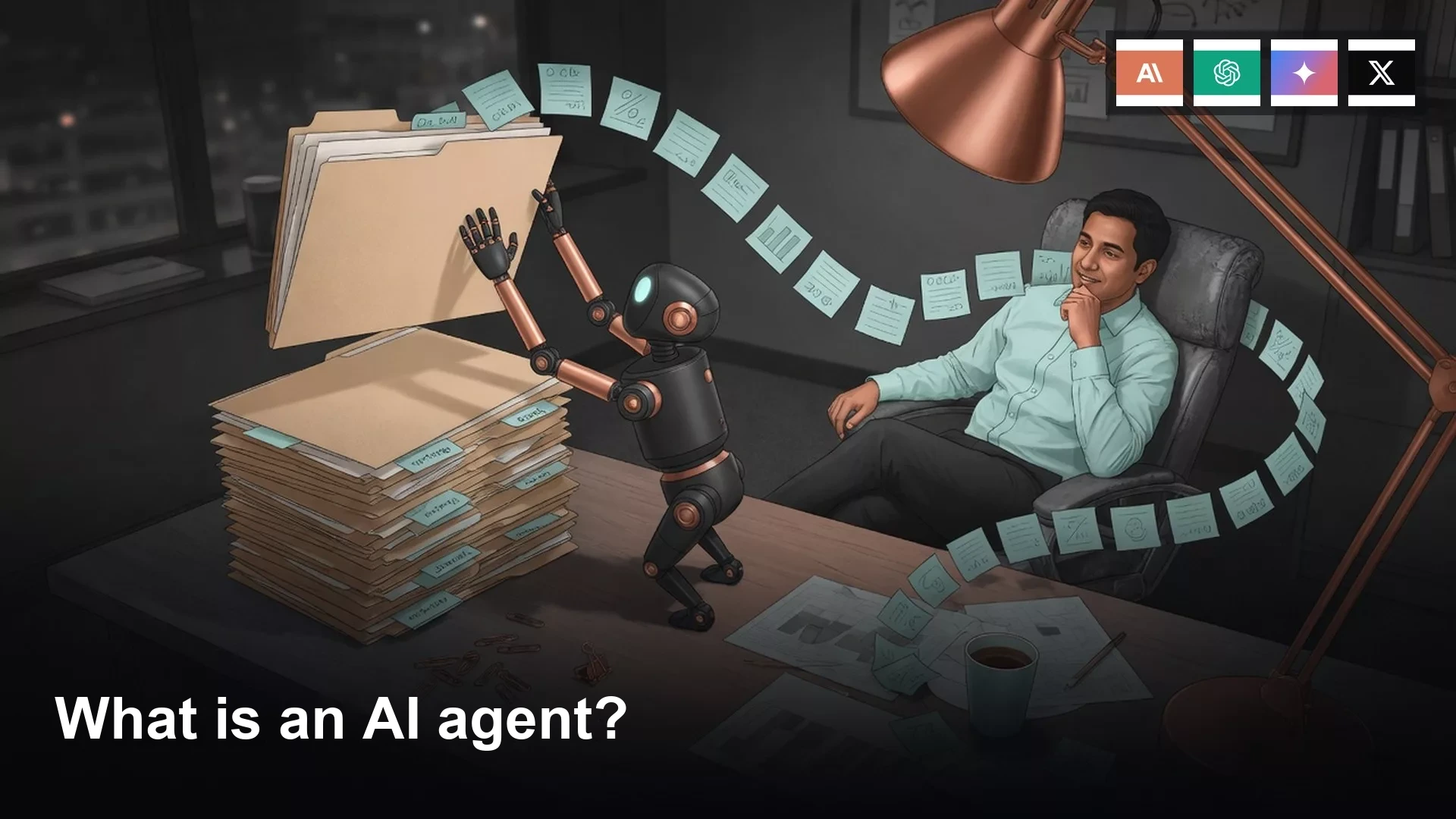
An agent is a chat tool that can take steps in a loop until it reaches a goal. It might browse a website, write a file, run a command, or fill in a form, and you grant each of those abilities one at a time. A vague goal like “clean up” is how files and zip archives disappear.
Imagine you type one sentence into a work chat late on a Thursday afternoon: “clean up the Q2 folder.” You leave the window open and walk to a meeting, and eighteen minutes later you come back to find 40 renamed files, from q2_item_01.pdf through q2_item_40.csv, and the archive zip is gone.
Chat answers once, and an agent keeps going
Chat works in turns. You type something and get back a paragraph, a list, or maybe a table, and then you copy it wherever you need it. The model does not open your Finder window, does not click Send on an email, and does not rename 40 files. It simply waits, and if you want another move you type again, which means you are acting as the operating system.
An agent is still a language model underneath, but it has two extras: tools and a loop. After it replies, it can call an action, such as listing a folder, clicking a button, writing a file, running a command, or typing into a form. Then it looks at what came back, whether that is a file list, a screenshot, or an error, and takes another action. It stops when the goal looks done, when you stop it, or when it hits a limit. Everyday people need that picture before anyone says Cowork, Codex, agent mode, or Operator in a meeting.
Your window in that story still looked like chat, with the same bubbles and the same vendor logo. The difference lived on disk. A chat tool would have written a recap from whatever you pasted, while the agent walked the folder, made a cleanup plan, acted on it, saw 40 new names, and kept going. “Clean up” was a goal the agent invented for itself, because you never wrote down what done looked like.
Rule of thumb: If the tool can only talk, you still do the steps. If it can click, write, or run, you have granted a loop, so watch the first run.
Chat in one turn is covered in AI for writing and questions, and file work without a loop is covered in AI for files and office work. This post sticks to the definition, so that Friday’s ops recap and a code refactor do not end up described with the same word in a team chat.
Tools you grant, not magic
An agent without tools is just a chat with a longer timeout. The tools are boring on purpose: browse, write a file, run a command, and fill a form. Vendors wrap those in friendlier names, but the verbs do not change.
Browse means the agent opens a web address, reads the page, and maybe clicks. That is useful for “pull the public pricing page and quote the Free line,” and it is a problem when the page is your bank, your admin console, or a vendor form with a Submit button. Write a file means it creates or overwrites something in a folder you pointed it at. That is how a recap.md appears on your Desktop, and it is also how 40 PDFs get new names. Run a command means a step typed into a command window, such as listing files, renaming them, or running a small script. On a coding agent this is the main activity, and on a work laptop it is how a zip disappears. Fill a form means typing into fields and clicking, as in calendar invites, expense tools, or a confirm-delete button. It looks like browsing, so people skip reading the permission.
You grant the permissions, and that sentence is the whole job. Product screens differ, but the rule does not. A permission that is off cannot delete your zip, and a permission that is on can, even if the model meant well. The yes is yours. A later post in this series covers when to watch, approve, or walk away. For today, if you did not see a permission, assume the vendor default and read it before you leave your desk.
The loop: goal, plan, action, observe, repeat
Here are five words you can say at a whiteboard: goal, plan, action, observe, repeat. Chat handles the goal and then gives one reply, while an agent stays in the middle three steps until a stop rule fires.

The figure shows the loop you skipped. A goal is not a vibe. Write what done looks like, including what must not move, as in: “Create recap.md from notes_ops_0612.docx and pipeline_q2.csv. Put it on my Desktop. Do not rename files. Do not delete anything.” A stranger could check that sentence, and nobody can check “clean up the Q2 folder.” The plan is the model listing its steps before it clicks anything. The action is one tool call, and the observation is reading the result, such as 118 rows in the CSV (a plain text file of rows and columns that any spreadsheet can open), a missing zip, or an access-denied message. Then it repeats until the recap exists, until you say stop, or until a step budget runs out.
A runaway is a loop that does not stop, or that retries a bad action because the result still looks untidy. Renaming 40 files is a small runaway. Deleting the zip is a one-way runaway, and endless retries against a login wall is a third kind. A later post in this series covers loops, retries, and runaway tasks, and today you only need to know they exist. On your first run, set a stop: a maximum number of steps, delete switched off, and you watching. The loop does not pause because you stood up, so if the product has an interrupt button, keep it within reach. Eighteen minutes was plenty of time for the damage in the story.
What is not an agent
In 2026, vendors will call almost anything an agent, so use a boring test. Does it take steps in the world, in a loop, toward a goal you named, with tools you granted? If the answer is no, keep the old name.

Autocomplete is a guess at the next word or cell, as in Gmail, Sheets, or your coding app. It has no goal, no tools, and no permission prompt, so you still type the rest. A saved prompt is a sticky note that you paste and send yourself, and the chat that follows is one turn unless you also turned on a real agent. That is useful, but it is not autonomy. A Custom GPT (or Gemini Gem, or Claude Project instructions) that only talks is a set of extra instructions and maybe some files to read. Looking things up is not the same as acting, so if it cannot browse, write, click, or run, it is a chat wearing a costume. A spreadsheet formula is a rule, such as SUM, VLOOKUP, or FILTER, and it fires when cells change. It always gives the same answer, has no plan, and never asks “allow delete?” That is a different machine, and a good one.
Macros, Zapier-style automations, and a recorded Excel script sit closer to agents, because they take steps. They usually do not plan, and they do not notice a surprise and invent a next action. An automation that files Gmail PDFs into Drive is something you designed. An agent that decides the PDFs look messy and renames them all is a loop, so keep those two words separate in your team note.
Names you will hear, with a hedge
Treat this as a field sketch, not a contract. In August 2026, these were the families people meant when they said agent in an everyday office. Re-check the product the week you click Allow, and do not memorize a button label from this section.
ChatGPT. OpenAI shipped Operator as an agent that uses a computer inside a browser, and then described a ChatGPT agent that combines that click-the-web skill with research and ordinary chat. Help articles and in-app labels have moved more than once, so you may still see Operator on a slide from last year. Confirm in ChatGPT (web, desktop, or the Mac app) which control starts a tool loop on your plan.
Claude. Cowork is the workspace for people who do not code: you assign a task, let it work through files, and check a deck or a sheet afterward. Claude Code is the coding agent, and it works with a project, a terminal (the text window where you type commands), and a list of changes. Anthropic is explicit that computer use (pointing, clicking, and taking screenshots) is a research preview inside Cowork and Code on desktop for Pro and Max plans, with permissions set per app. If you only have Free chat, you have chat.
Gemini. Google documents a Computer Use tool for building agents that control a browser, phone, or desktop through the Gemini API (the way programs connect to an AI service). The consumer app at gemini.google.com is a different product, with chat, research, side panels in Workspace, and maybe some agent-shaped features depending on your Google One or Workspace plan. Do not assume the developer loop sits in the same place as Ask Gemini in Docs.
Grok. This means grok.com and the Grok apps. xAI has been shipping more teammate, bot, and cloud-computer language in 2026, including work that runs on a cloud machine instead of only a reply. Feature names change fast here, so open the product and see whether the control you clicked can write a file or only draft a paragraph.
The next post in this series splits chat, agent, work mode, and coding agent with a chooser table. Do not pick a mascot today. Just decide whether you wanted a paragraph or a loop.
A worked example: the same recap, two ways
Say Friday’s ops meeting wants a recap. Your Q2 folder on disk holds notes_ops_0612.docx, pipeline_q2.csv (118 rows), board_deck_FINAL.pptx, 36 invoice PDFs, and archive_q2_originals.zip. It is the same job for two different machines.
| Same job | Chat (one turn) | Agent (loop with tools) |
|---|---|---|
| Write a Q2 recap | You paste notes and a csv slice. It writes a recap in the bubble. You copy it into the deck. | It opens the folder, reads files, writes recap.md on disk if you allowed write. |
| File names | It suggests a naming scheme. Nothing on disk changes. | It can rename 40 files if tidy was the goal and write is on. |
| The 86 MB zip | It can remind you to keep archives. The zip stays. | It can delete the zip if cleanup included remove duplicates and delete is on. |
| You do | Copy, paste, check the numbers against the csv. | Grant permissions, watch the loop, open recap.md, confirm the zip still exists. |
Chat assembled language, while the agent assembled (and then wrecked) the folder. If you had wanted only the recap, the goal sentence should have named the output file and frozen the rest of the directory. Paste the block below into the first agent run of the week, edit the paths, and leave delete off until you have watched one success.
# Agent loop (plain English). Paste into the first message.
goal: Create Desktop/recap.md from Q2/notes_ops_0612.docx and Q2/pipeline_q2.csv
done_when: recap.md exists AND the Q2 file list is unchanged
stop: 8 actions OR I type stop OR any delete is requested

plan_first: list files, then propose the recap outline, wait for my yes
then: write recap.md only

permissions:
  read: Q2 folder
  write: Desktop/recap.md only
  delete: OFF
  browse: OFF
  shell: OFF
  rename: OFF

if_unsure: ask. Do not invent a cleanup.
That block turns the word agent into a permission checklist with a stop. The model can still be wrong, but it cannot claim it lacked a rule. If your vendor’s screen has toggles instead of a paste box, map each line onto a toggle before you leave your desk. If a toggle does not exist, you either do not have that permission or you have it with no off switch, and in both cases you should stay for the first loop.
Common mistakes
- Calling autocomplete, a saved prompt, or a talk-only Custom GPT an agent in a meeting, so the team then grants file access to a chat box or withholds it from a real loop.
- Writing “clean up,” “fix this,” or “make it nicer” as the goal, when those are vibes. Name the output file and the files that must survive.
- Leaving for a meeting while write or delete is on, when eighteen minutes was enough for 40 renames and one permanent delete.
- Assuming the vendor’s agent button matches last year’s blog post. Operator, Cowork, computer use, Gems, and Grok bots all move, so confirm the control in the app that week.
- Skipping the observation. If you do not open Finder (or check your git changes) after the run, you only read the cheerful paragraph.
- Turning on command or form-fill abilities for a recap, when a recap needs read access and one write. Extra verbs are how zips vanish.
Quick recap
- Chat answers in one turn, while an agent plans, acts, observes, and acts again.
- Tools are browse, write a file, run a command, and fill a form, and you grant each one.
- The loop is goal, plan, action, observe, repeat, so write a stop rule.
- Autocomplete, a saved prompt, a talk-only Custom GPT, and a spreadsheet formula are not agents.
- Forty renamed files and a missing zip are what a vague goal looks like on disk.
How to practice this week
Pick one folder you can afford to duplicate and copy it. On the copy, run the checklist above with delete off and you watching, and open the folder after every few actions. Then do the same job in ordinary chat by pasting two files, taking the recap, and leaving the disk alone. Write one line in your team note about which run produced the recap and which run touched files. The next post in this series is Chat vs agent vs work mode vs coding agent, followed by posts on autonomy levels and runaway tasks. The rest of Learn stays at analyticsmadesimple.com/learn. If you wanted office files without a loop, that is still the files post in the chooser series, not an agent button.
Series notes
This is Part 1 of AI agents for everyone. Next: Chat vs agent vs work mode vs coding agent.
Sources
- OpenAI: Introducing ChatGPT agent (Operator-style computer use folded into an agent; labels move)
- OpenAI: Computer-Using Agent (the click-the-screen model family behind Operator)
- OpenAI: ChatGPT for Mac and ChatGPT help (confirm which desktop control starts a loop on your plan)
- Anthropic: Claude Cowork and Getting started with Claude
- Anthropic help: computer use in Cowork and Claude Code (research preview, permissions per app, checked August 2026)
- Google: Gemini Computer Use and Gemini app (developer loop vs consumer app: different products)
- Grok (re-check current bot and computer controls; names move)
- OpenAI usage policies and Anthropic usage policy (what automated action is allowed)
- National Institute of Standards and Technology: AI Risk Management Framework (govern, map, measure, manage: useful language for loops at work)
- Analytics Made Simple: Learn, the chooser, and AI for coding
Keep going
Same lessons in your feed
Short diagrams, hooks, and weekly tutorials on Substack, Instagram, X, and Facebook.



