
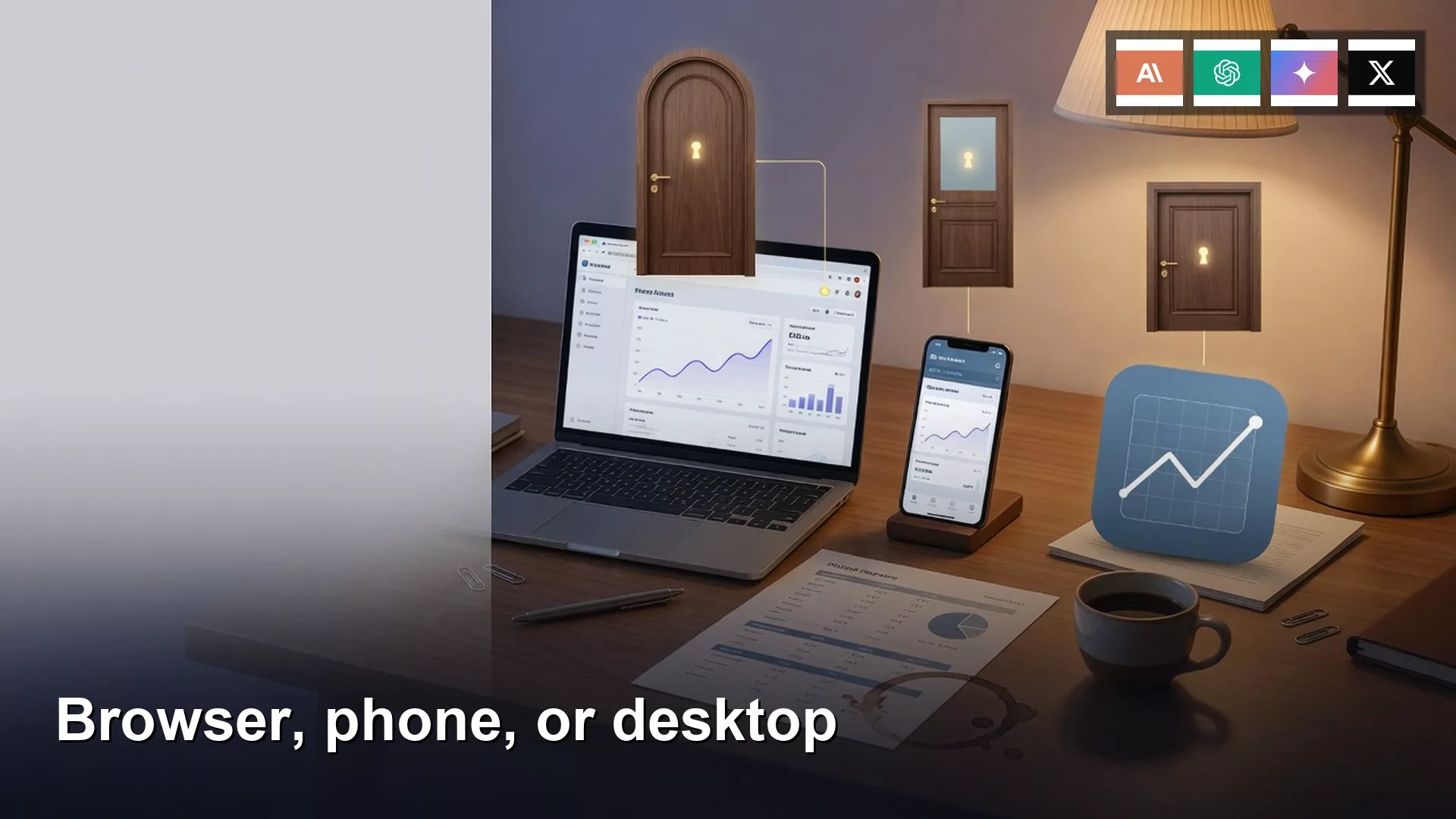
Marisol’s Slack thread ran 14 minutes. Nine messages. The partner asked twice where the client recap was. She had written it on chatgpt.com at 8:40am: 1,847 words, three numbered next steps, the client’s name spelled right. On the 9:12 train she opened the ChatGPT iPhone app, finished one sentence about the Q3 retainers, and hit send. At the office she opened the ChatGPT Mac app. Different sidebar. Eleven personal chats. A dentist reminder. A birthday poem for her nephew Milo, still pinned at the top. The recap was not there. The Mac app showed her personal Apple ID in the account chip. She rewrote 400 words of a worse recap because she thought the good one had vanished. The partner dropped both drafts into the thread at 9:41. Two chat lists. One work laptop.
This is Part 8 of Phase P, and Part 2 of AI setup from zero. Part 7 opened the account and picked a payment rail (website vs App Store vs API). This part is the window you type in: the vendor website, the iPhone or Android app, or the desktop app. The chooser in Which AI product should I use? already picked the door. Surfaces and button names move. As of writing (August 2026) the split below is the usual one. Confirm on the vendor page the week you install.
What you’ll learn
- When the website is the right surface (billing, admin, Custom GPTs, the fuller settings)
- When the phone app is enough (voice, camera, a short reply while you stand in line)
- What a desktop app can see: local files and your screen, only after you allow it
- Why the same email has to be signed in on every surface, or you get two histories
- A 10-minute pick: start on the website, add the phone later, skip a second App Store paid plan
Three surfaces, one account

A “surface” is just the window. ChatGPT has chatgpt.com, an iPhone app, an Android app, and desktop apps for Mac and Windows. Claude has claude.ai, phone apps, and Claude Desktop (download from Anthropic, not from a random Mac blog). Gemini lives at gemini.google.com/app plus a Gemini phone app. Grok lives at grok.com and also inside X. The product is the account. The windows are how you reach it. You do not need all three on day one. You need one window tied to the email you chose in Part 7.
Rule of thumb: If the sidebar does not match the other device, stop typing. You are in a different account.
The website is the complete product
Start on the vendor website on a laptop. As of writing, that is still where the admin lives: billing, plan name, invoices, Workspace or Team seats, memory toggles, the screen that creates Custom GPTs on ChatGPT, project instructions, scheduled tasks, and the full model picker. Phone and desktop apps catch up, then lag. Bookmark chatgpt.com, claude.ai, gemini.google.com/app, or grok.com. That bookmark is home base even after you install apps.
If you only ever open the iPhone app, you miss the boring screens that save you later. You will not see that Plus is already on the Visa. You will not find the GPT you built for client recaps. “Manage subscription” lives under Settings on the website. Writing jobs from Part 1 belong here for the first draft. A 1,847-word recap wants a keyboard. Use the phone to patch a sentence.
The phone is for voice, camera, and the train
The iPhone or Android app is a pocket tool. Voice while you walk to the car. Camera on a whiteboard after a meeting, or on a slide that will not be emailed. A 90-second reply while you stand in line for coffee. Finishing one sentence on the 9:12 train. A photo of the whiteboard beats typing 12 sticky notes later. Keep those turns short. If the reply needs a table, a Custom GPT, or a look at billing, wait for the laptop.
The trap from Part 7 lives here. The ChatGPT app and the Claude app will offer Plus or Pro inside the store. Apple or Google bills it. The website may already have the same plan on a Visa. Two merchants, one product. If you already pay on the website, do not tap Subscribe in the app. Check Settings and read the email before you dictate. Marisol’s phone was fine. Her Mac was not.
Desktop apps sit on the same account
ChatGPT for Mac, ChatGPT for Windows, and Claude Desktop sit on the account you already have. Download from OpenAI’s Mac page or claude.com/download, not from a software blog. Option+Space (Mac) or Alt+Space (Windows) on ChatGPT, as of writing, pops a box without hunting a tab. That box still uses your login. Marisol’s Mac app was on the work laptop.
What the desktop app adds is reach into the machine, if you allow it. Screenshot the messy slide. Point it at a folder of notes. On a Mac, the OS will show a permission sheet. Click Allow and the app can see what you named. Click Don’t Allow and it cannot. As of writing, ChatGPT’s Mac app has been adding Work, Codex, a built-in browser, and optional computer-history features; some project and billing screens still live on the website. Treat a granted folder like an upload from Part 3: do not point it at payroll, HR, or a client vault you would not paste into the web composer. Part 4 is the longer privacy fork. Desktop is optional. Website first.
| Surface | Good for | What it hides | Billing trap |
|---|---|---|---|
| Website (chatgpt.com, claude.ai, gemini.google.com, grok.com) | Long drafts, Custom GPTs, billing, admin, full settings | Pocket voice, a quick photo of a whiteboard | This is the rail you want: card on the vendor site |
| iOS or Android app | Voice, camera, a 90-second reply, the train | GPT editor, many admin screens, some model and memory settings | In-app Plus or Pro via Apple or Google, stacked on a web plan |
| Desktop app (ChatGPT Mac/Windows, Claude Desktop) | Screenshots, local files after Allow, a keyboard shortcut | Some project and billing screens still on the web | Usually no new bill if the email matches; Sign in with Apple can still open a second identity |
Same email or two histories
History follows the account, not the device. The same email on chatgpt.com, on the iPhone app, and in the Mac app is one sidebar. A different email is a second person. Pinned chats, as of writing, can sync across ChatGPT’s Mac app and iOS only if both are the same login. Marisol’s pins on the phone never appeared on the Mac. That was the tell.
How the split happens in real offices:
- Website: “Continue with Google” using the work Google.
- iPhone: the same Google, or Sign in with Apple on a personal Apple ID.
- Desktop: a weekend install that used Sign in with Apple because it was one tap, and the Apple ID is the family one.
- A work laptop with a personal Chrome profile still signed in from last night’s shopping tab.
Fix is ugly and short. Open Settings on each surface. Read the email. If they do not match, sign out of the wrong one. Sign in with the email from your Part 7 note. Next in this series is personal vs work accounts. Today: three windows, one email, or you rewrite 400 words that already existed.
A 10-minute pick

- On a laptop, open the vendor website from Part 7 (chatgpt.com or claude.ai if you followed the chooser). Confirm the email in Settings. Screenshot it.
- Confirm the plan and the merchant on the website. If you pay, it should be the vendor name on the card, not Apple, unless you chose the store on purpose.
- Install the official phone app. Sign in with that same email. Send one test line (“surface check”) in an existing thread and confirm it appears on the website.
- Leave the desktop app off unless you need screenshots or a local folder. If you install it, same email, same Settings check. Do not tap Subscribe in the App Store or Play Store.
A checklist you can paste into the team note from Part 7:
Surface checklist (one vendor)
Website URL: [chatgpt.com / claude.ai / gemini.google.com / grok.com]
Account email on the website: [work address]
Plan and merchant: [from Part 7, website billing]
Phone app: [ChatGPT / Claude / Gemini / Grok]
Phone app email (Settings): [MUST MATCH the website]
Phone App Store / Play subscribe: OFF
Desktop app: [none / ChatGPT Mac or Windows / Claude Desktop]
Desktop app email (Settings): [MUST MATCH]
Local files / folder access: [off, unless we need a named folder]
Test line in an existing thread: [seen on web and phone]
Owner: [Marisol]
If the sidebars differ, stop typing. Two accounts.
If the phone email and the Mac email disagree, you find out in 10 minutes instead of in a 14-minute Slack thread. I think the website is still the right home base even when the Mac app looks nicer.
Worked example: Marisol’s two chat lists
| Surface | Signed in as | What she saw | What she did |
|---|---|---|---|
| chatgpt.com on Chrome | Work Google | The 1,847-word recap, 8:40am | Wrote the real draft |
| ChatGPT iPhone | Work Google (she checked) | The same recap | Finished one sentence on the 9:12 train |
| ChatGPT Mac app | Personal Apple ID | 11 personal chats, Milo’s poem pinned | Rewrote 400 weaker words, pasted into Slack |
Fix, in order. Sign out of ChatGPT on the Mac. Sign in with the work Google. Confirm the recap is in the sidebar. Delete or archive the 400-word duplicate so nobody sends it. Add the Mac email line to the surface checklist. Do not install Claude Desktop “to compare” this week. One vendor, three windows max, one email.
A second beat: her teammate installed Grok from the App Store on a work iPhone, tapped Sign in with X, and got his personal X handle. grok.com on his laptop was the work email. Two Grok histories. Same rule: Settings, email (or handle), match, or stop.
Common mistakes
- Treating the desktop app on a work laptop as a work account. The laptop is furniture. The email is the account.
- Tapping Subscribe in the iPhone app when the website already has Plus or Pro. That is the Part 7 double bill.
- Authoring a long draft only on the phone, then being shocked the Custom GPT editor is missing.
- Granting the Mac app access to the whole home folder because the permission sheet was in the way of lunch.
- Installing a “desktop client” from a search ad instead of openai.com or claude.com/download.
How to practice this week
Open the website. Screenshot the email and the plan. Open the phone app and match them. If a desktop app is installed, match that too. Send one test line in an old thread and watch it show up in both places. If it does not, sign out of the extra account before you write anything a client will see. Next in this series: Personal vs work accounts (and why it matters). More paths: Learn and Practical AI.
Quick recap
- Website first, on a laptop. That is billing, admin, Custom GPTs, and the long draft.
- Phone app for voice, camera, and short replies. Same email. No second store subscription.
- Desktop app is the same account plus a file permission you can refuse.
- If the sidebars differ, you have two histories. Stop typing until the emails match.
Sources
- OpenAI: ChatGPT for Mac (official desktop download and Mac-specific features; re-check as of writing)
- OpenAI Help Center (apps, billing, account, and desktop browser notes)
- Anthropic: Get started with Claude (web, desktop, and mobile doors)
- Anthropic: Download Claude (official Claude Desktop and phone apps)
- Google Gemini app on the web (browser home base)
- Grok (grok.com vs the X app; plan names move)
- Apple: subscriptions and billing (when the phone app charged through the App Store)
- AMS: Accounts, payments, Free vs paid (Part 7, the three rails)
- AMS: AI setup from zero
Keep going
Same lessons in your feed
Short diagrams and hooks on Instagram, X, and Facebook.
Merch on Etsy
Open store → You're On Mute White Ceramic Coffee Mug, Data Science Mug, Data Mug, Analytics Mug, Statistics Mug, Programming Mug, Gift Mug, Coffee Mug
View on Etsy →
You're On Mute White Ceramic Coffee Mug, Data Science Mug, Data Mug, Analytics Mug, Statistics Mug, Programming Mug, Gift Mug, Coffee Mug
View on Etsy →
 Imbalanced Classes Mouse Pad, Data Science Mouse Pad, Analytics Mouse Pad, Imbalanced Mouse Pad
View on Etsy →
Imbalanced Classes Mouse Pad, Data Science Mouse Pad, Analytics Mouse Pad, Imbalanced Mouse Pad
View on Etsy →
 Good Cheap Fast White Ceramic Coffee Mug, Data Science Mug, Data Mug, Analytics Mug, Statistics Mug, Programming Mug, Gift Mug, Coffee Mug
View on Etsy →
Good Cheap Fast White Ceramic Coffee Mug, Data Science Mug, Data Mug, Analytics Mug, Statistics Mug, Programming Mug, Gift Mug, Coffee Mug
View on Etsy →
 Mute Mouse Pad, Data Science Mouse Pad, Analytics Mouse Pad, You're On Mute
View on Etsy →
Mute Mouse Pad, Data Science Mouse Pad, Analytics Mouse Pad, You're On Mute
View on Etsy →