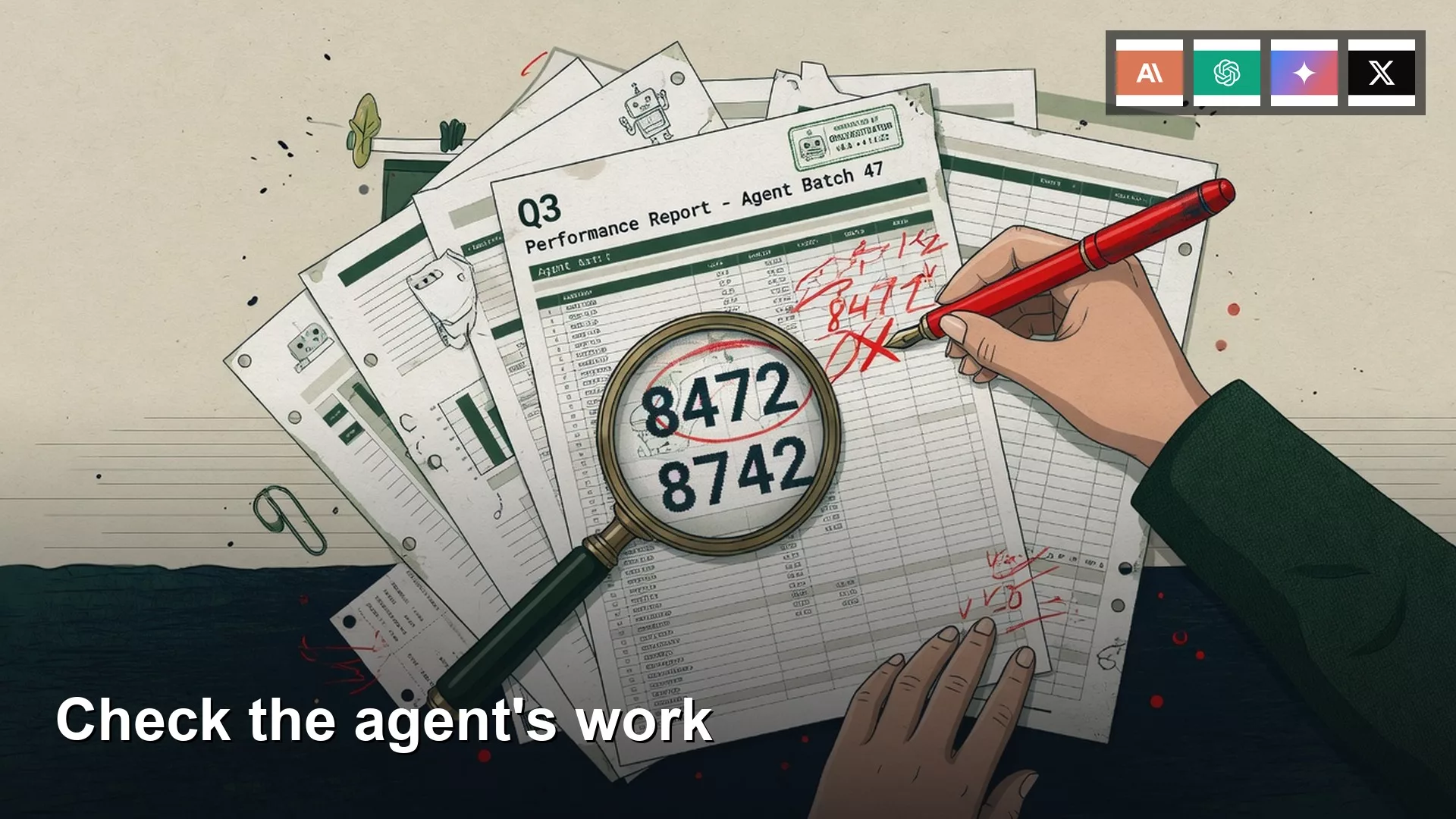
An agent is an AI tool that carries out a multi-step task on its own, and you do not need to read its step-by-step account of what it did. Check the files instead: the number on the slide, the file it came from, the person who owns it, and whether anything was sent or deleted. Give it a pass or fail in sixty seconds, and then either stop or fix it.
Say you open board_q2_2026_draft.pptx on Thursday morning, before the partner meeting. An AI agent worked on it overnight, and now the deck has eighteen slides with brand-new titles. It looks finished, and that look is exactly what you should not trust yet.
Check the files, skip the transcript
Most agent products keep a run log, which is the agent’s own account of what it did: tool calls, clicks, and sometimes a chain of thought if the product shows one. Engineers sometimes read these logs, but you do not have to, and you often cannot. OpenAI’s help page on agent-style tasks, checked in August 2026, has said conversations can land in compliance logs while individual actions (virtual computer use, chain of thought) may not. Claude Cowork shows a work trail, and that trail is still not the deck. Gemini and Grok labels keep moving. None of these logs is the file you would actually send.
Your window lists eight tool calls that you do not have time to decode, and your coffee is still too hot to drink. The useful object is board_q2_2026_draft.pptx, so look at slide 4, the csv, the speaker notes, and the Trash. The agent’s recap paragraph is advertising. A line like “pulled the headline number” can mean it copied last year’s title. Picture an agent that cheerfully reports a tidy folder while the zip file is gone. Cheerful logs and bad files travel together.
An earlier post on what an AI agent is defined the loop as goal, plan, action, observe, and repeat. The model’s observe step looks at its own action, so your review is a second look, by a human, at the finished artifact. The post on watch, approve, and walk away still ends with a person who will send something. The post on loops, retries, and runaway tasks taught you to stop a runaway. This post covers what you do when the loop has already stopped and the file sits there looking finished.
You can do all of this without git, without Python, and without developer tools. A green diff does not prove slide 4 is right either. A coding agent, described in the post on chat versus agent versus work mode versus coding agent, gets the same five spots.
Rule of thumb: If you would not send the file after a 60-second open, the agent’s paragraph does not make it sendable.
Five spots that beat a vibe

Put a time limit on it: sixty seconds per artifact. If something fails, give yourself five more minutes to fix it. Do not let review turn into a second runaway, which is the problem from the earlier post on loops with a human sitting in the chair. Five spots cover almost every office loop.
Open the files
Download or open the actual output, whether that is the pptx, the csv, the recap.md on the Desktop, or the folder in Finder. Skim every slide and not only the title slide that the agent screenshotted, because hidden speaker notes count. If the product only showed you a summary in the chat bubble, ask it to write the file to a folder you can see, and then open that file. Chat is not storage.
Click the links
Every web address in the recap or on a slide is a claim, so click it and expect the real domain. A lookalike such as finance-company.net when the real admin page is finance.company.com is a fail, even if the page looks branded. A 404 error is a fail, and so is a link to last year’s blog post when the slide is about this year. Agents invent citations the same way a chat invents a person who was away on vacation. You need the tab to load the right page.
Recompute one number
Pick the headline number, just one, and filter the source the way your finance team does. Say you filter pipeline_q2.csv to Closed-Won (41 of 214 rows) and sum the Amount column. Excel says $3,684,200, but slide 4 says $4.2M. That is the whole check. You are not re-auditing the pipeline (here, the list of sales deals and their stages), only testing whether the agent read this year’s file or decorated last year’s title. If the number is a count of people, count them, and if it is a date, open the calendar. One mismatch fails the artifact.
Search a name you already know is sensitive
You already know one word that should not travel, such as a client code-name, a candidate, a salary band, or an unreleased product. In this story the code-name is Harbor, a deal that is not public. You search the deck for Harbor and find that the speaker notes on slide 7 still mention it, copied from last year’s file along with the $4.2M title. Use Find in PowerPoint or Find in Preview, or grep if you like terminals. Pick the name before you run the agent, so you are not deciding under pressure.
Ask what it deleted
Type this to the agent: “What did you delete or overwrite? List the original names.” Then go and look in the Trash, in version history, and at the folder count. In this story the agent says it “removed duplicates,” but slide 11 was the risk register, the only slide that listed Harbor slipping a quarter. The deck went from 19 slides in the earlier autosave to 18, and the chat never mentioned a risk register. Cleanup language hides deletes. If delete was supposed to be off in the permission list from the earlier post on how agents work, a missing file is a process fail as well as a content fail.
A 60-second check for each artifact
Match the check to the thing you would send. Find the row, run it, and then stop. A coding run uses the same table, because the artifact there is the file or the pull request and not the “I refactored the module” paragraph.
| Artifact | 60-second check | Pass looks like | Fail looks like |
|---|---|---|---|
| Deck or slides | Open every slide. Read titles. Recompute the headline. Search speaker notes. | Headline matches the csv. Notes are clean. | Last year’s $4.2M still on slide 4. Harbor in notes. A missing risk slide. |
| Spreadsheet | Recompute one total from the source rows. Spot two other cells. | Your SUM matches the headline cell. | 3,684,200 rounded to 4.2 because a title leaked in. |
| Written recap | Click every link. Search the sensitive name. Check counts against the source. | Links load on the real domain. Name is absent if it should be. | 404s, a lookalike URL, leftover Harbor, six sources and two dead. |
| Folder or files | Ask what it deleted. Open Trash. Compare file count to the start. | Zip and risk slide still there. Names you allowed. | Permanent delete, empty Trash, 40 new file names nobody allowed. |
Pass or fail, then stop

A vibe is “it looks pretty” or “the model sounded confident.” Instead, write PASS or FAIL and one line of evidence, such as FAIL: slide 4 is $4.2M, csv is $3,684,200. That line is the review. The National Institute of Standards and Technology (NIST) publishes an AI Risk Management Framework, which is voluntary, dates from 2023, and is still the language many workplaces borrow. It asks you to define human oversight and to measure whether the system is doing what you think. You do not need a program office to write four letters on a sticky note.
Name the artifact first, because if you cannot point at a file, you are reviewing a conversation. Then run the matching 60-second check and write the verdict. On a fail, do not send. Fix the artifact by hand, or rerun with a narrower goal such as: “Update titles from pipeline_q2.csv. Do not copy board_q2_2025.pptx. Do not delete slides. Delete off.” Walk-away autonomy does not skip this check and only changes when you sit down to do it. Overnight jobs still need a morning pass or fail before the meeting.
OpenAI’s usage policies and Anthropic’s usage policy are about allowed use, and they do not grade your deck. You do. In vendor pages checked in August 2026, ChatGPT Work (the product that folded in a lot of older agent-mode behavior) and Claude Cowork both produce files you can refuse. Use that refusal.
Worked example: the $4.2M slide
Here is the same Thursday from the folder’s point of view. Before the agent ran, the folder held board_q2_2025.pptx, board_q2_2026_draft.pptx (19 slides, including the risk register), pipeline_q2.csv (214 rows), and an empty recap.md. The goal you gave the night before was “Clean the deck for the partners.” Permissions were set to write on and delete on, because “clean” sounded harmless. That repeats the permission mistake from the earlier post on how agents work.
By Thursday morning the folder showed 18 slides in the draft, a filled recap.md with six citations, and a chat that claimed success. You run the five spots in order.
- You open the pptx. The slide 4 title reads “Q2 booked: $4.2M,” and the speaker notes on slide 7 still mention Harbor.
- You click three links in
recap.md. The internal Notion page returns a 404 because it was archived in June.finance-company.net/loginis a lookalike domain. The last link goes to a public blog post about $4.2M from the wrong year. - You filter the csv to Closed-Won and sum
Amount, which gives $3,684,200. - You search for Harbor and get a hit in the slide 7 notes, which is a fail.
- You ask what it deleted. The agent lists a “duplicate closing slide,” but version history shows slide 11, the risk register, is gone. The file count went from 19 to 18, the Trash is empty, and the delete was permanent.
That is four fails. You do not send the PDF. You restore slide 11 from the earlier autosave, paste $3,684,200 onto slide 4, and strip Harbor from the notes. Then you tell the partners the deck will land a little late, and the 14-person list never sees last year’s number. Paste the block below after every loop. Edit the paths and the sensitive name, and leave the verdict line blank until you have opened the file.
# Agent review (non-engineer). Run after every loop.
artifact: [deck / sheet / recap / folder]
owner: [your name]
timebox: 60 seconds per artifact, then 5 minutes if FAIL

spots:
  [ ] open the actual files (not the chat)
  [ ] click every link (real domain, page loads)
  [ ] recompute ONE number from the source
  [ ] search a sensitive name I already know
  [ ] ask: what did you delete or overwrite?

source_of_truth:
  number_file: pipeline_q2.csv
  number_check: SUM Amount where Stage=Closed-Won
  expect: 3684200
  name_to_search: Harbor
  must_survive: risk register slide, board_q2_2026_draft.pptx

verdict: PASS / FAIL
fail_reason: [one line, e.g. slide 4 is 4.2M, csv is 3684200]
if_fail: do not send. fix by hand or rerun with a narrower goal.
delete: confirm OFF before the next overnight run
This block turns “looks good” into a pass or fail with a source of truth. The model can still be wrong, but it cannot claim you lacked a rule. If your vendor’s screen has no paste box, keep the checklist in the team note and run it on the files yourself. Map each line onto a setting before you leave delete on for an overnight run.
Common mistakes
- Reading the run log or the cheerful recap instead of opening the pptx, when the eight tool calls in the story never mentioned $4.2M.
- Checking only slide 1, when leftover titles and speaker notes live in the middle.
- Trusting a rounded headline, when $3,684,200 is not $4.2M and you should recompute from the csv.
- Skipping the delete question because the goal said “clean,” even though cleanup is how risk registers vanish.
- Sending on a mixed vibe (“the links are messy but the story is fine”), when one fail is a fail.
- Leaving delete on for the rerun, when you should narrow the goal and turn delete off before you go home.
How to practice this week
Pick one recent agent run whose output you have not yet opened, such as a deck, a sheet, a recap, or a cleaned-up folder. Copy the checklist above into a note and fill in the artifact, the source file, and one sensitive name you already know. Then run the five spots in sixty seconds each and write PASS or FAIL with one line of evidence. If the run passes, you have a habit to repeat. If it fails, fix the file by hand before anyone sees it, and then turn delete off for the next run.
Quick recap
- Review the files and not the run log, because the recap is advertising.
- Use five spots: open the files, click the links, recompute one number, search a sensitive name, and ask what it deleted.
- Match the 60-second check to the artifact: deck, sheet, recap, or folder.
- Write a pass or a fail with evidence, and a fail means you do not send.
- The $4.2M slide was last year’s title, the csv said $3,684,200, and the risk register was gone.
Series notes
This is Part 5 of AI agents for everyone. Previous: Loops, retries, and runaway tasks. Hub: AI agents for everyone.
Sources
Research and further reading used for this article:
- NIST AI Risk Management Framework (govern, map, measure, manage; human oversight as a documented practice, not a vibe)
- NIST AIRC: AI RMF Core (Map 3.5 on human oversight; Measure on tracking whether the system behaves as you think)
- OpenAI help: ChatGPT agent (checked in August 2026, labels have been moving toward ChatGPT Work; review, edit, pause; some action-level logs may be absent)
- OpenAI: Introducing ChatGPT agent and ChatGPT for Mac (files and computer use land on a machine you can open)
- Anthropic: Claude Cowork and Getting started with Claude (work products that write files you can refuse to send)
- OpenAI usage policies and Anthropic usage policy (allowed use; you still own what you send)
- Gemini app and Grok (re-check which control writes a file this week)
- Analytics Made Simple: AI agents for everyone, the post on loops, and Learn
Keep going
Same lessons in your feed
Short diagrams, hooks, and weekly tutorials on Substack, Instagram, X, and Facebook.