
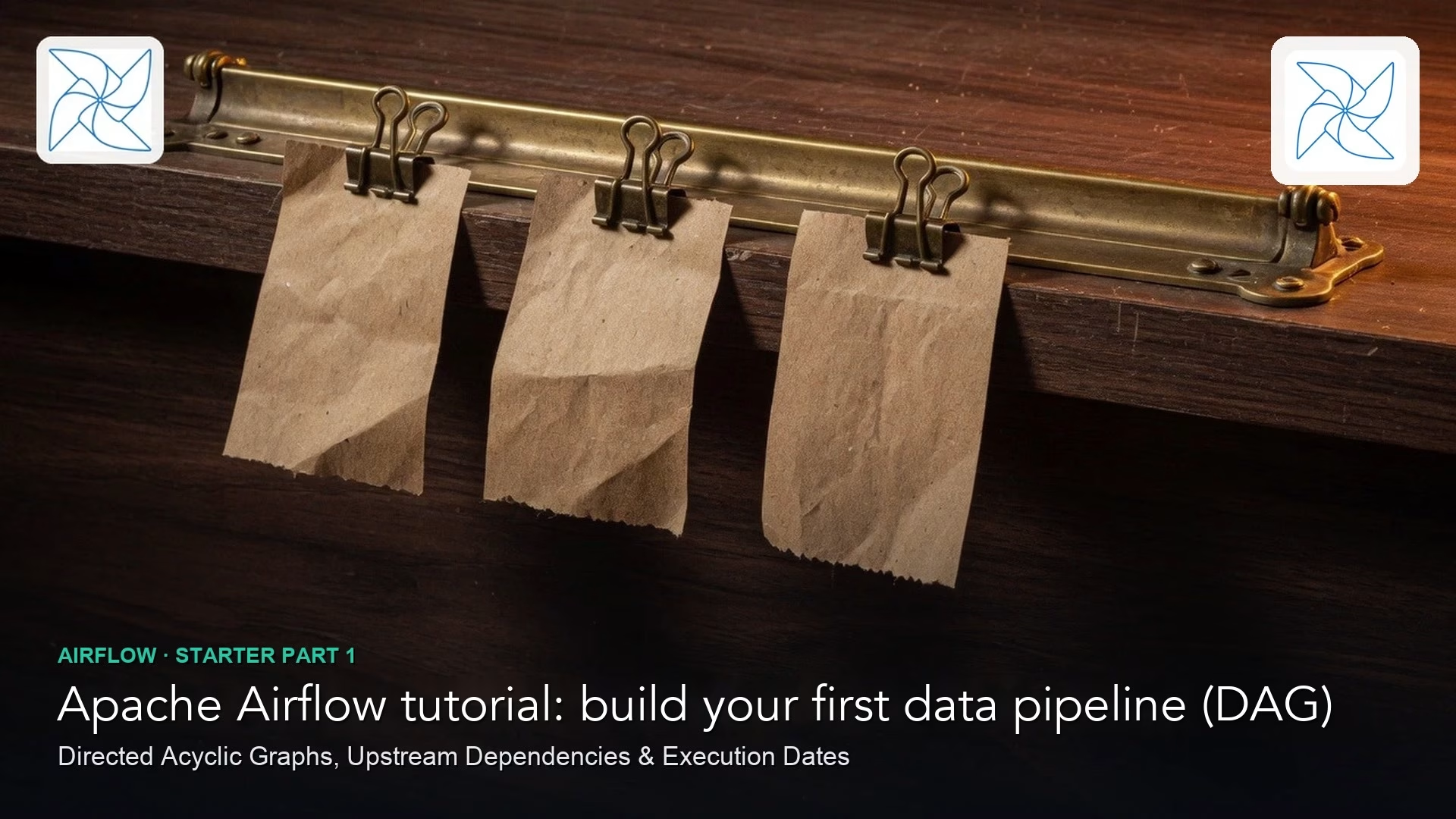
Airflow is a tool that runs your data jobs in the right order, on a schedule, and shows you which one broke. That job order is easy to hold in your head on a good day and easy to lose on a bad one. A first Airflow workflow, called a DAG, works best as a ticket rail: a visible track of small tasks with clear handoffs, and not a dumping ground for every script you own.
Say you get a ticket that reads “run the nightly load.” In practice that means you wait for the file drop, load a staging table (a holding area for raw data), run the transforms, ping the warehouse tests, and only then refresh the dashboard extract. On a good week one person remembers the order. On a bad week two jobs start at once, a transform reads half a file, and the dashboard looks confident while it is empty. Orchestration, which just means coordinating jobs in order, is how teams stop treating someone’s memory as infrastructure.
This post is the first in the Airflow hello DAG series. It keeps the install light and the ideas heavy. For broader pipeline (a chain of data steps that run in order) context see data pipelines, for transform habits see the dbt lab and data quality, and for the full map open Learn.
Airflow in one honest sentence
Apache Airflow is an open source platform to author, schedule, and monitor workflows written as code. You define a DAG, short for directed acyclic graph, which is a set of tasks with dependencies and no loops. Airflow’s scheduler decides when a run of that DAG should start, and workers (also called task runners, depending on how you set it up) carry out the tasks. The web screen then shows what is running, what failed, and what is waiting.
Airflow is not your warehouse, it is not dbt, and it is not a replacement for good SQL (the language used to ask databases for data). It also does not make a bad task reliable. It is an orchestrator, which means it puts work in order, records the history, and gives people a place to look when the night went wrong.
Rule of thumb: Put in Airflow the steps you would write on a runbook sticky note. Keep heavy business logic in the tools those steps call, such as SQL, dbt, Spark jobs, or APIs (connections that let one program ask another for data), and avoid packing it into giant Python operators if you can help it.
The ticket rail metaphor
Think of the physical ticket rail in a restaurant kitchen or at a support desk, where tickets move left to right through stations. You can see at a glance which station is stuck. Nobody cooks the entire meal inside the rail itself, because the rail only coordinates the stations.
A good first DAG looks like that, with five stations.
- Station 1 confirms that the raw file or API extract arrived.
- Station 2 loads it into staging.
- Station 3 runs the transforms, for example
dbt build. - Station 4 runs data tests or a row-count check.
- Station 5 sends a notice or triggers a downstream refresh.
Each station is a task, and the connections between stations are dependencies. If station 2 fails, station 3 should not pretend it succeeded. That is the whole point of a rail, compared with five unrelated scheduled lines that only work if everything happens to finish in the right order.

Core terms without the fog
| Term | Plain meaning | Kitchen analogy |
|---|---|---|
| DAG | Workflow definition (the menu and order of stations) | The full ticket path for one dish type |
| DAG run | One execution of that workflow for a logical date | Tonight’s tickets for that dish |
| Task | One unit of work in the DAG | One station on the rail |
| Operator | Template for how a task runs (Bash, Python, empty, etc.) | The type of station equipment |
| Schedule | When new DAG runs are created | When the kitchen opens a new batch |
| Dependency | Task B waits for task A | No plating before cooking |
| XCom | Small messages between tasks (use sparingly) | A short note pinned on the ticket |
You will also hear the word executor, which is the machinery that actually runs tasks (on one machine, across many, or inside containers). For a first mental model, ignore the executor debate and focus on clear tasks with honest dependencies. The next post in this series covers retries and sensors (tasks that wait for something to appear), and both sit on top of this rail.
Why “as code” matters
Airflow DAGs are Python files in a code repository (a shared project folder that keeps every version), or a managed equivalent. That gives you three practical benefits.
- You can have teammates review the runbook the same way they review a dbt model.
- History lives in git, and not in a click-through console that someone inherited.
- Test and production environments can use the same DAG definition with different connections.
The flip side is that the Python which builds the DAG runs in a special context, and heavy data work inside the DAG file can slow down the whole scheduler each time it re-reads the file. Keep DAG files thin. Declare the structure, and call out to jobs that do the real work. If you already check SQL carefully, the same skepticism applies to DAG code drafted by an AI tool, and the AI SQL checks carry over to generated operators.
A minimal first DAG (read-along)
Below is a teaching sketch, and you should not copy it into production as is. Names and imports vary slightly by Airflow version, so the shape is what matters: default settings, a DAG block, tasks, and then dependencies. In Airflow 3, the Bash and empty operators live in the standard provider package, so newer code imports them from airflow.providers.standard.operators, as the Airflow docs show.
from datetime import datetime, timedelta
from airflow import DAG
from airflow.operators.bash import BashOperator
from airflow.operators.empty import EmptyOperator

default_args = {
    "owner": "analytics",
    "depends_on_past": False,
    "email_on_failure": False,
    "retries": 1,
    "retry_delay": timedelta(minutes=5),
}

with DAG(
    dag_id="hello_orders_rail",
    default_args=default_args,
    description="Ticket rail: extract check -> stage -> dbt -> test gate -> notify",
    schedule="0 6 * * *",  # 06:00 UTC daily; set timezone policy with your team
    start_date=datetime(2026, 1, 1),
    catchup=False,
    tags=["hello", "orders"],
) as dag:

    start = EmptyOperator(task_id="start")

    check_extract = BashOperator(
        task_id="check_extract",
        bash_command="test -f /data/incoming/orders_{{ ds }}.csv",
    )

    load_staging = BashOperator(
        task_id="load_staging",
        bash_command="python /opt/jobs/load_orders.py --date {{ ds }}",
    )

    run_dbt = BashOperator(
        task_id="run_dbt",
        bash_command="cd /opt/dbt && dbt build --select tag:orders",
    )

    quality_gate = BashOperator(
        task_id="quality_gate",
        bash_command="python /opt/jobs/check_orders_counts.py --date {{ ds }}",
    )

    notify = BashOperator(
        task_id="notify_success",
        bash_command="echo 'orders rail ok for {{ ds }}'",
    )

    end = EmptyOperator(task_id="end")

    start >> check_extract >> load_staging >> run_dbt >> quality_gate >> notify >> end
Read the code as a ticket rail, one line at a time.
startandendbookend the run so it is easier to read in the graph view.check_extractfails right away if the file is missing, and the next post in the series covers sensors for cases where you would rather wait.load_stagingandrun_dbtdo the real work by calling scripts, so you do not have 200 lines of code sitting inline.quality_gateis a deliberate station, because green transforms do not prove the counts make sense.{{ ds }}is the date string Airflow fills in for each run, so every run is tied to one specific day.
Dependencies: the rail edges
The line start >> check_extract >> ... sets a straight rail, where each task waits for the one before it. Real jobs often branch, so here is how you run two independent transforms in parallel and then wait for both.
# After load, run two independent transforms, then join for tests
load_staging >> [run_dbt_orders, run_dbt_customers]
[run_dbt_orders, run_dbt_customers] >> quality_gate
Four rules keep a rail sane.
- No loops. Task A cannot wait for task B while task B waits for task A.
- Stop when something upstream fails. Downstream tasks should not run if the task before them failed, and that is the default behavior for normal dependencies.
- Draw explicit edges, and avoid hidden coupling through shared files that have no task connecting them.
- Never fake success. A notify task that always shows green after a failure trains people to ignore the rail.
Schedule, start_date, and catchup (the confusing trio)
Three settings confuse nearly every first-time user, so it helps to say what each one controls.
schedule(or the older nameschedule_interval) sets how often new runs are created.start_dateis the earliest logical date the DAG is allowed to consider.catchupdecides whether Airflow should create backfill runs from the start date up to now.
For a hello DAG, set catchup=False so that turning the DAG on does not fire a year of historical runs by surprise. When you do need history, run a deliberate backfill with your eyes open. Also agree on a time zone policy with your warehouse and product teams, so “daily 6am” means the same morning for everyone.
Worked example: mapping a real ticket to tasks
Here is a ticket from your analytics operations team.
Every morning we need yesterday’s orders in the mart before 8am local. File lands in S3 around 5:30. Load, dbt orders models, confirm row count within 5% of yesterday, then Slack #data-status.
Each phrase in that ticket turns into one task, and each task gets a clear meaning of success.
| Ticket phrase | Task id | What success means |
|---|---|---|
| File lands in S3 | check_extract (or a sensor later) | Object exists for the logical date |
| Load | load_staging | Staging table replaced or appended correctly |
| dbt orders models | run_dbt | Selected models build without error |
| Row count within 5% | quality_gate | Gate script exits 0 only if rule holds |
| Slack #data-status | notify_success | Message sent only after gate passes |

That green strip is what stakeholders actually want. They do not care that Airflow is installed, they care that yesterday’s orders cleared the rail. When something fails, the strip shows which station broke, so you do not have to restart everything from the beginning.
What to put in a task and what to keep outside Airflow
- Inside the task, put the call that starts a job, the date you pass to it, timeouts, and the rule that turns exit codes into success or failure.
- Keep transform logic of several hundred lines, secret material, and ad hoc analysis notebooks outside the task body when possible.
- Store warehouse credentials, bucket names, and environment-specific paths in Airflow’s connections and variables, so the same DAG runs in test and production with no secrets in the code.
- Never commit passwords or access keys to git. Use a secrets backend (a secure store for passwords and keys) or environment injection instead.
This mirrors the environment discipline of modern data teams. Orchestration coordinates the work, and the warehouse and the transform tools still own the heavy lifting. dbt stays a great transform station on the rail, so Airflow should call it and not rebuild what it does.
Observability for humans
On day one, agree on three operational basics so nobody is guessing when something breaks.
- Decide who owns the DAG, and put a real team name in
ownerand in the tags. - Decide where failures go: Slack, email, PagerDuty, or a ticket queue.
- Decide the SLO, meaning the promise you make to the business. “Mart ready by 8am local” is better than “the job usually finishes.”
Name tasks after business stations, and not after temporary scripts. Whoever is on call in the middle of the night will thank you.
Common mistakes
- One giant task. A single Bash blob that does load, transform, and notify hides the place where things failed.
- Scheduled lines instead of dependencies. Five independent schedules that “usually” finish in order are not a rail.
- Catchup surprises. Turning on an old start date with catchup set to true can flood the warehouse with old runs.
- Business logic buried in operators. Python that nobody can review grows quickly, so prefer callable jobs and dbt models.
- Alerts that lie. Some teams alert only on success, and others send a success alert even when the gate failed.
- No quality station. “dbt finished” does not mean “the numbers are plausible.”
- Hard-coded dates. Always prefer the run’s logical date templates over a constant like yesterday.
- Treating Airflow as a notebook host. Long interactive analysis does not belong on the scheduler path.
Quick recap
- Airflow orchestrates workflows written as code, with DAGs, tasks, schedules, and visible history.
- Treat a first DAG as a ticket rail of stations with honest dependencies.
- Keep DAG files thin, and put heavy logic in jobs and transform tools you already trust.
- Learn schedule, start_date, and catchup before you enable anything near production.
- Map real tickets to task ids and success criteria so the graph matches the business.
- Next up are retries, sensors, and knowing when not to use Airflow at all.
How to practice this week
- Write a five-station rail on paper for one real daily job that you already run by hand or on a timer.
- Translate that paper rail into a DAG sketch with task ids and one line each for the success criteria.
- If you have a sandbox Airflow, build a hello DAG that uses only
EmptyOperatorand Bashecho, so you learn the screens without touching production data. - Add a deliberately failing task and practice reading the graph and the logs.
- List which station should call dbt and which should call custom Python in your setup, and keep that boundary clean.
The next post in the series covers retries, sensors, and when Airflow is the wrong tool. Do not skip it if you are about to wait on flaky files or wrap every spreadsheet refresh in a DAG.
Series notes
This is Part 1 of the Airflow hello DAG series. Related: data pipelines and data quality.
Sources
- Apache Airflow documentation (stable): https://airflow.apache.org/docs/apache-airflow/stable/index.html
- Apache Airflow, “DAGs”: https://airflow.apache.org/docs/apache-airflow/stable/core-concepts/dags.html
- Apache Airflow, “Operators and hooks”: https://airflow.apache.org/docs/apache-airflow/stable/core-concepts/operators.html
- Apache Software Foundation, Airflow project site: https://airflow.apache.org/
- AMS, Learn map: https://analyticsmadesimple.com/learn/
- AMS, Data pipelines series: https://analyticsmadesimple.com/series/data-pipelines/
Keep going
Same lessons in your feed
Short diagrams, hooks, and weekly tutorials on Substack, Instagram, X, and Facebook.



