

Pick a Gemini model by the job, not by the name. Use a fast model for everyday work, switch to a deeper one only when a task really needs it, and write down which version you use so you can re-test when Google changes things.
Imagine your team decides to use the newest, most powerful model for everything after reading a launch announcement. Your usage limits run out sooner, answers come slower, and your weekly report is no better than before. A four-line rule would have fixed it: the fast model for everyday tasks, the deep one for long analysis, a written-down version, and a re-test after big launches.
Model names change often. Fast, Pro, Thinking, Ultra: new labels arrive every season, and teams waste meetings arguing about names that will soon change. This post gives you a way to choose that still works after the next rename.
What this post covers
- Choosing a model by the job it has to do.
- What the fast and deep kinds of models are usually for.
- How your plan and the app you use limit your choices.
- Why public rankings are a weak guide for everyday work.
- A one-page team rule you can copy.
Start from the job, not the ranking
Ask what the task needs before you ask which model is best. Most everyday tasks need a fast model, not the most powerful one.
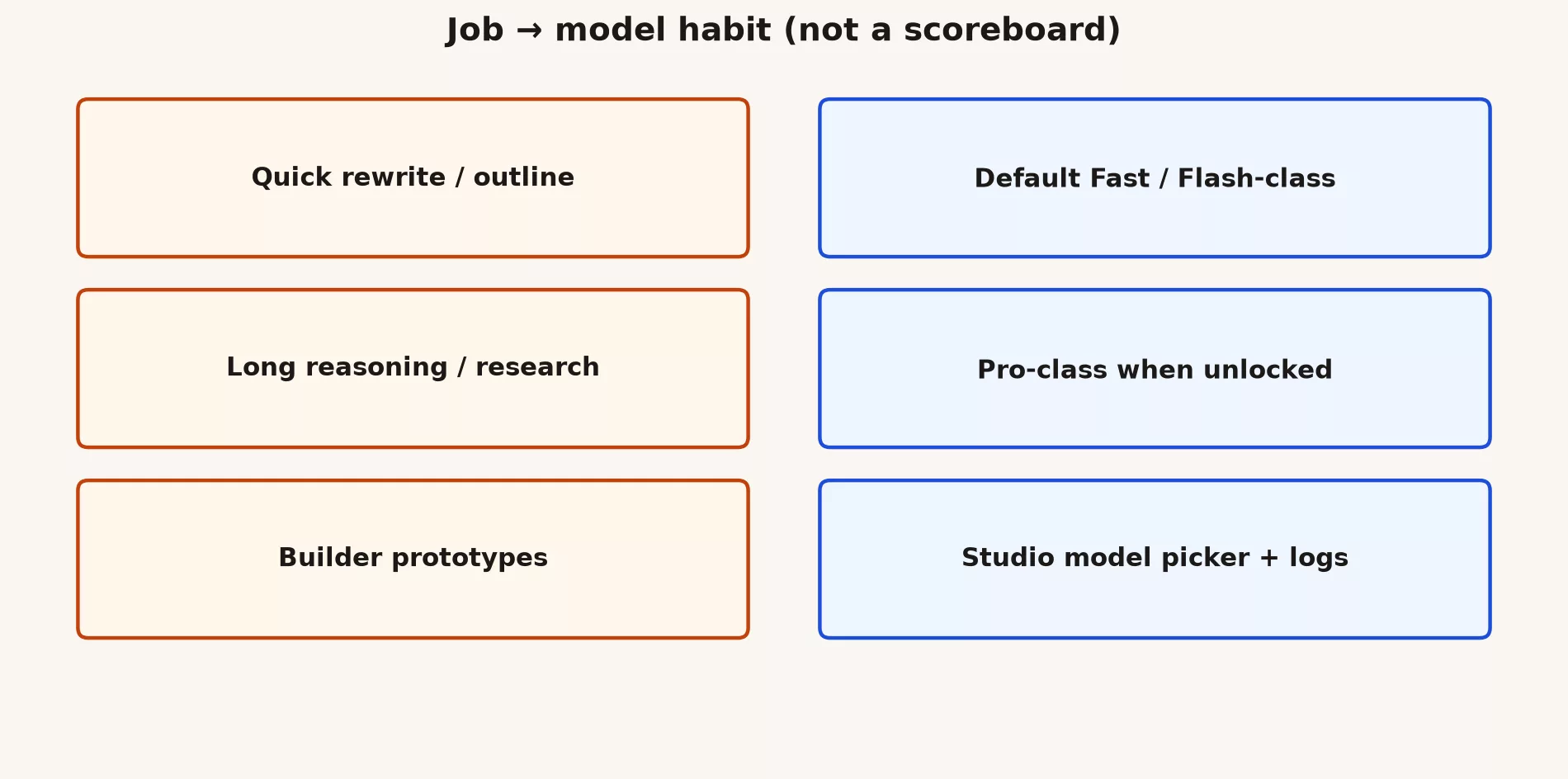
This table matches common jobs to a sensible default, and says when to move up:
| Job | Default habit | Escalate when |
|---|---|---|
| Short rewrite, outline, brainstorm | Fast / Flash-class default | Quality fails after two prompt fixes |
| Hard reasoning, long plans, careful analysis | Pro-class if your plan allows | You still need human experts, not a bigger model |
| Screenshots, photos, PDFs | Multimodal-capable default in that surface | You need certified extraction pipelines |
| Production API feature | Pinned model name + eval set | Provider deprecates the pin |
Fast models and deep models, in plain terms
Google’s lineup usually has a fast kind of model and a deeper kind. The labels change, but the split stays the same.
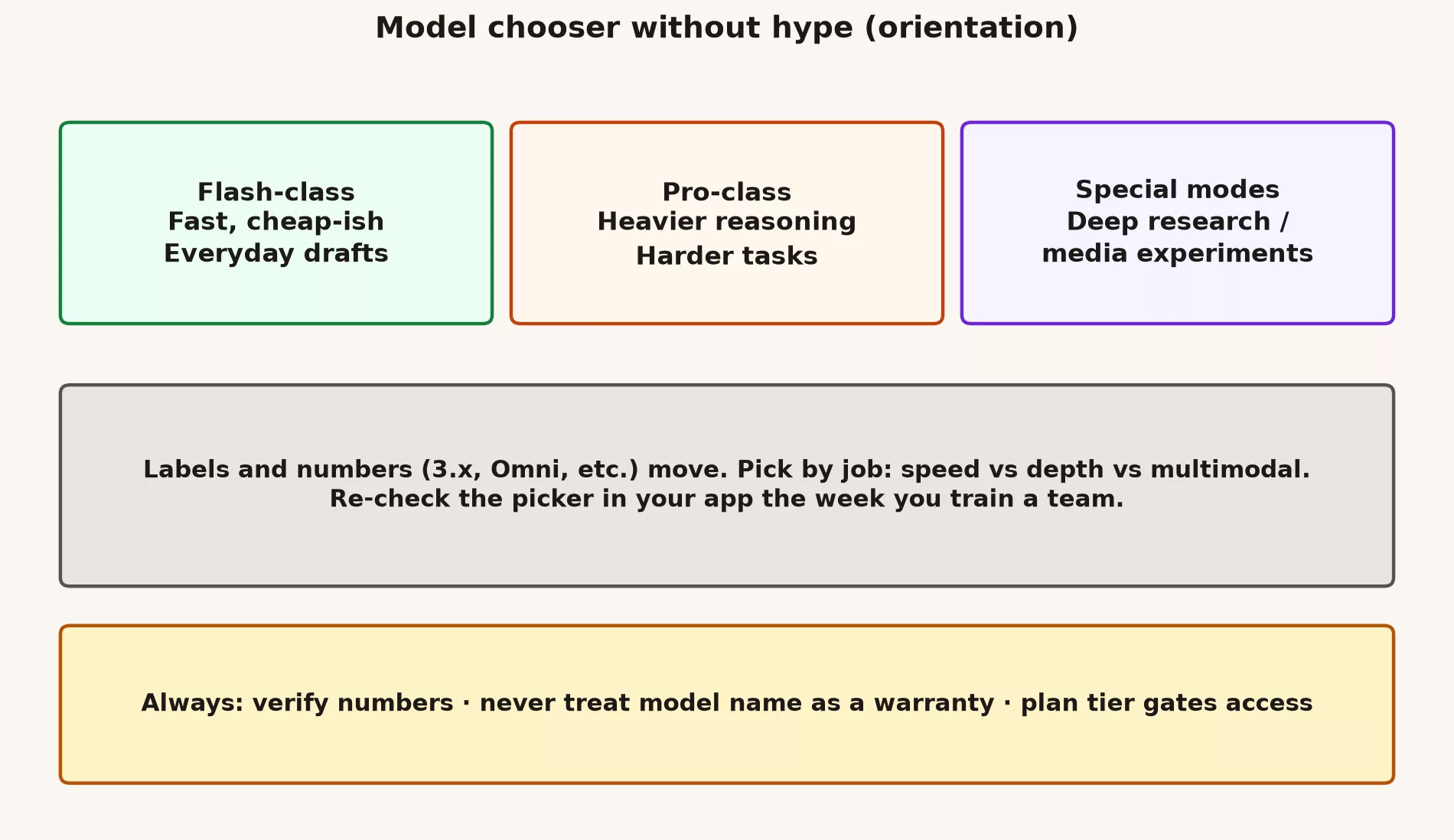
- The fast kind, often called Flash, is built for speed and lots of requests. Use it for quick drafts, sorting things into groups, and rewrites where “good enough” is fine.
- The deep kind, often called Pro, takes longer but handles harder requests. Use it when a shallow answer would cost you: long documents, detailed instructions, or careful help with code.
- Special modes, like deep research tools or agents (AI helpers that take several steps on their own), are not a swap for your everyday model. They have their own limits and ways of failing. Turn them on when you mean to.
Names will change, so write down your version
For personal chat, the app’s default model is fine, as long as you check your results after a big launch. For anything your team relies on, write down the exact model version and test before you change it.
The Gemini app shows friendly names. Google’s tools for developers use exact version codes, which change too. If you build something on Gemini, save the exact version in your settings, run a few test questions whenever you change it, and note who approved the change. Current versions are listed on Google’s model list (checked September 2026).
A short note in your settings file is enough. For example:
# Example config comment for a team service
# model_id: <paste current stable ID from docs>
# changed: 2026-09-15
# reason: prior default deprecated
# eval: 12/12 smoke prompts passed
# owner: @platform-team
Your plan decides what you can pick
You cannot use a Pro model if your plan does not include it, or if you have used up your limit. Choosing a model is also a buying decision. Plans and limits change, so check what yours includes on Google’s Gemini plans page (checked September 2026). Your IT admin can tell you what your company’s Google Workspace plan includes.
Why public rankings mislead everyday teams
Public rankings test other people’s tasks. A small test built from your own work tells you much more.
- They test tasks you do not do.
- They lag behind renames and small updates.
- They ignore what you care about: speed, cost, and where your data is allowed to go.
- They push people to keep switching tools instead of checking answers.
Ten real questions from your own work beat any viral chart. Include at least one question where the right answer is “I can’t tell from this.”
A team rule you can copy
Write your team’s default down, so nobody has to argue about it each week. Here is a starting point:
- Use the fast model for everyday drafts, because it answers quicker, costs less of your quota, and is good enough for most writing.
- Move to a deeper model only after one more try with clearer instructions fails.
- In code, name the exact model version, and give one person the job of updating it.
- Post a short test note in the team chat whenever the model changes.
- Have a person check every number and legal claim against the original source.
- Review the defaults after big Google launches. A reminder every three months works.
The app matters more than the model name
Where you use Gemini changes what it can see, and that often matters more than which model you pick.
A mid-level model inside Google Docs, right next to your real document, can beat a “smarter” model in a separate browser tab that cannot see the file. A coding helper that can read your whole project can beat a chat window that only sees a pasted snippet. Pick the app first, then the model. The earlier posts in this series covered those apps.
Example: a weekly report
Say you write a one-page report for your team every Friday. Use the fast model, a fixed set of instructions, and numbers pasted from a sheet you control. If the report needs a tricky trade-off analysis once a month, switch just that one run to Pro. Do not keep everyone on the costly model for a routine job.
When the model is not the problem
Sometimes the debate about models hides a different problem. Look for these first:
- The source data is wrong.
- Nobody checks the answers.
- Your company has not approved a tool for this kind of data.
- The task should be a simple form or checklist, not AI writing.
Images and documents need their own test
A model that writes well can still misread a crowded screenshot. Keep a small test just for this: three screenshots, two PDFs, and one photo of a handwritten note. Check how accurately each is copied, and whether the model admits when part of it is unreadable. A text ranking tells you little about reading images.
After a big launch: a 30-minute check
When Google announces new model names, set aside half an hour. Update your list of which name maps to which job, re-run your ten test questions, check what your plan allows, and send the team a short update. Do not rewrite everything the same day, and do not ignore the launch for six months either. Put the check on the calendar.
Common mistakes
- Switching to every new model the week it launches.
- Using the deepest model for simple jobs, like email subject lines.
- Changing the model in a product without testing first.
- Letting a company’s marketing decide what “best” means for your work.
- Using personal accounts for company work because the company setup is not ready yet. You lose the records and controls your company needs.
Your own chooser card
Keep a short note for yourself, like this:
- Default: the fast model for drafts.
- Move up: the deeper model, after one clearer retry fails.
- Never: regulated advice, official numbers, or secrets.
- Where: Workspace for work files, the app for personal things, AI Studio (Google’s tool for developers) only if you are building something.
- If you use AI to help write code, add one more line: I can explain every line I accept. If you cannot explain it, do not ship it under your name.
Staying on the fast model is often the right call. If it does the job, you save time, money, and your usage limit.
Where to go next
This post closes the Gemini product map. For hands-on practice, try the everyday Gemini tutorial, the Workspace tutorial for Gmail, Docs, and Sheets, or the coding tutorial for code editors and command-line tools. If a teammate is new to all this, send them to Learn Gemini first, then this map.
This week, write your team’s default model rule in four bullets, so everyone stops guessing. Then list three real requests from last week and mark each one fast or deep.
Series notes
This post closes the Gemini product map (series code GM12, Part 5). The previous post covered AI Studio and the API.
Sources
Keep going
Same lessons in your feed
Short diagrams, hooks, and weekly tutorials on Substack, Instagram, X, and Facebook.



